Use Case: Automating Asset Management Using the SuccessFactors Snap Pack

Overview

Download this pipeline.

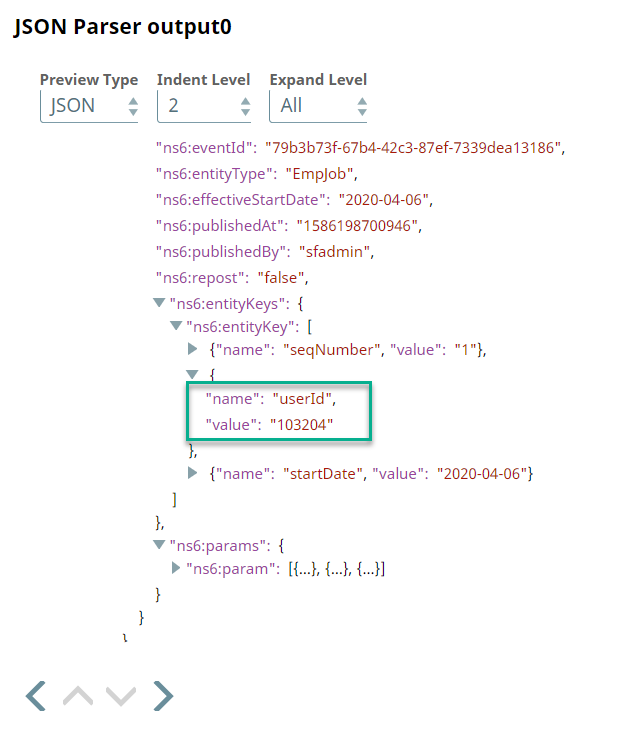
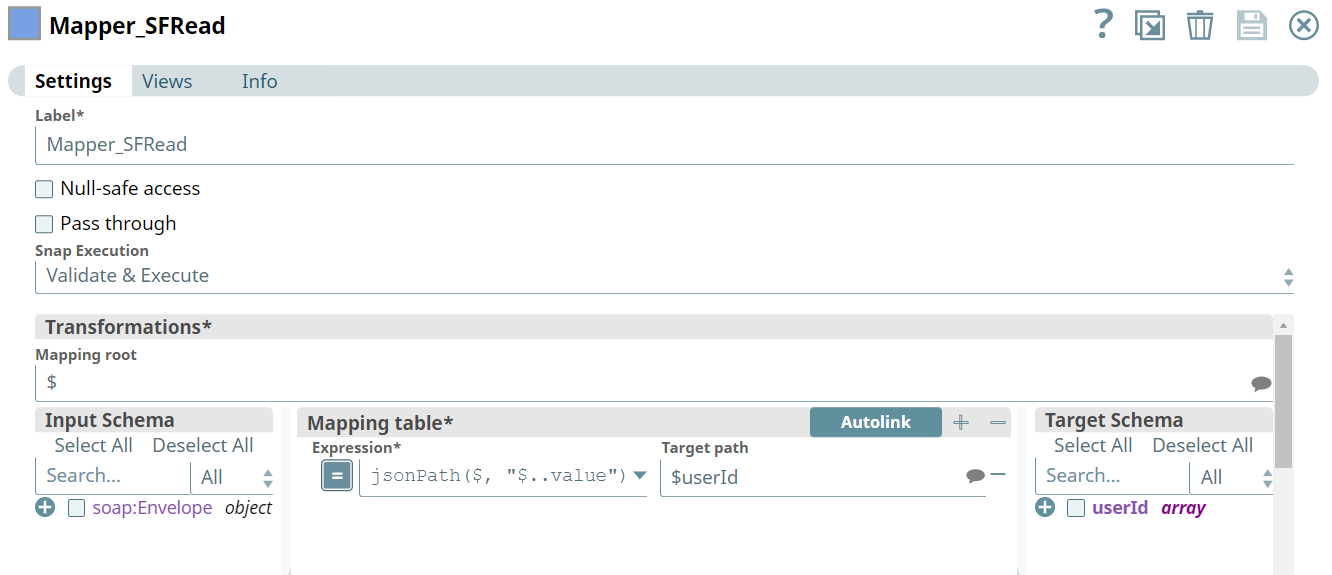
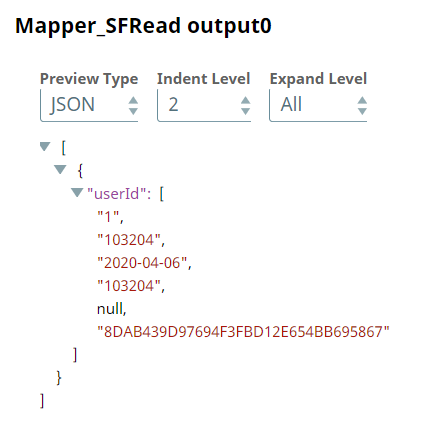
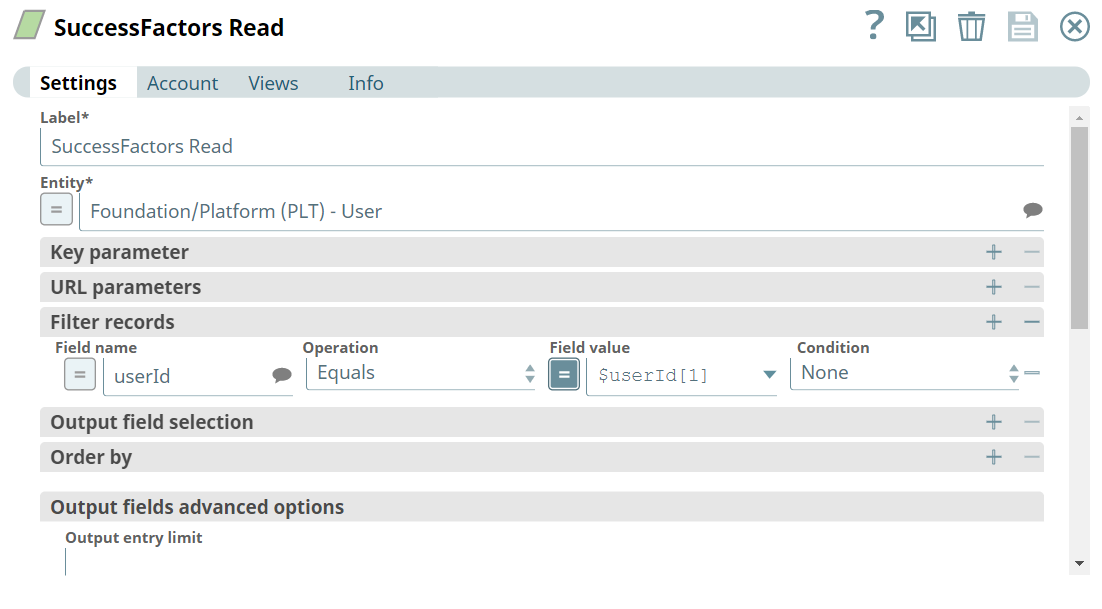
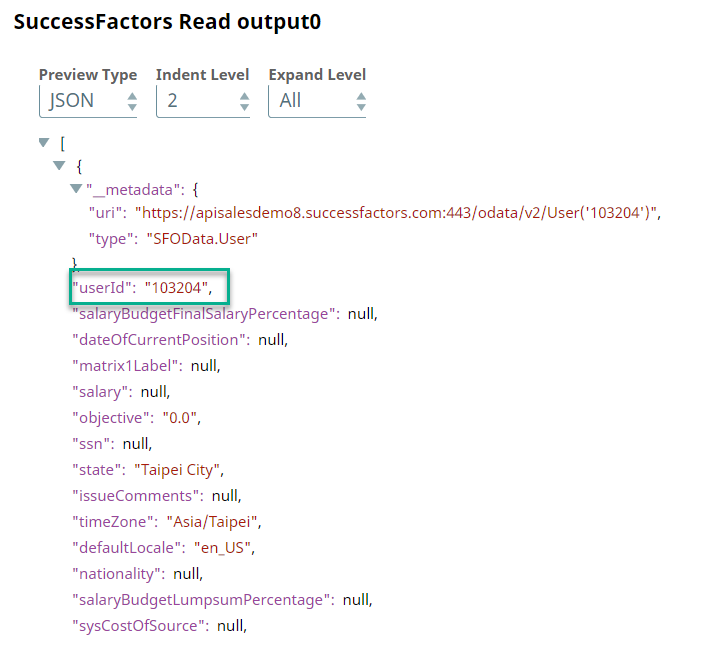
  1. When an employee is hired, a User object is created in SAP SuccessFactors. This object contains all the necessary information about the employee, such as name, designation, salary, and position. We retrieve these details from SAP SuccessFactors first. The following portion of the Pipeline accomplishes this task:

    Fetching User Details from SuccessFactors


    Fetching User Details from SuccessFactors


    Fetching User Details from SuccessFactors


    Fetching User Details from SuccessFactors


    Fetching User Details from SuccessFactors


    Fetching User Details from SuccessFactors

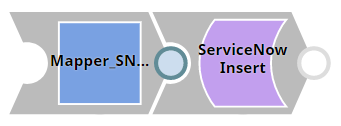
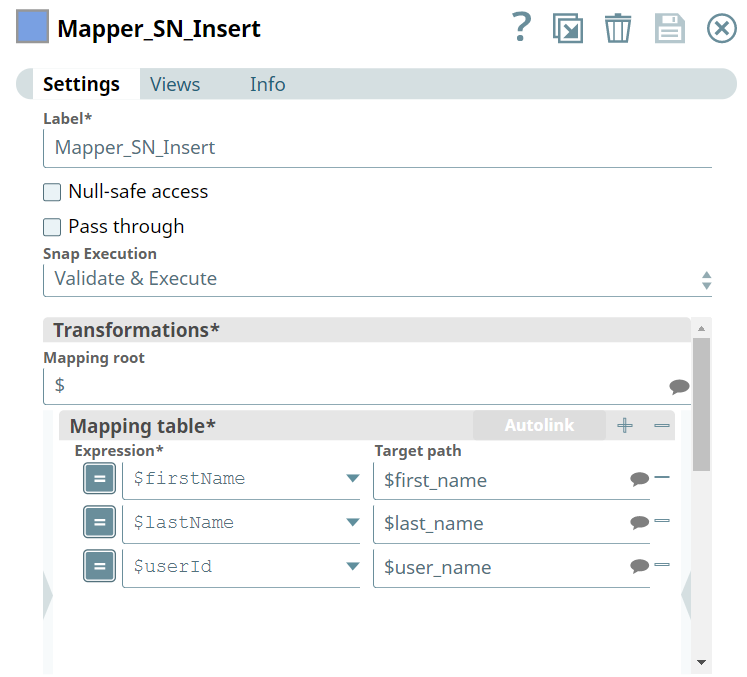
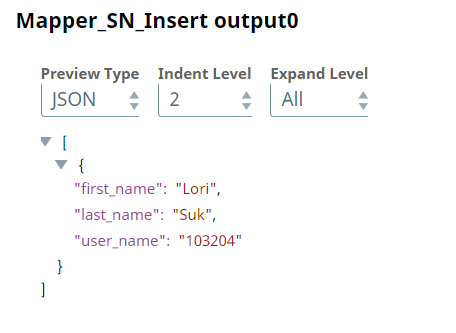
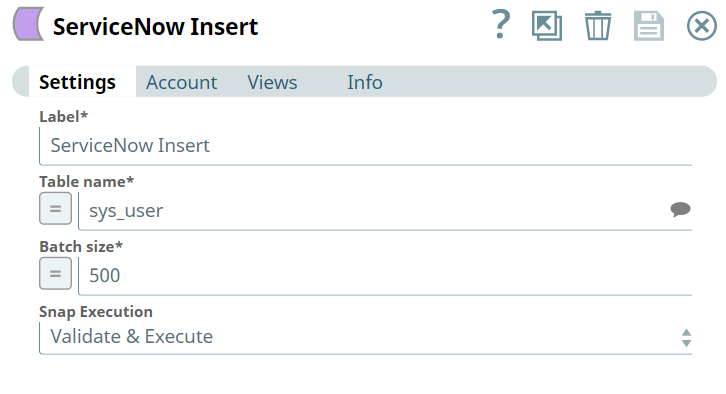
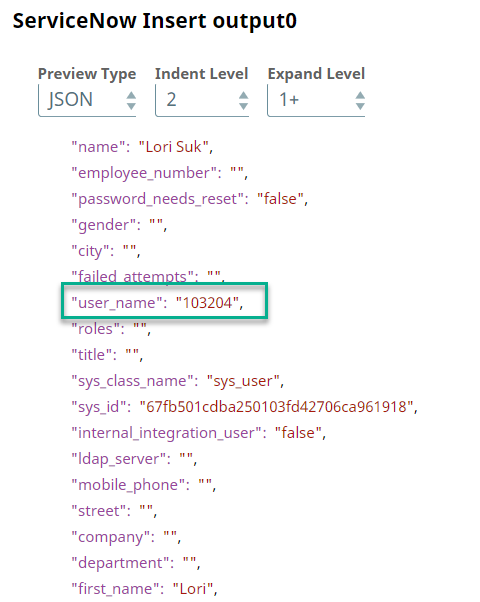
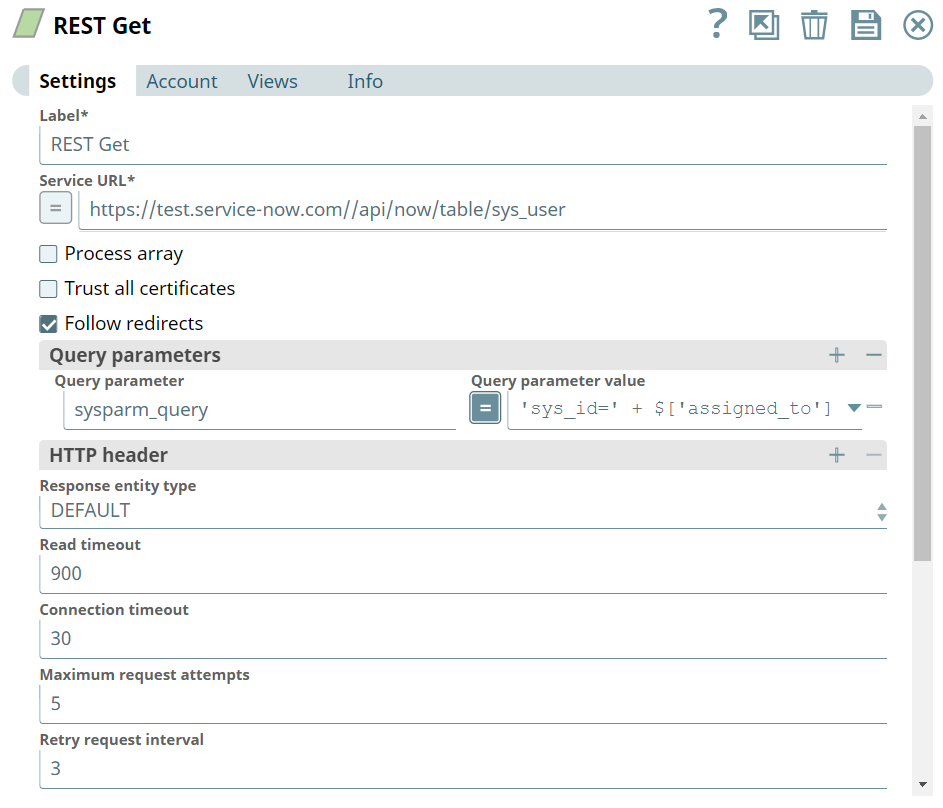
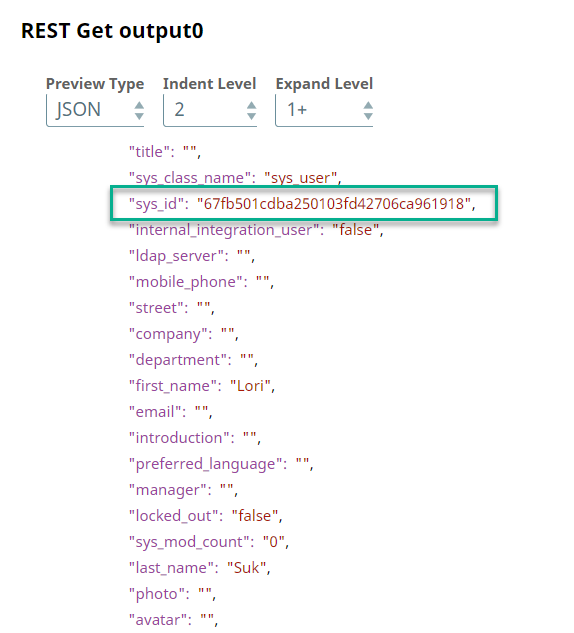
  2. We must create the employee’s record in ServiceNow before an asset can be allocated in the system. The following portion of the Pipeline accomplishes this task:

    Creating Employee Record in ServiceNow


    Creating Employee Record in ServiceNow


    Creating Employee Record in ServiceNow


    Creating Employee Record in ServiceNow


    Creating Employee Record in ServiceNow

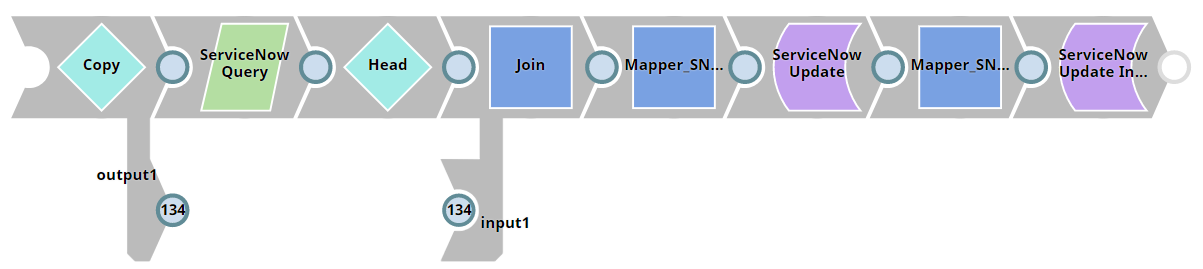
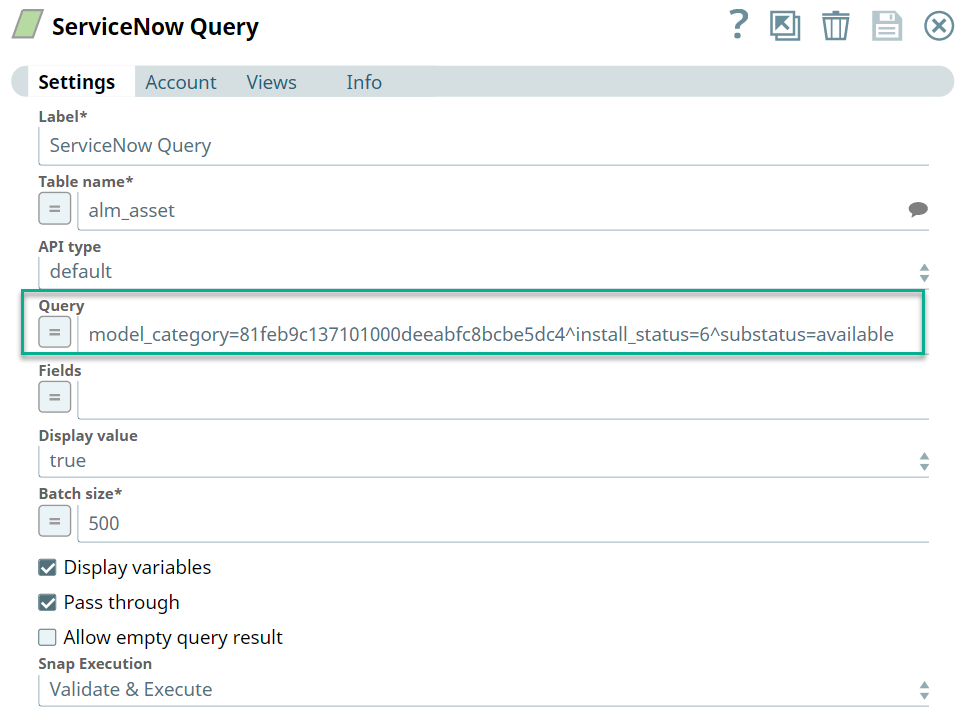
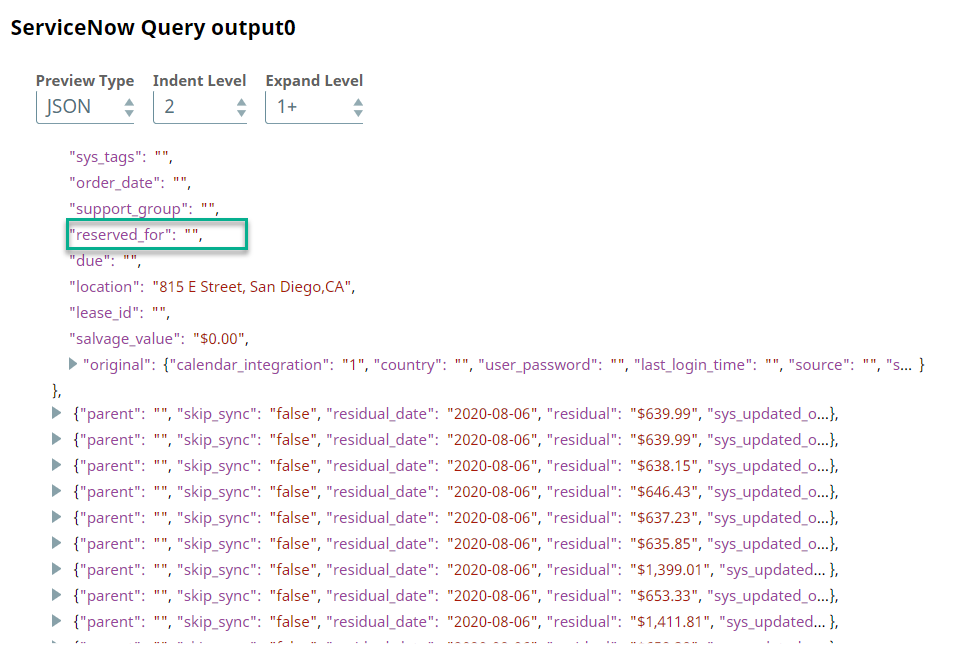
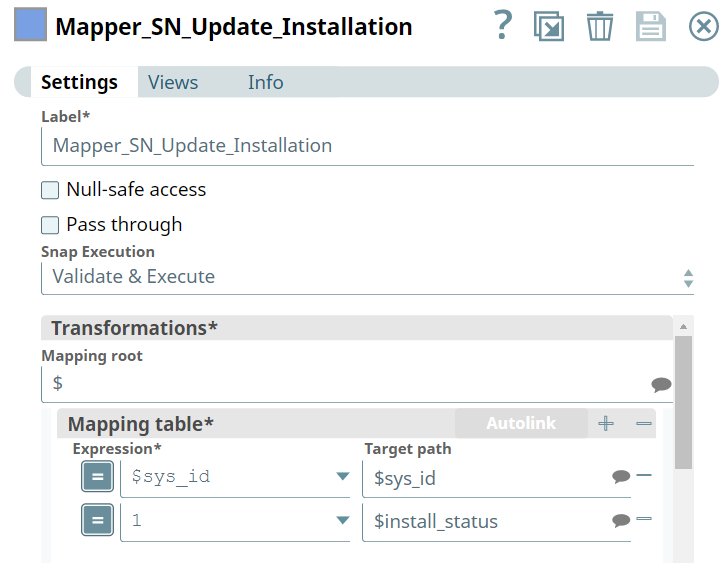
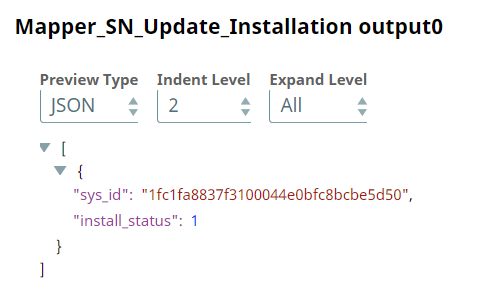
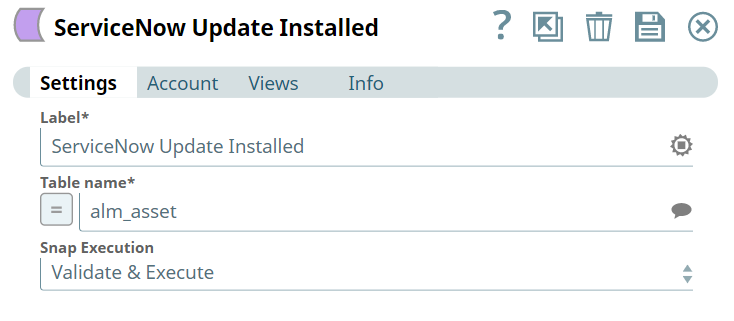
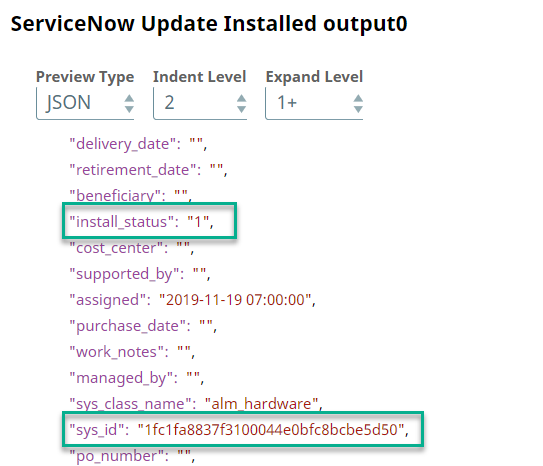
  3. To allocate an asset, we must first query the available assets. Once we have retrieved a list of the available assets, we can then go ahead and map the applicable available assets to the employee. The following portion of the Pipeline accomplishes this task:

    Allocating Assets to New Employee in ServiceNow


    Allocating Assets to New Employee in ServiceNow


    Allocating Assets to New Employee in ServiceNow


    Allocating Assets to New Employee in ServiceNow


    Allocating Assets to New Employee in ServiceNow


    Allocating Assets to New Employee in ServiceNow


    Allocating Assets to New Employee in ServiceNow


    Allocating Assets to New Employee in ServiceNow


    Allocating Assets to New Employee in ServiceNow


    Allocating Assets to New Employee in ServiceNow

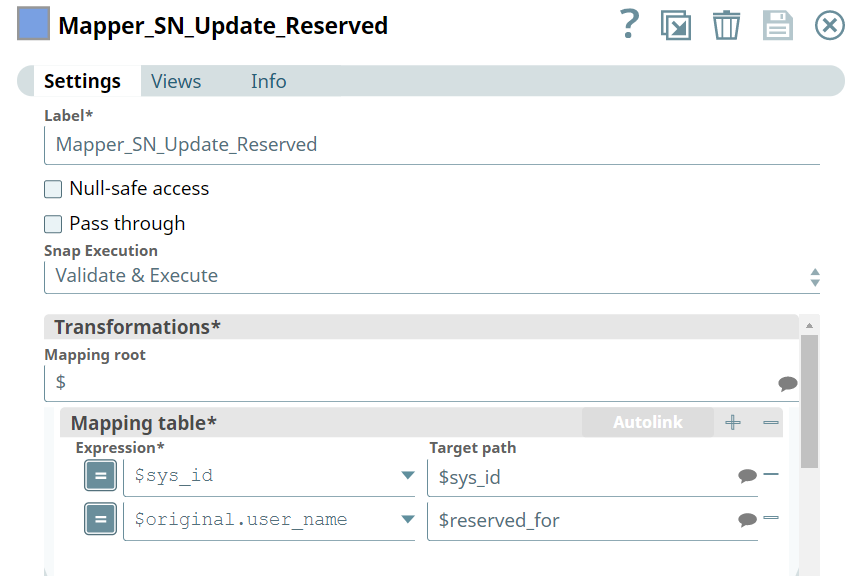
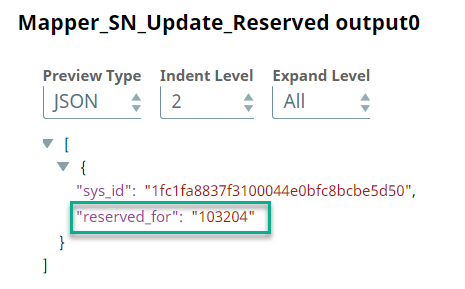
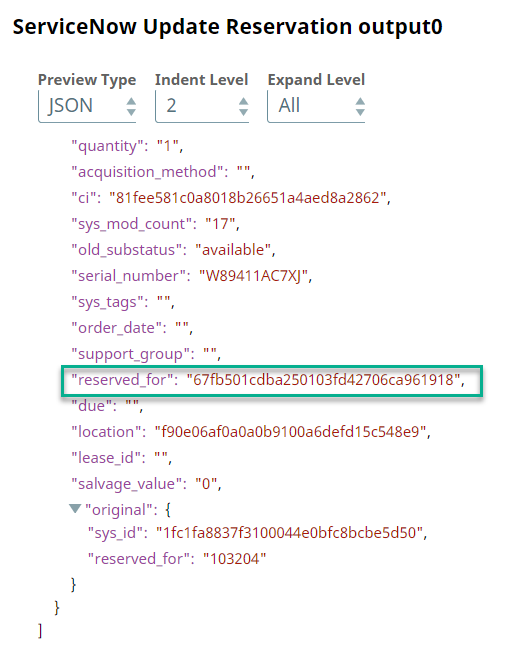
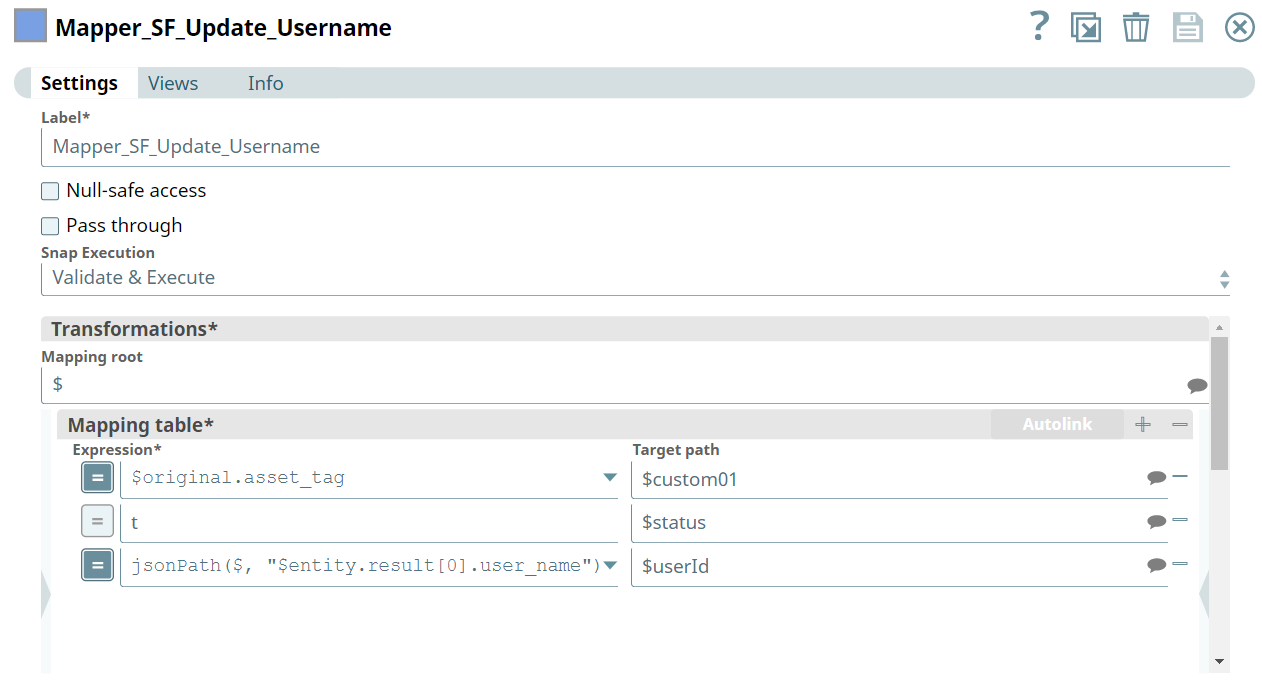
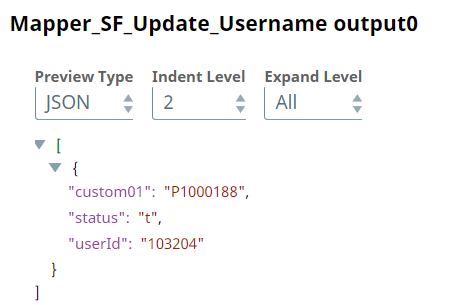
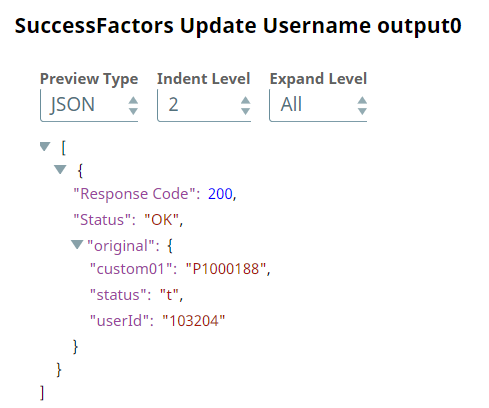
  4. In some organizations, each employee has separate reference IDs in its various databases. However, in this use case we want to update the employee's reference ID: userID according to the asset allocation in ServiceNow.

    Updating the Employee Record in SuccessFactors


    Updating the Employee Record in SuccessFactors


    Updating the Employee Record in SuccessFactors


    Updating the Employee Record in SuccessFactors


    Updating the Employee Record in SuccessFactors


    Updating the Employee Record in SuccessFactors

To reuse the example pipelines:
  1. Download and import the SLP file into your Environment.
  2. Configure Snap accounts.
  3. Provide Pipeline parameters, if any.