


Insert records by creating a new table in Azure Synapse SQL
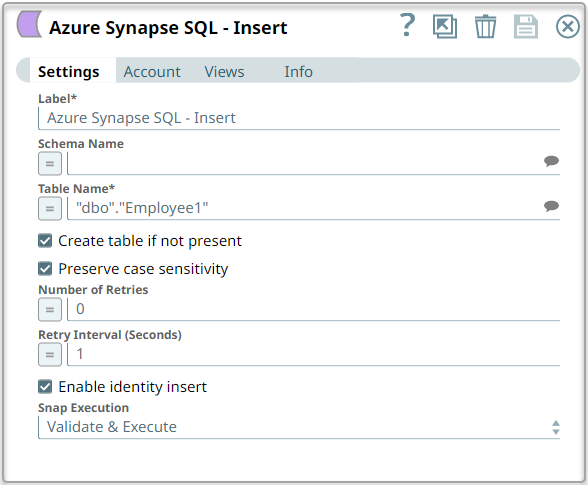
This example Pipeline demonstrates how to insert data into a table. The table 'employee1' does not exist on the database initially. So, the Snap first creates the table 'Employee1' and then inserts the records read and parsed using the upstream Snaps.
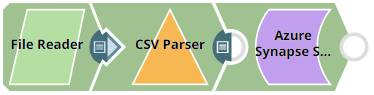
Download this Pipeline
-
Read the data that you want to insert with a File Reader Snap.
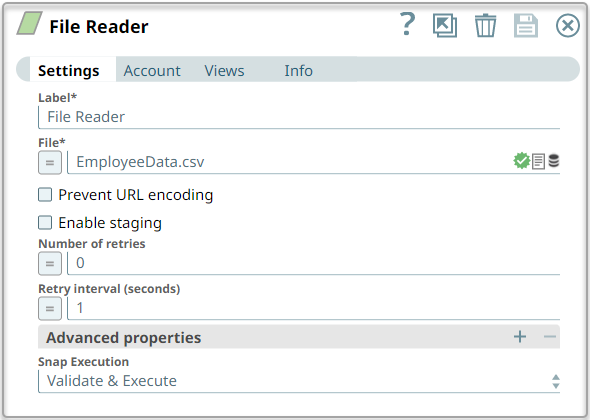
The CSV file contains the following data: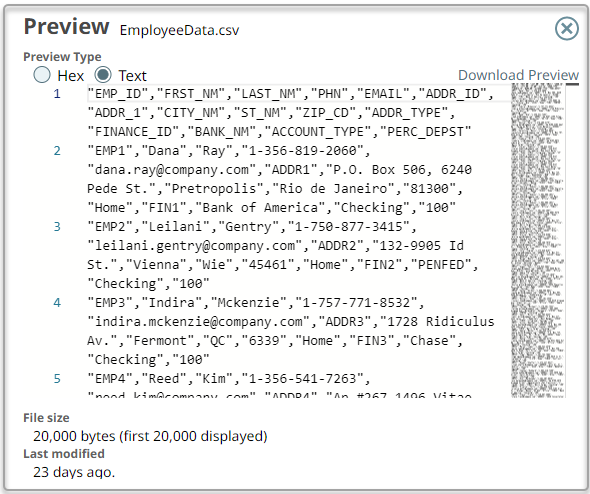
-
Configure the CSV Parser Snap to parse the data from the CSV file in a proper format, ready to be inserted into the database.
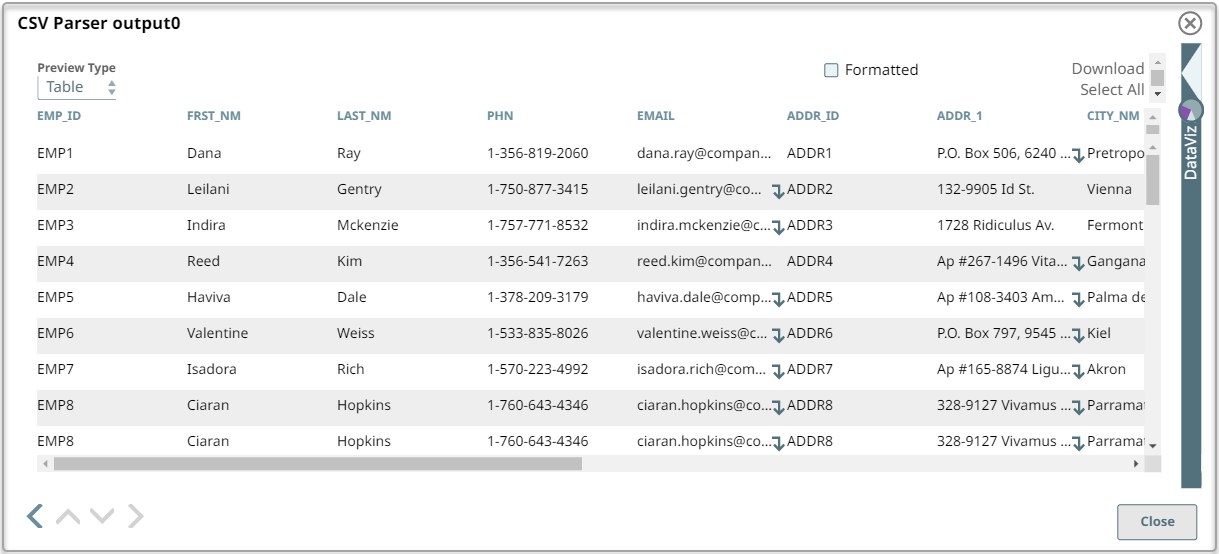
-
Configure the Azure Synapse SQL Insert Snap to insert the data to a table name 'Employee1' under schema 'dbo'.
- Download and import the pipeline into SnapLogic.
- Configure Snap accounts as applicable.
- Provide pipeline parameters as applicable.