


Retrieve data from Azure Synapse SQL with a condition
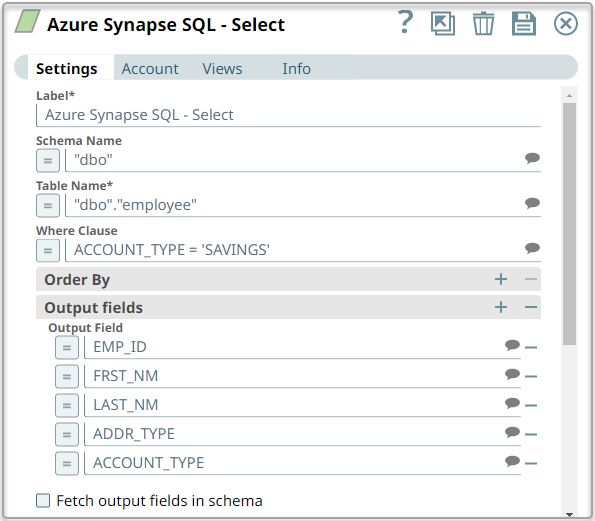
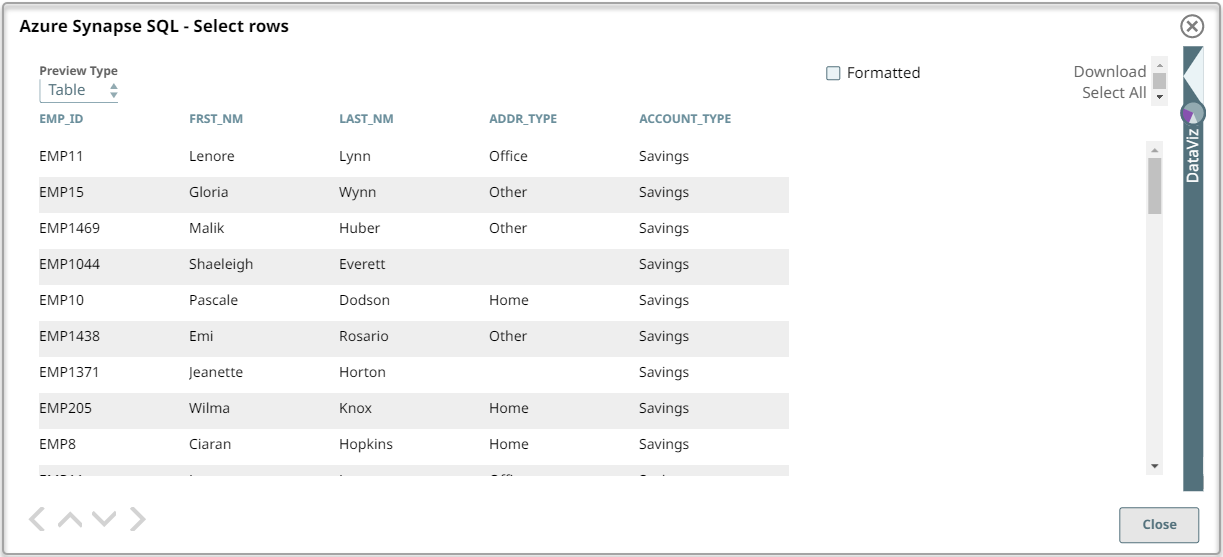
This example Pipeline demonstrates how to retrieve data from an employee table by specifying a condition to retrieve only those fields where the account type is Savings.
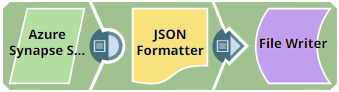
Download this Pipeline
Configure the Azure Synapse Select Snap to retrieve fields based on the specific condition.
On validation, the Snap retrieves the list of columns based on the specific condition:
- Download and import the pipeline into SnapLogic.
- Configure Snap accounts as applicable.
- Provide pipeline parameters as applicable.