


Updating a Dataset's Refresh Schedule
This example demonstrates how to use the Power BI Update Snap to update a specific dataset's refresh schedule. This example assumes that you have configured and authorized a valid Power BI OAuth2 account (see Configure Microsoft Power BI Accounts).
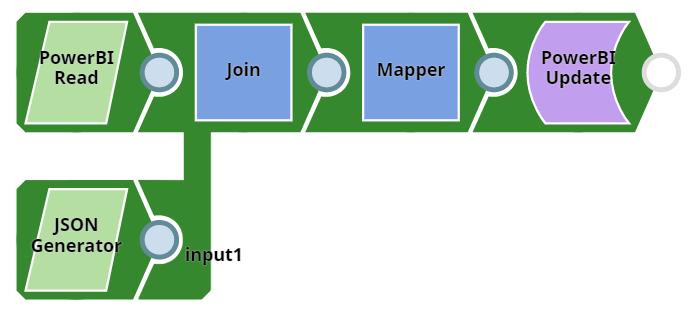
Download this pipeline.
-
Configure the Power BI Read Snap to retrieve
the target entity's details.
If you already know the entity ID, you can supply it along with the data to update and omit this Snap.
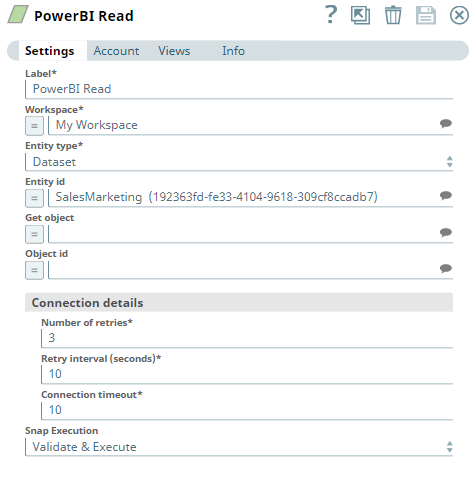
-
Configure the JSON
Generator Snap to output
the new refresh schedule.
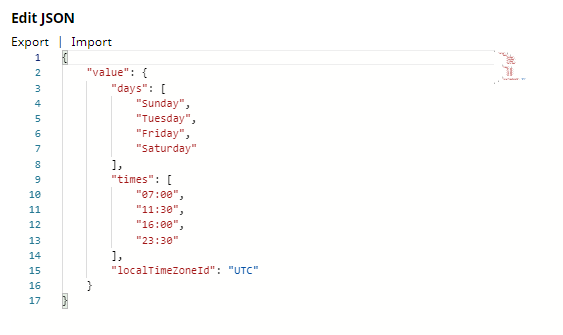
-
Configure the Mapper Snap to map the joined
data to its corresponding fields in the dataset's schema.
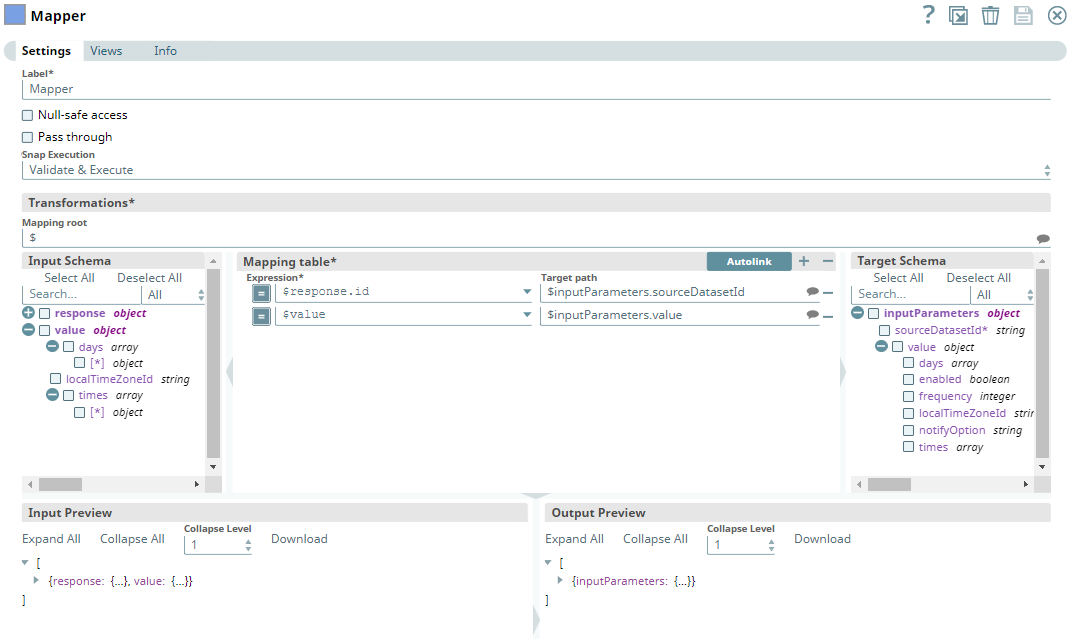
-
Connect the Power BI Update Snap to the
Mapper Snap's output and configure it for your requirements.
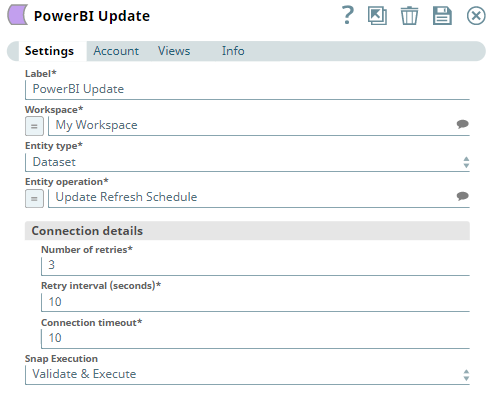
- Run the pipeline.
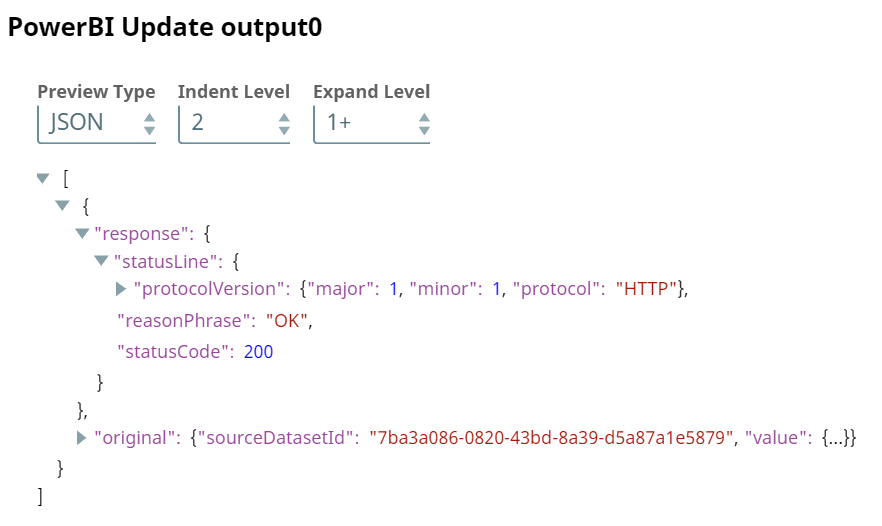
To reuse this pipeline in your environment:
- Download and import the pipeline into SnapLogic.
- Configure Snap accounts as applicable.
- Provide pipeline parameters as applicable.