Work with pipelines
Pipelines are a core feature of the SnapLogic Platform. They enable you to automate data flows between databases, applications, and file-based storage systems.
The following links provide more information about working with SnapLogic pipelines:
- Create pipelines: Use the SnapLogic Designer to add, connect, and configure Snaps for data flow.
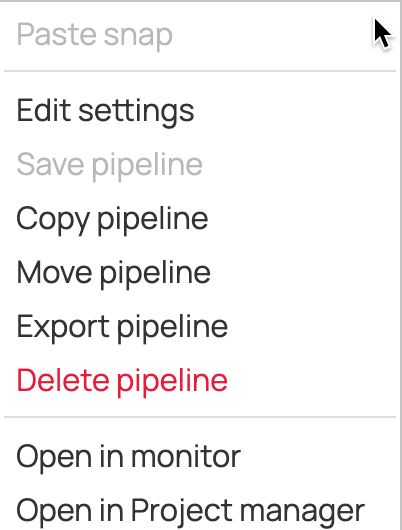
- Manage pipelines: copy, move, export and import, or delete pipelines to organize projects.
- Monitor execution: View pipeline execution statistics and logs for debugging and optimization.
- Handle errors: Implement error handling strategies to manage failures without disrupting workflows.
Tip: In Designer, right-click the canvas anywhere outside of a Snap to open a context menu for the pipeline.