


Adding a Blank Dashboard
This example demonstrates how to use the Power BI Post Snap to create a blank dashboard in a specified workspace. This example assumes that you have configured and authorized a valid Power BI OAuth2 account (see Configure Microsoft Power BI Accounts).

Download this pipeline.
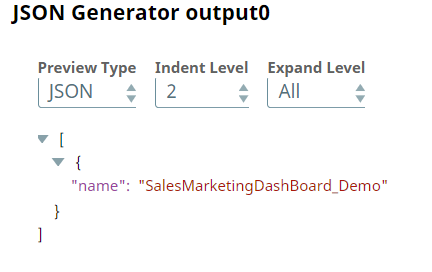
- Configure the JSON Generator Snap to pass the intended dashboard name as a JSON document.
-
Configure the Mapper Snap to map the JSON
Generator Snap's output to the
$inputParameters.namefield.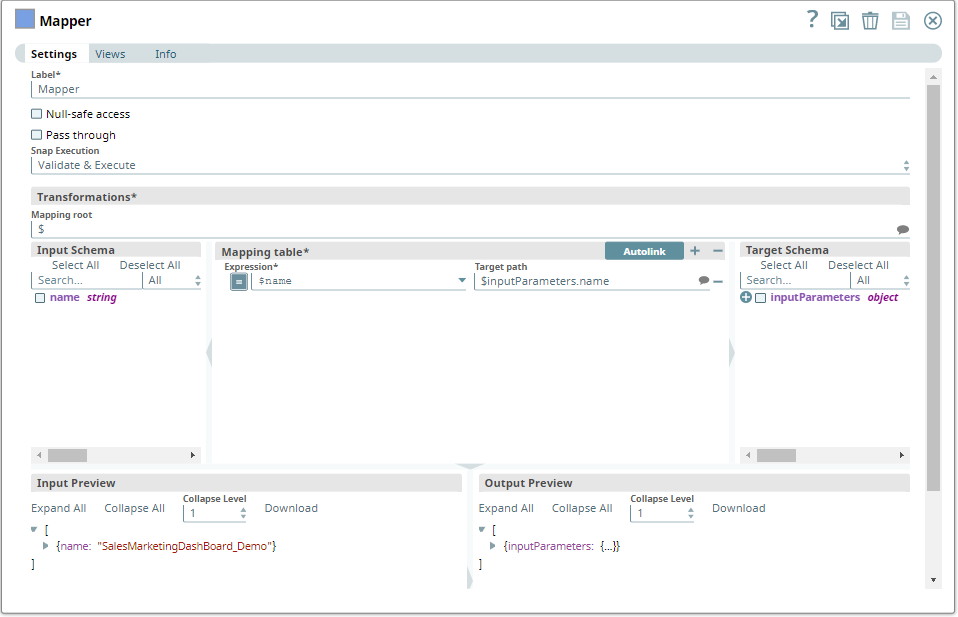
-
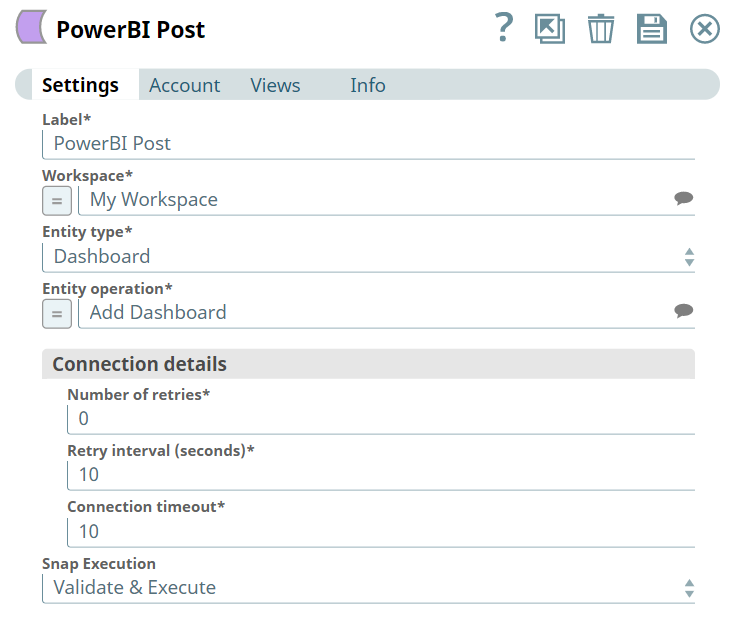
Configure the Power BI Post Snap to perform
the Add Dashboard operation.
The Snap receives the dashboard name that the Mapper Snap mapped to the required parameter.
-
Run the pipeline.
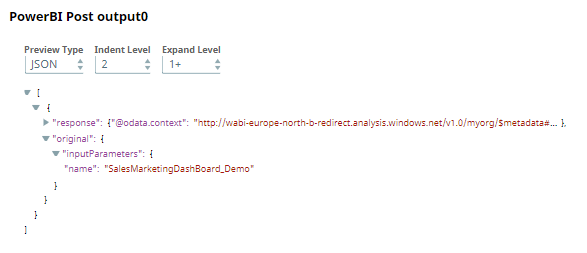
The Power BI Post Snap creates a dashboard with the specified name in the target workspace and displays the dashboard details in the output view.
To reuse this pipeline in your environment:
- Download and import the pipeline into SnapLogic.
- Configure Snap accounts as applicable.
- Provide pipeline parameters as applicable.