


Setting subscription attributes for a confirmed subscription
This example demonstrates how to set subscription attributes after you create a topic and subscribe an endpoint to the topic using the Amazon SNS - Set Subscription Attribute Snap.
This example demonstrates how to set subscription attributes, once you create the topic and subscribe the endpoint to a topic.

For creating a topic and confirming an endpoint subscription to a topic, see Use Case: Subscription confirmation. Once the subscription is confirmed, the attributes in the subscription are managed with the help of the Set Subscription Attribute Snap.
Configure the Amazon SNS - Set Subscription Attribute Snap by providing the Subscription ARN.
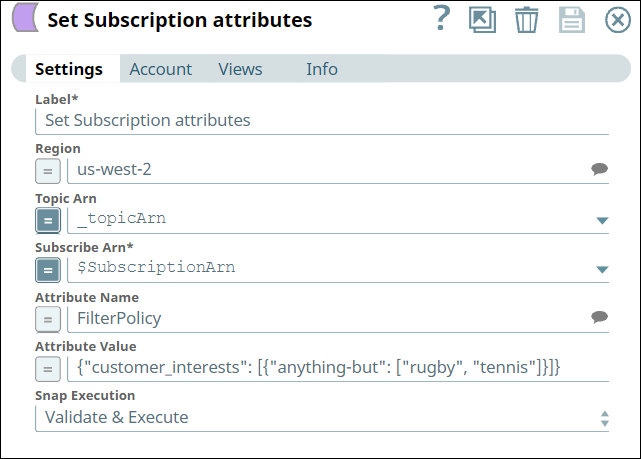
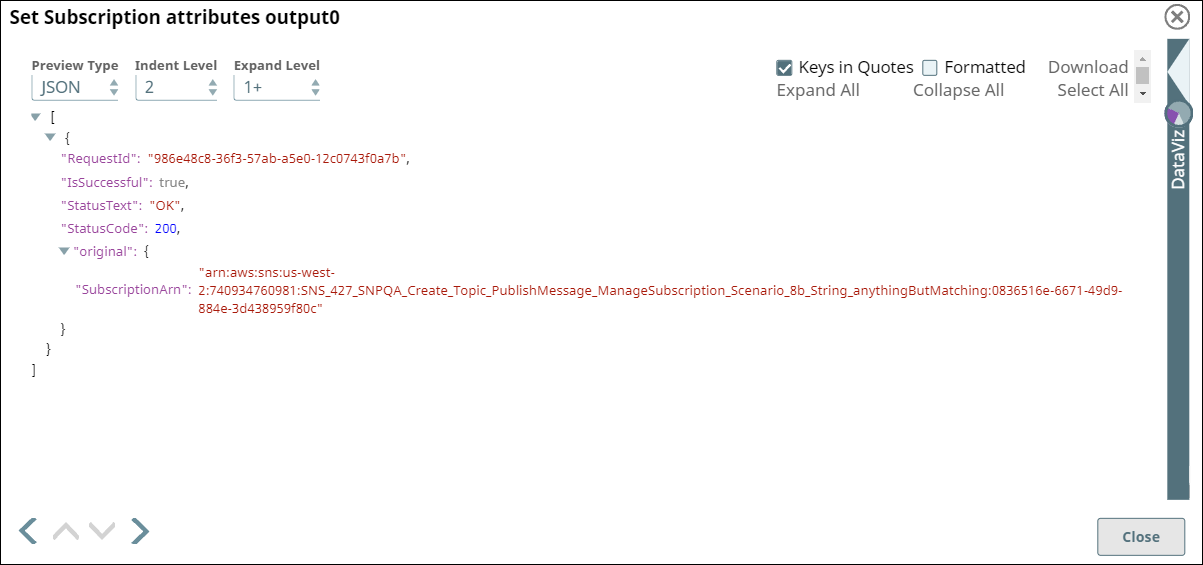
After subscribing to the topic, the subscription attributes are managed with the Set Subscription Attribute Snap. The Snap Settings and output view of the Snap are displayed as follows:
- Download and import the SLP file into your Environment.
- Configure Snap accounts.
- Provide Pipeline parameters, if any.