


Generate an EDIFACT file from JSON data
The following example demonstrates how to create a simple pipeline that generates a JSON document and converts it into an EDIFACT binary file using the EDI FormatterSnap.

Download this Pipeline
-
Configure the JSON
Generator Snap to pass
the input data
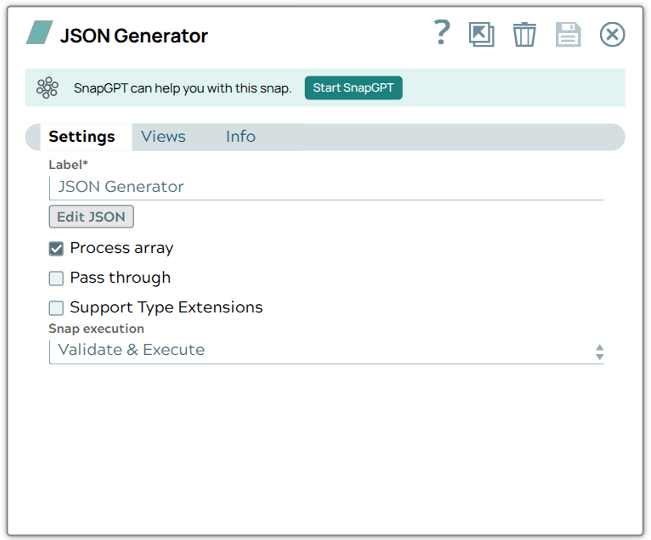
Here's the input data:
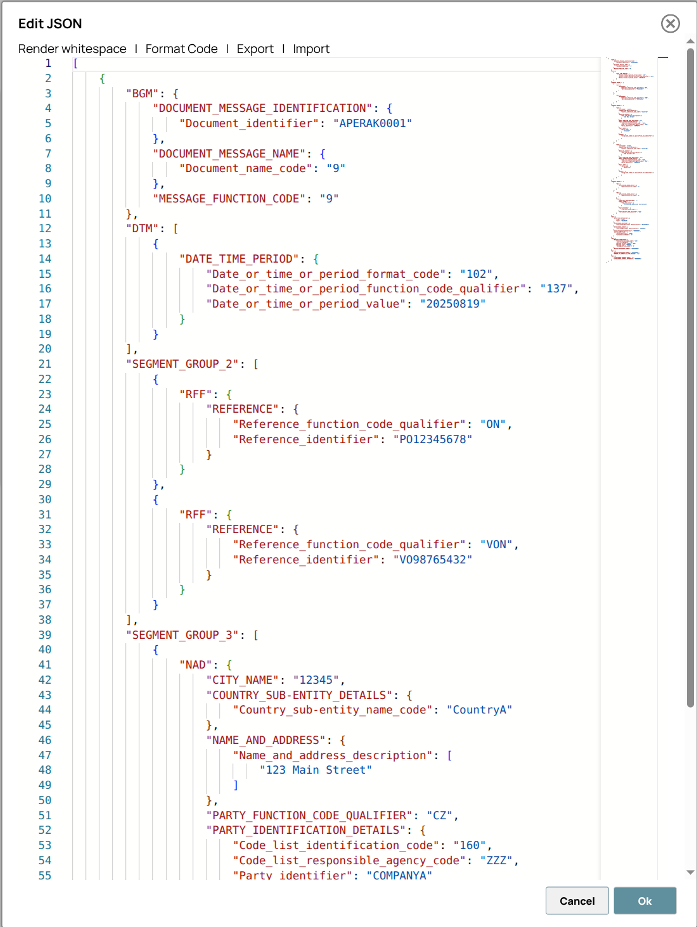
-
In the EDI Formatter Snap, select the
Version and EDIFACT type that match your source data (e.g.,
D98Bandiftmbf). Select the Format each document and Ignore empty tags checkboxes.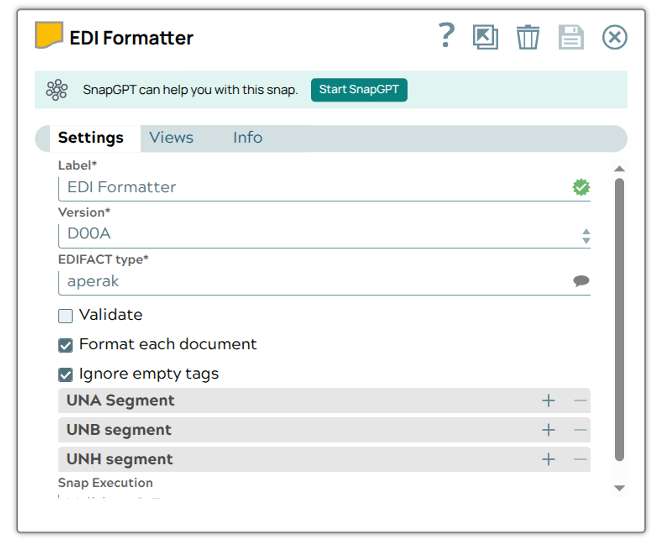
Upon successful execution, the EDI Formatter Snap generates an EDIFACT binary output that is structured according to the selected version and type:
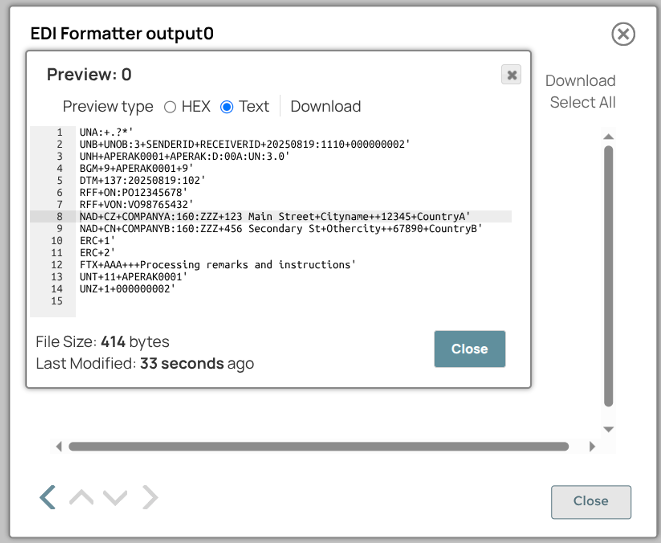
- Download and import the pipeline into SnapLogic.
- Configure Snap accounts as applicable.
- Provide pipeline parameters as applicable.