


Read and Sort Records by Age
This example pipeline demonstrates how to read data from a database, sort the data, and insert it into an Oracle database.

-
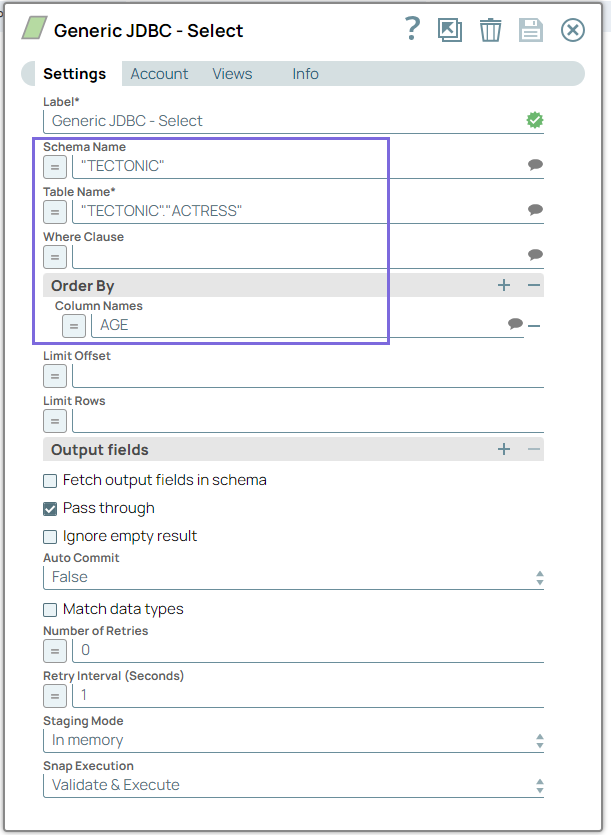
Configure the
Generic JDBC -
Select
Snap to select ACTRESS
records from the TECTONIC table and sort them in ascending order based on the
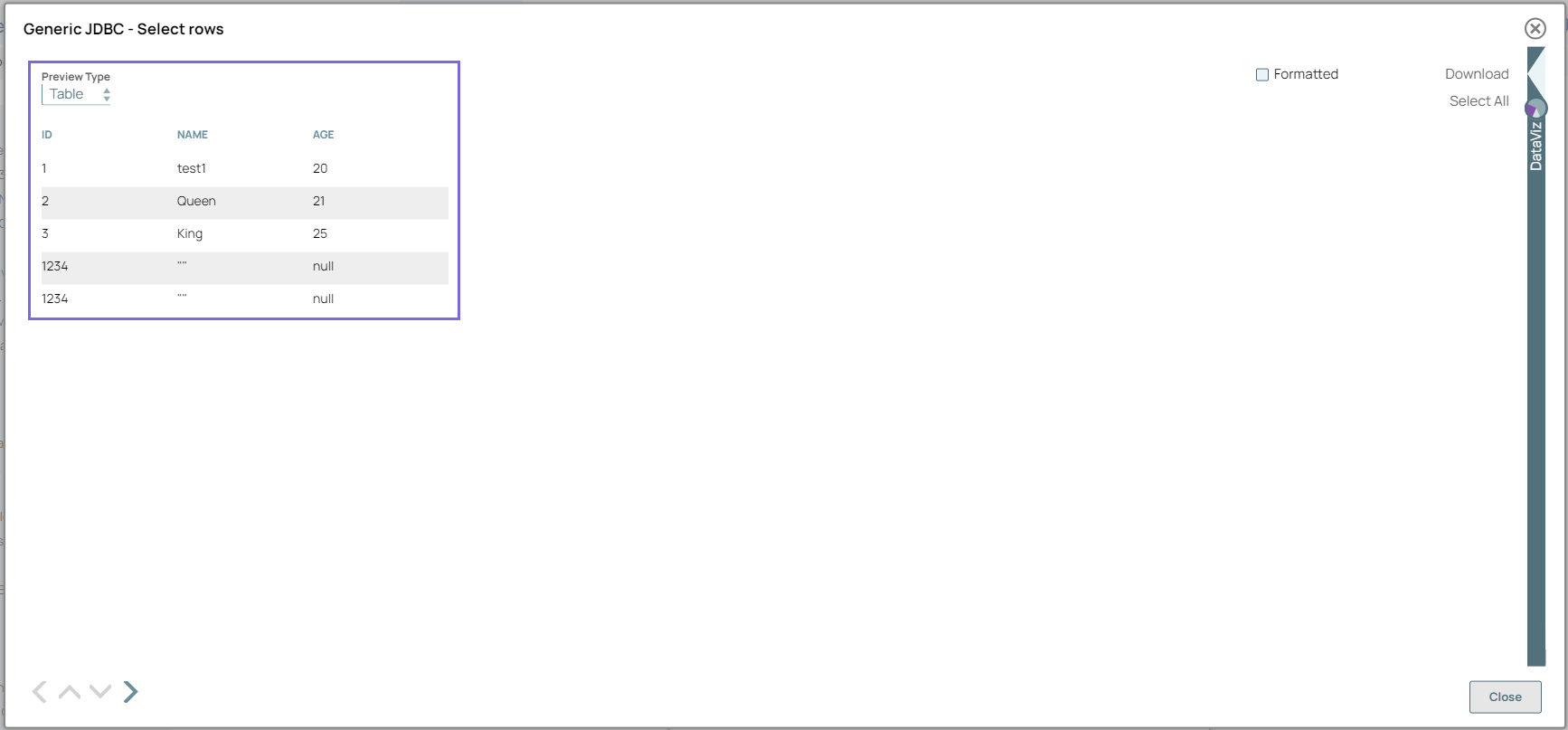
AGE column. On validation, the Snap displays the selected ACTRESS records
in the output.
-
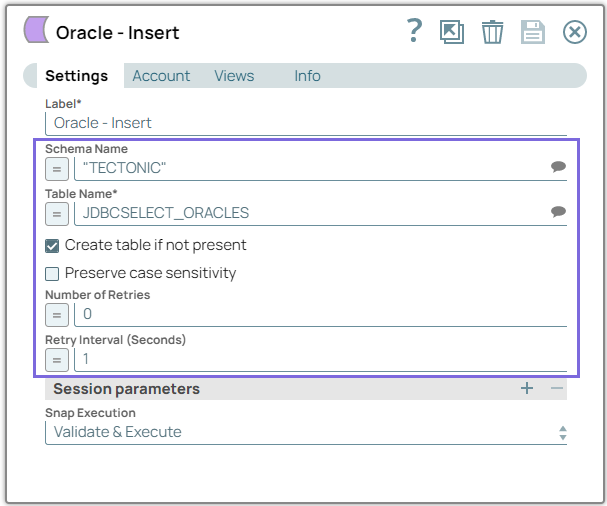
Configure the Oracle - Insert to insert the sorted data
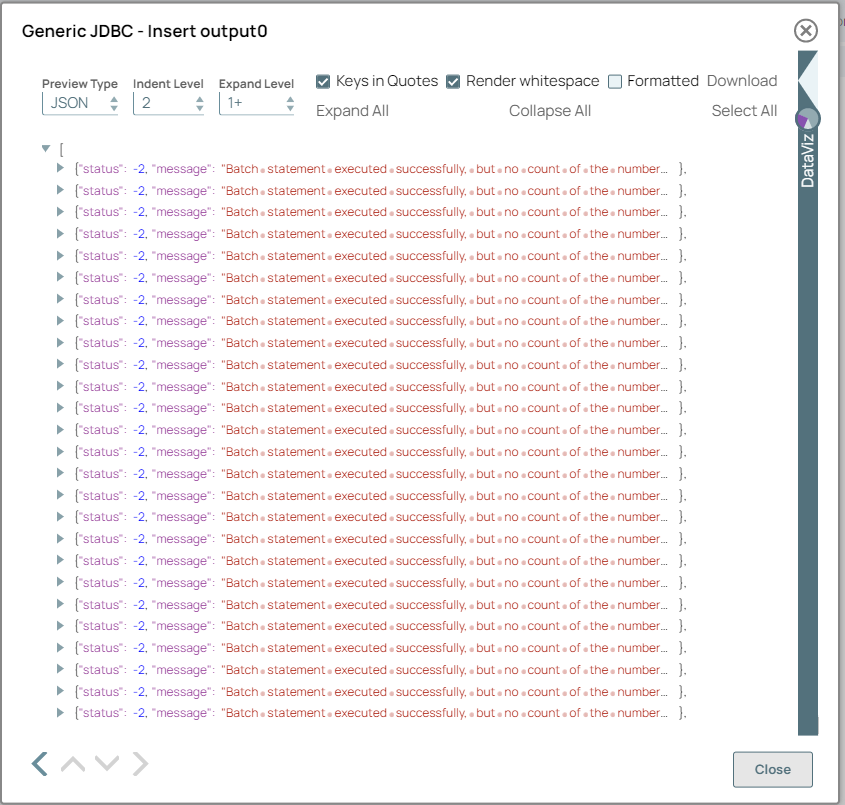
into the Oracle database. On validation, the Snap displays a confirmation message
indicating that the data was successfully inserted into the database.
- Download and import the pipeline into SnapLogic.
- Configure Snap accounts as applicable.
- Provide pipeline parameters as applicable.