


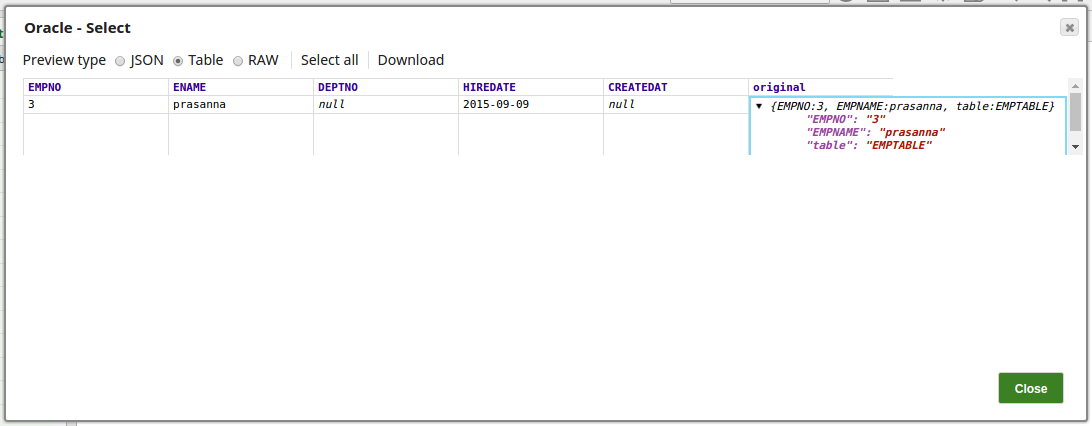
Error view on the Oracle Select Snap
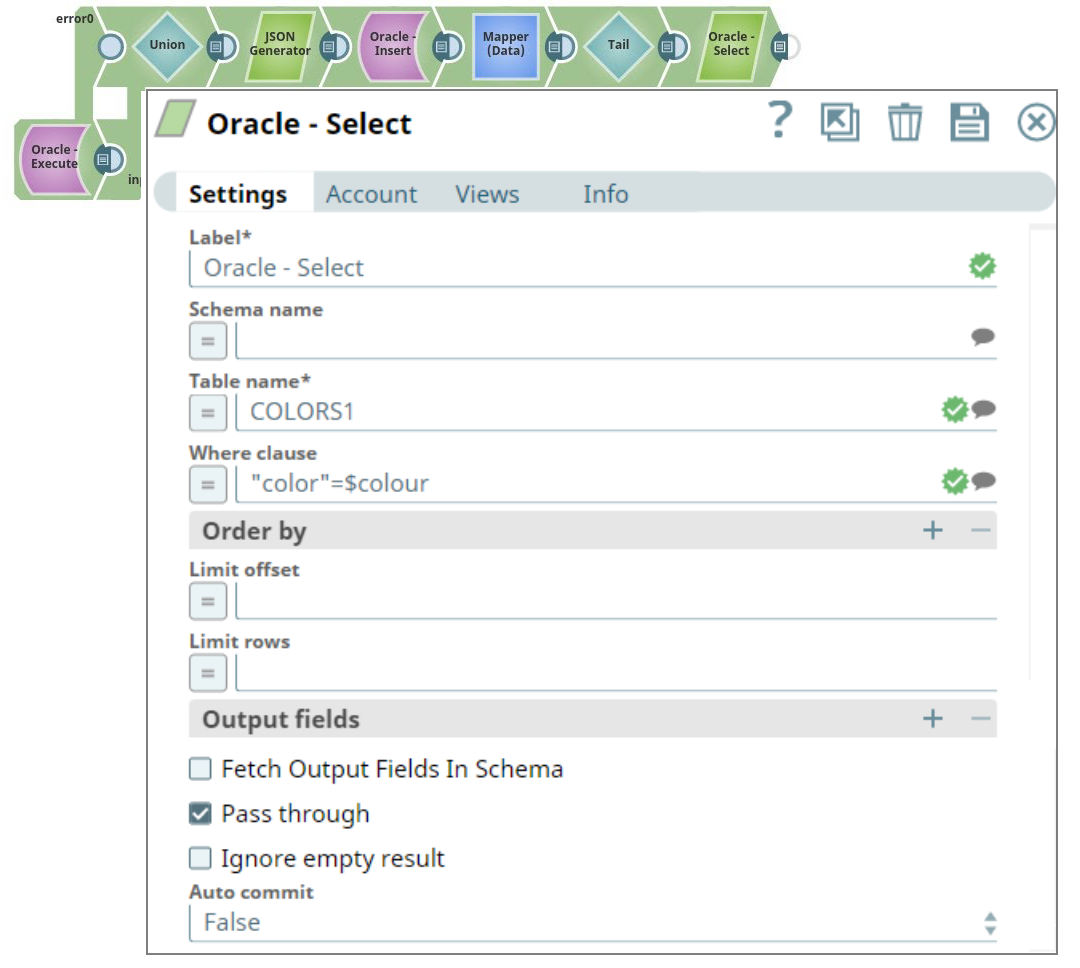
Here we mis-typed the variable in the condition, which will trigger an error. The error will be written to the error view of the Snap, which then can be used for debugging purposes or further processing.
Download this Pipeline
-
Configure the Oracle Select Snap with a query condition that intentionally contains a mis-typed variable.
- Download and import the SLP file into your Environment.
- Configure Snap accounts.
- Provide Pipeline parameters, if any.