


Use Case: Email Management
Overview
In a real business case scenario, creating and sending bulk emails and also organizing them respectively for records is a manual as well as tedious operation. This is time-consuming as there are many requirements which are to be dealt while exchanging and organizing emails. Also, there is always a chance of a human error which could impact customer relations. Automation is the key and here we are with the solution which not only makes the task effortless but also curbs error, maintain records, and have appropriate output to confirm of the task performed.
Using the Exchange Online Snap Pack, organizations can automate and efficiently manage Microsoft Exchange Online Emails, Events, and Contacts. This Pipeline demonstrates how this can be precisely implemented without any hassles.
Download this solution.
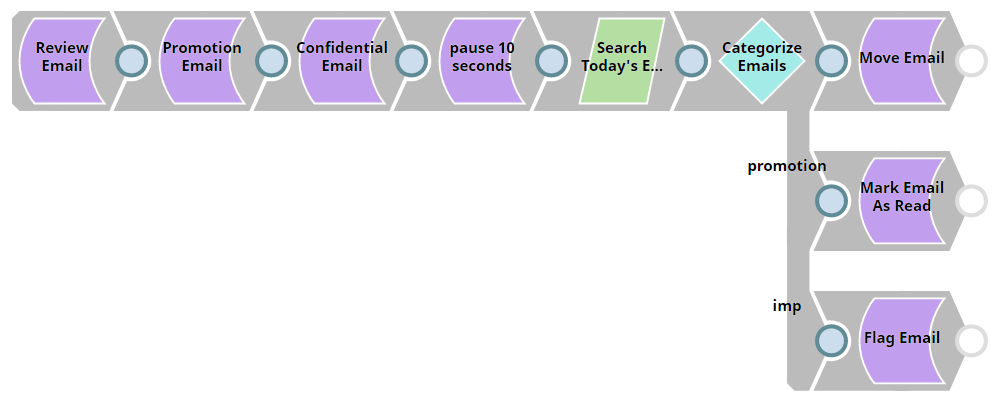
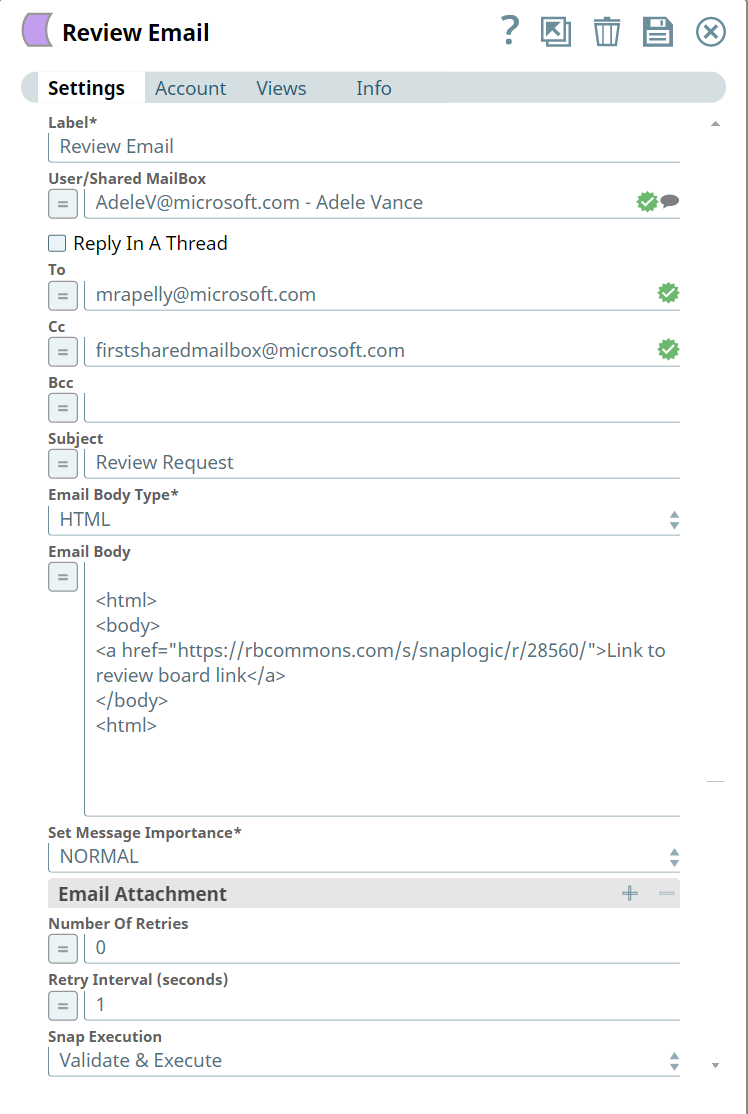
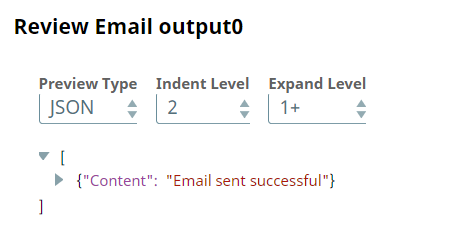
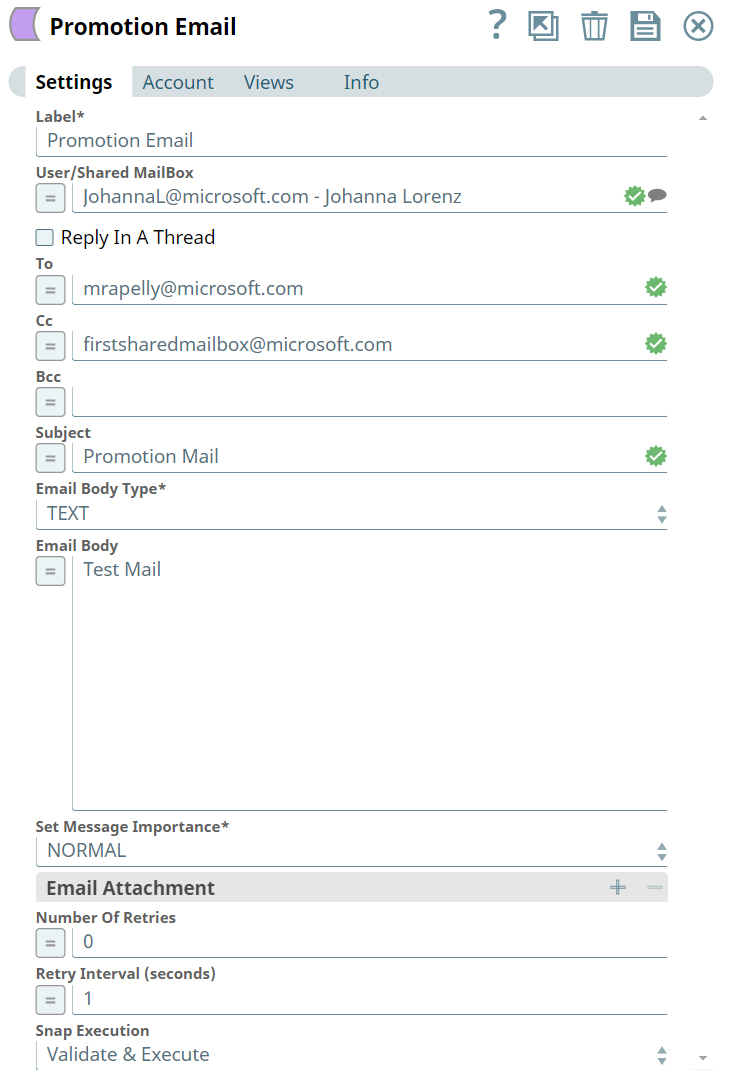
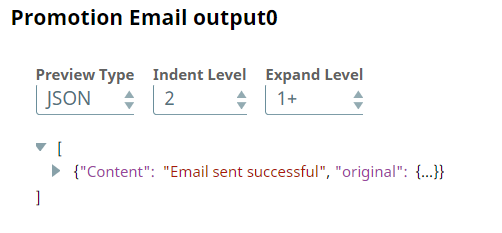
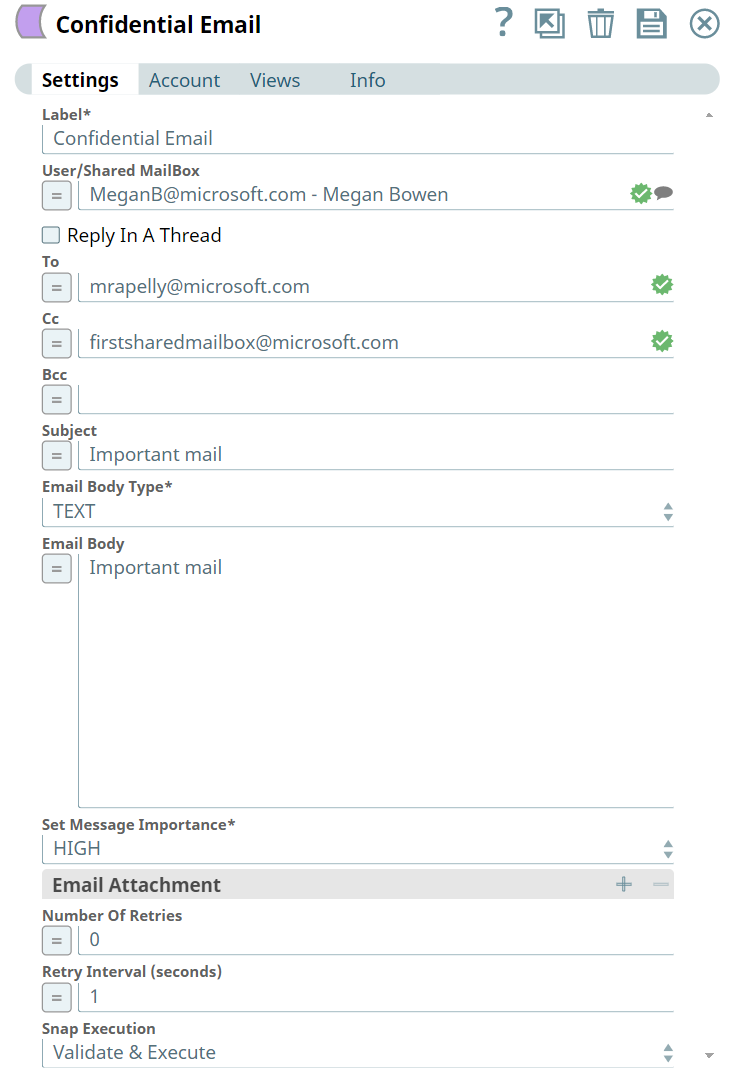
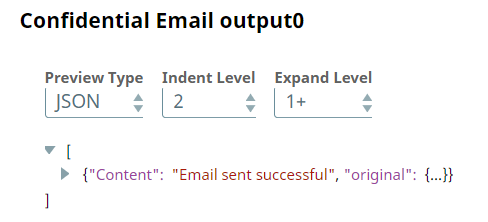
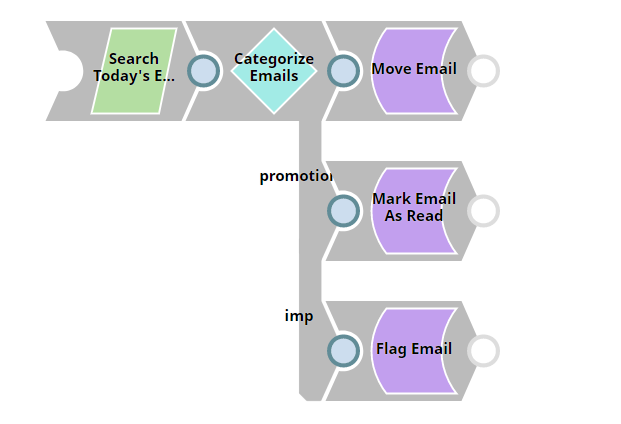
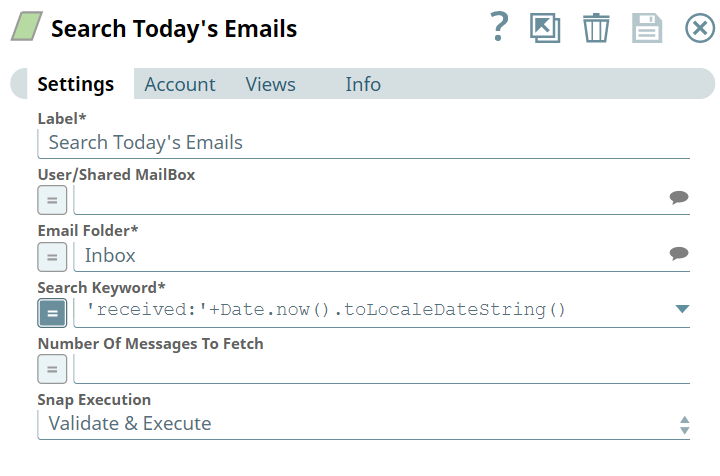
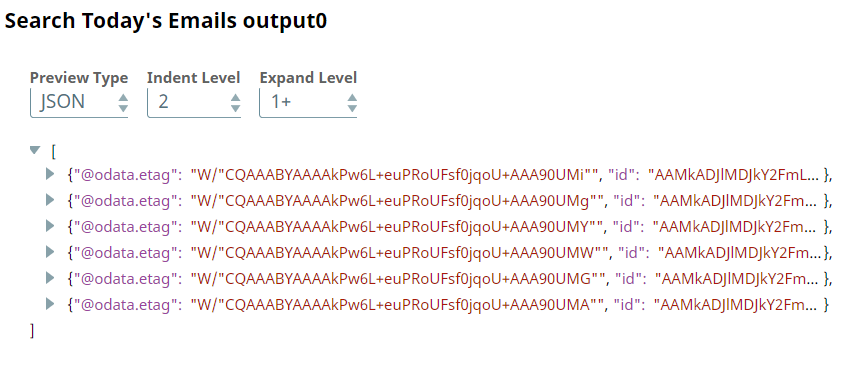
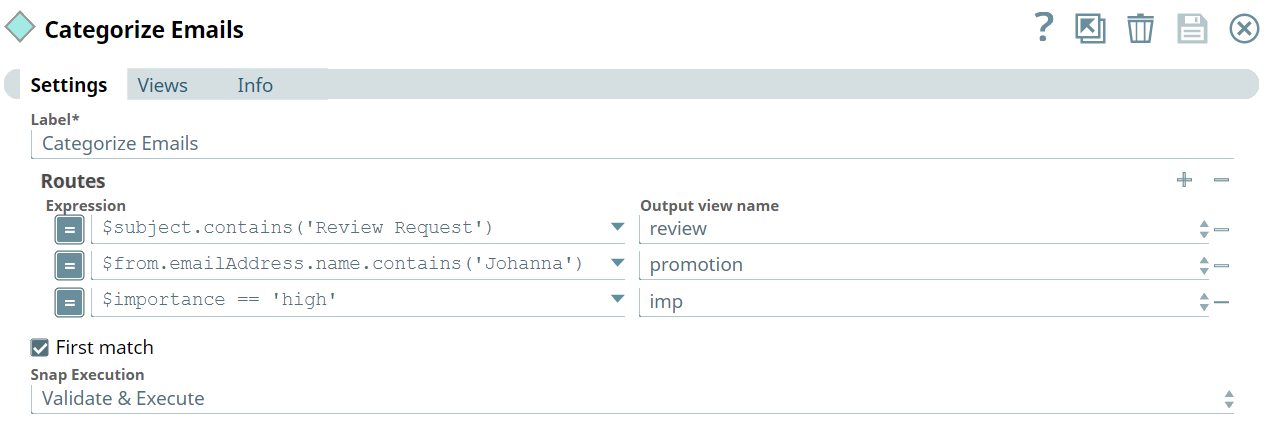
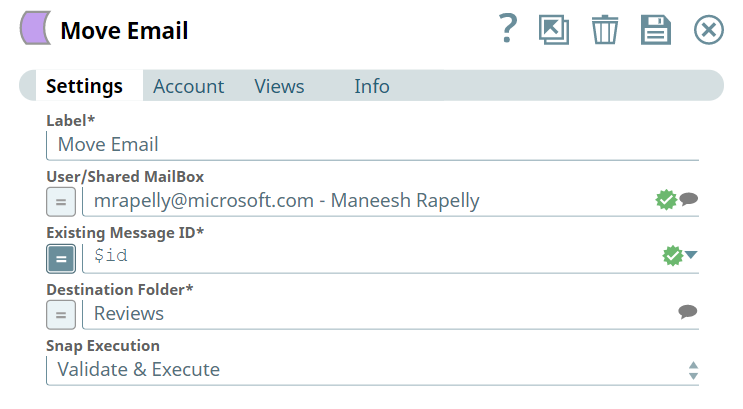
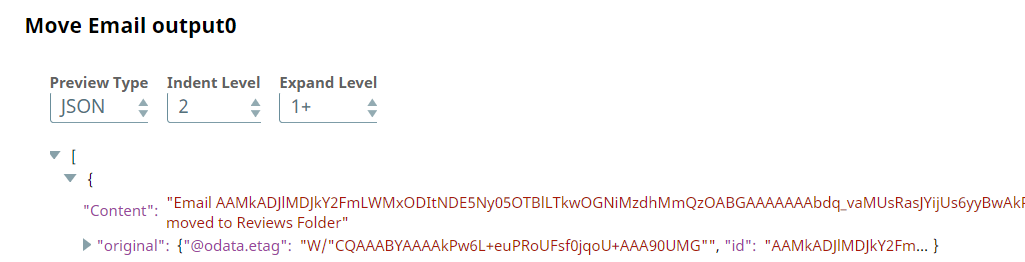
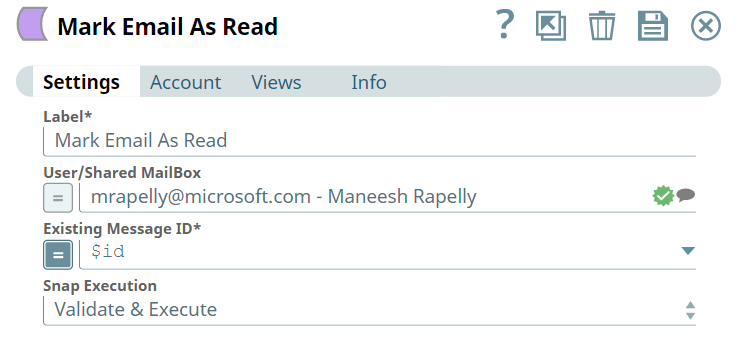
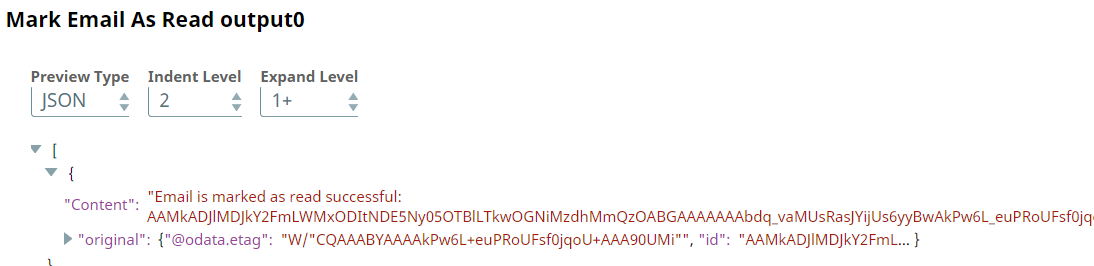
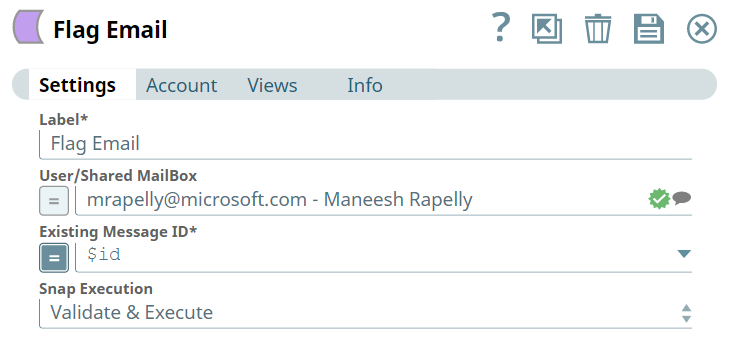
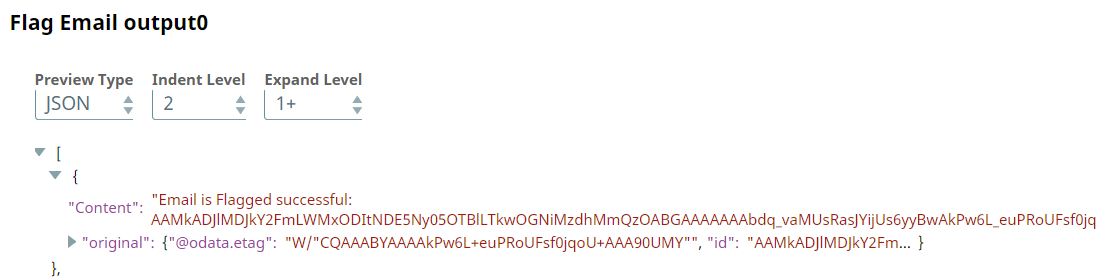
Here we are looking into a scenario where there are three emails namely, Review Email, Promotion Email, and Confidential Email which are sent by different users to an individual's mailbox. These emails will eventually reach a junction which in Snaplogic is called a Router Snap, that helps in routing the input to specified endpoints. Now, the emails are delivered to three different endpoints through the Snaps, Move Email, Mark Email As Read and Flag Email which have been designated in Snap Settings respectively.
Understanding the Solution
Using the Exchange Online Snap Pack, organizations can automate and efficiently manage Microsoft Exchange Online Emails, Events, and Contacts. This Pipeline demonstrates how this can be precisely implemented without any hassles. Download this solution. Here we are looking into a scenario where there are three emails namely, Review Email, Promotion Email, and Confidential Email which are sent by different users to an individual's mailbox. These emails will eventually reach a junction which in Snaplogic is called a Router Snap, that helps in routing the input to specified endpoints. Now, the emails are delivered to three different endpoints through the Snaps, Move Email, Mark Email As Read and Flag Email which have been designated in Snap Settings respectively.

- Download and import the SLP file into your Environment.
- Configure Snap accounts.
- Provide Pipeline parameters, if any.