


Creating an Account Type Record
This example demonstrates how to create a record for a specific Coupa account type.
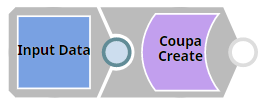
Download this Pipeline
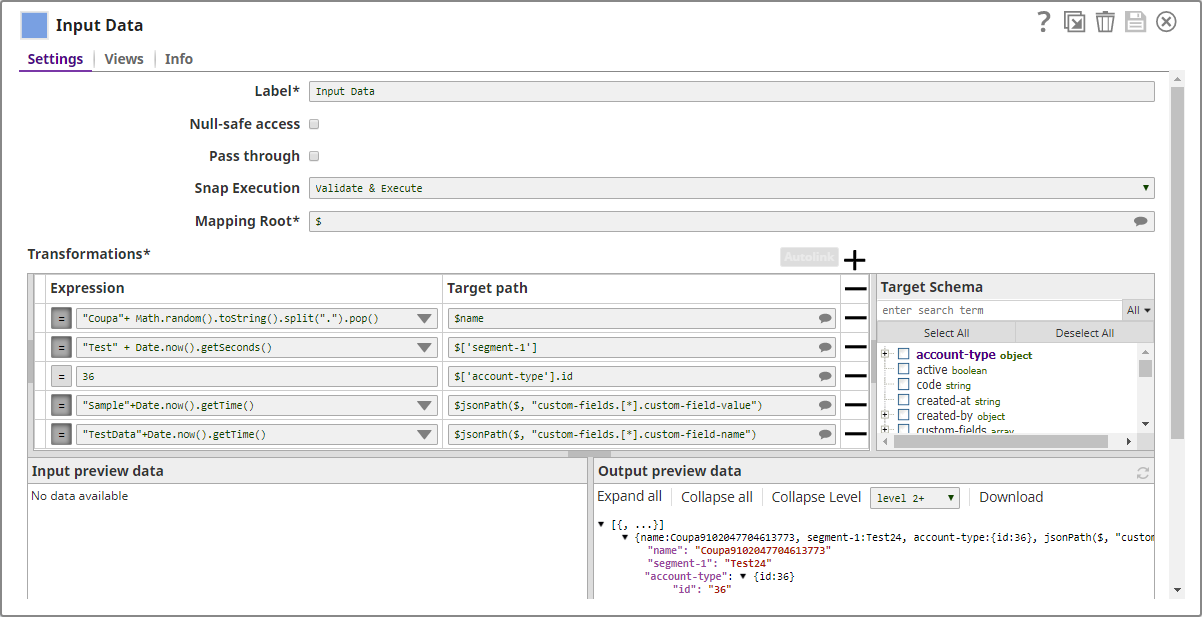
Parameters for the resource record to be created must be supplied through an upstream Snap. You can use Snaps such as JSON Generator, Mapper, or even File Reader if the parameters are present in the SLDB. In this example, we pass the parameters directly using the Mapper Snap. When you connect a Mapper Snap to the Coupa Create Snap, the selected Coupa resource's schema is not readily available in the Mapper Snap. Validate the Pipeline once to get the target resource schema in the Mapper Snap. After the schema is available, you can map the input data to the corresponding fields.
The Mapper Snap is configured as follows:
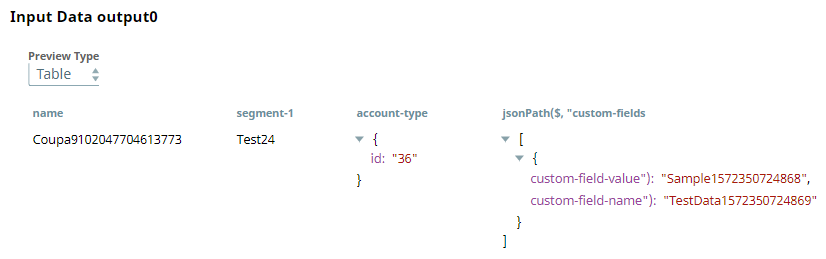
Output from the Mapper Snap:
This data goes into the Coupa Create Snap configured as shown below:
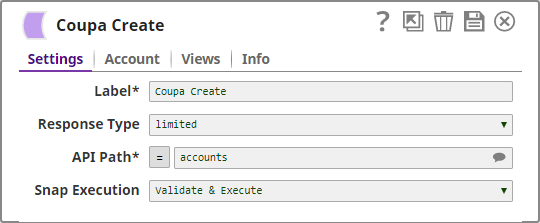
On execution, the Coupa Create Snap creates an account and assigns an ID to it in the Coupa instance.
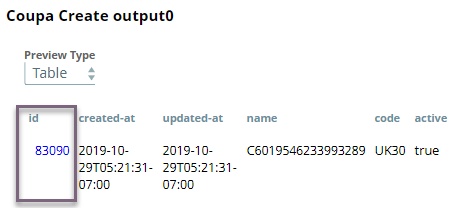
You can add more Snaps downstream of the Coupa Create Snap for further processing as needed.
- Download and import the SLP file into your Environment.
- Configure Snap accounts.
- Provide Pipeline parameters, if any.