


Manage the Slack integration
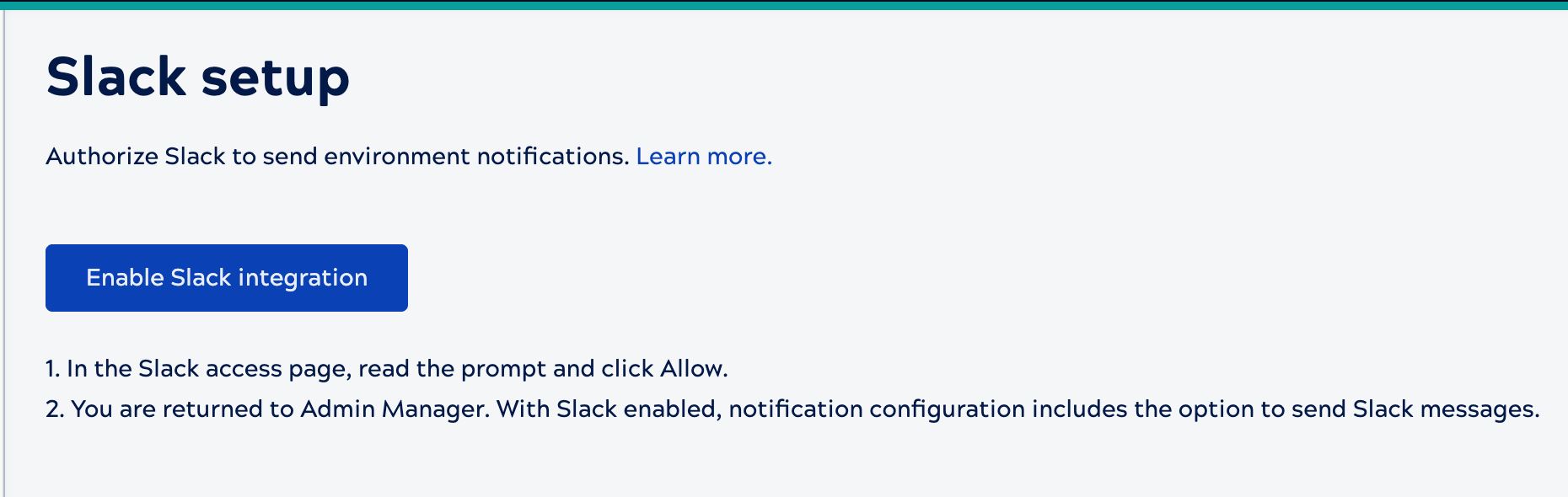
From the Admin Manager Slack setup page, enable or disable the Slack integration.
Prerequisites
- SnapLogic Environment admin privileges
- Slack administrative privileges
Enable Slack
-
Open Admin Manager and from the left navigation pane, select Slack setup.
- Click Enable Slack integration.
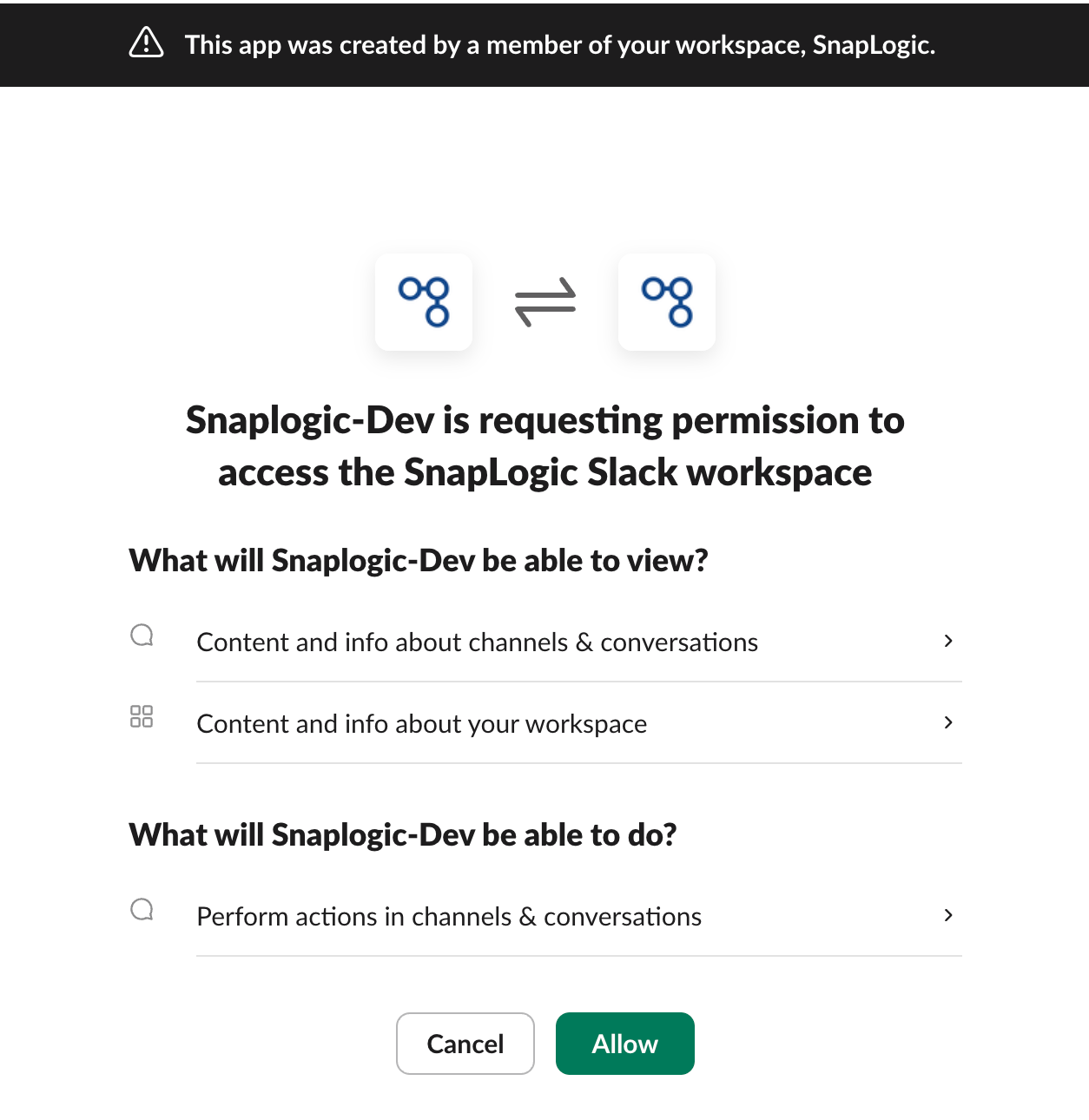
A Slack window opens:
-
In the Slack access page, read the prompt and click Allow.
The window closes.
You can now select Slack when creating new notifications.
Disable Slack
-
Open Admin Manager and from the left navigation pane, select Slack setup.
- Click Disable Slack integration.