


Teradata FastLoad example
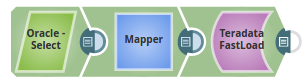
In this example, we shall load records from an Oracle database using the Oracle Select Snap, to a Teradata table using the Teradata FastLoad Snap.
-
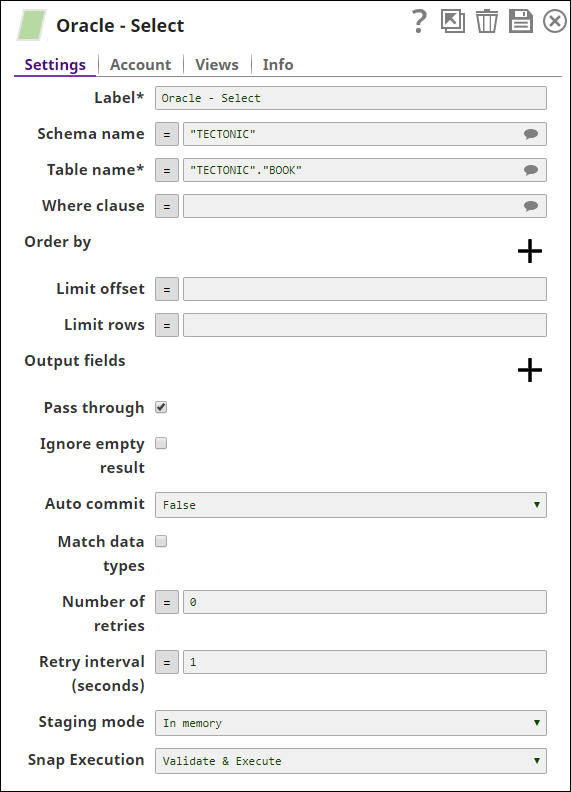
Select the table, Book under the schema, TECTONIC, using the Oracle Select Snap.
-
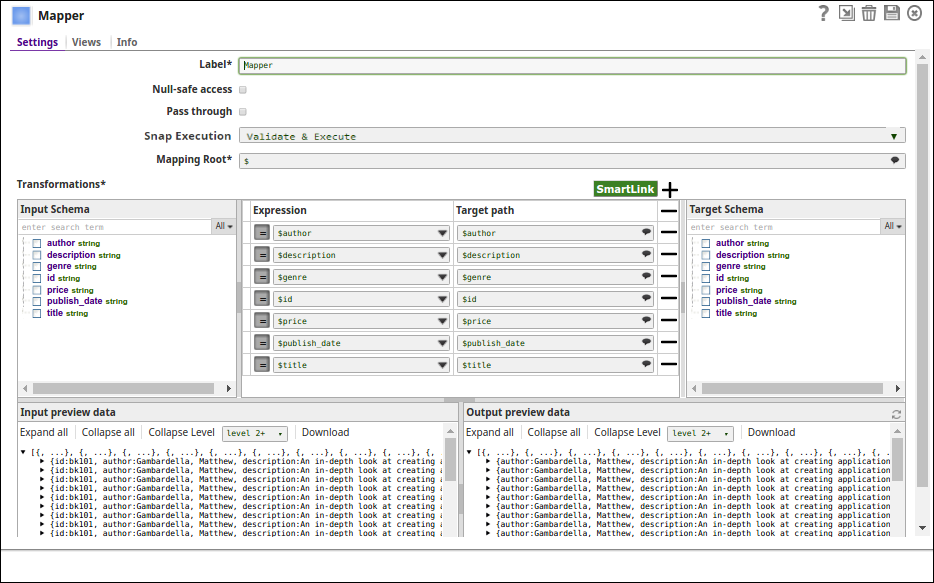
The Mapper Snap maps the incoming data from Oracle to the Teradata Table. Note that the source and the target column data types should match for the data to load successfully.
-
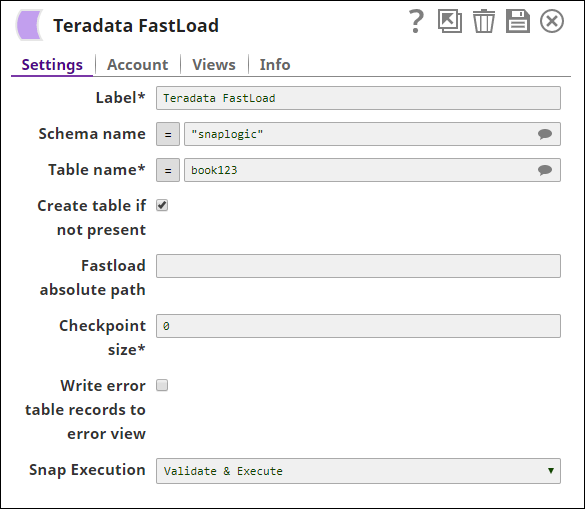
The data is loaded to the table book123 under the schema, Snaplogic.
-
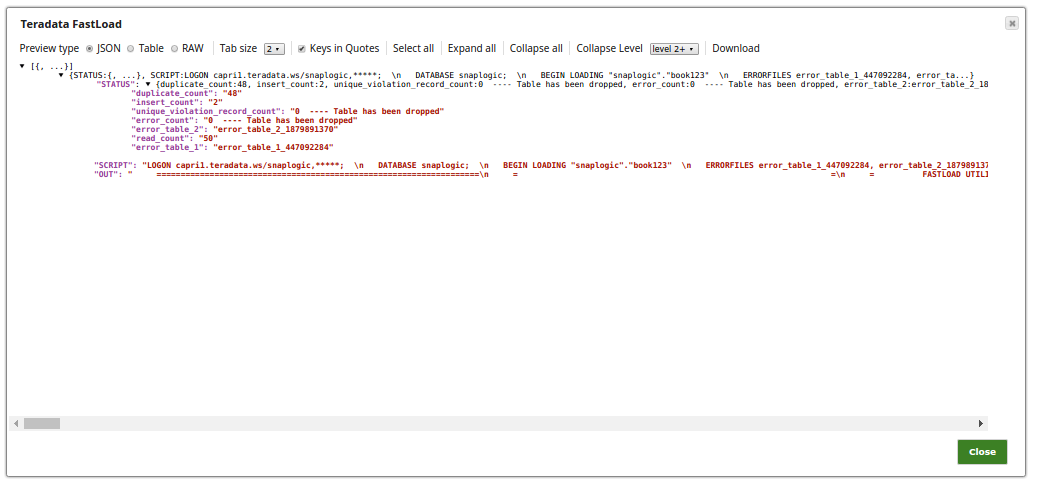
Successful execution of the pipeline displays the below output preview:Note that the preview displays the insert count as 2 and the duplicate count as 48 out of the 50 records that are read.
- Download and import the SLP file into your Environment.
- Configure Snap accounts.
- Provide Pipeline parameters, if any.