


Documentation and categories
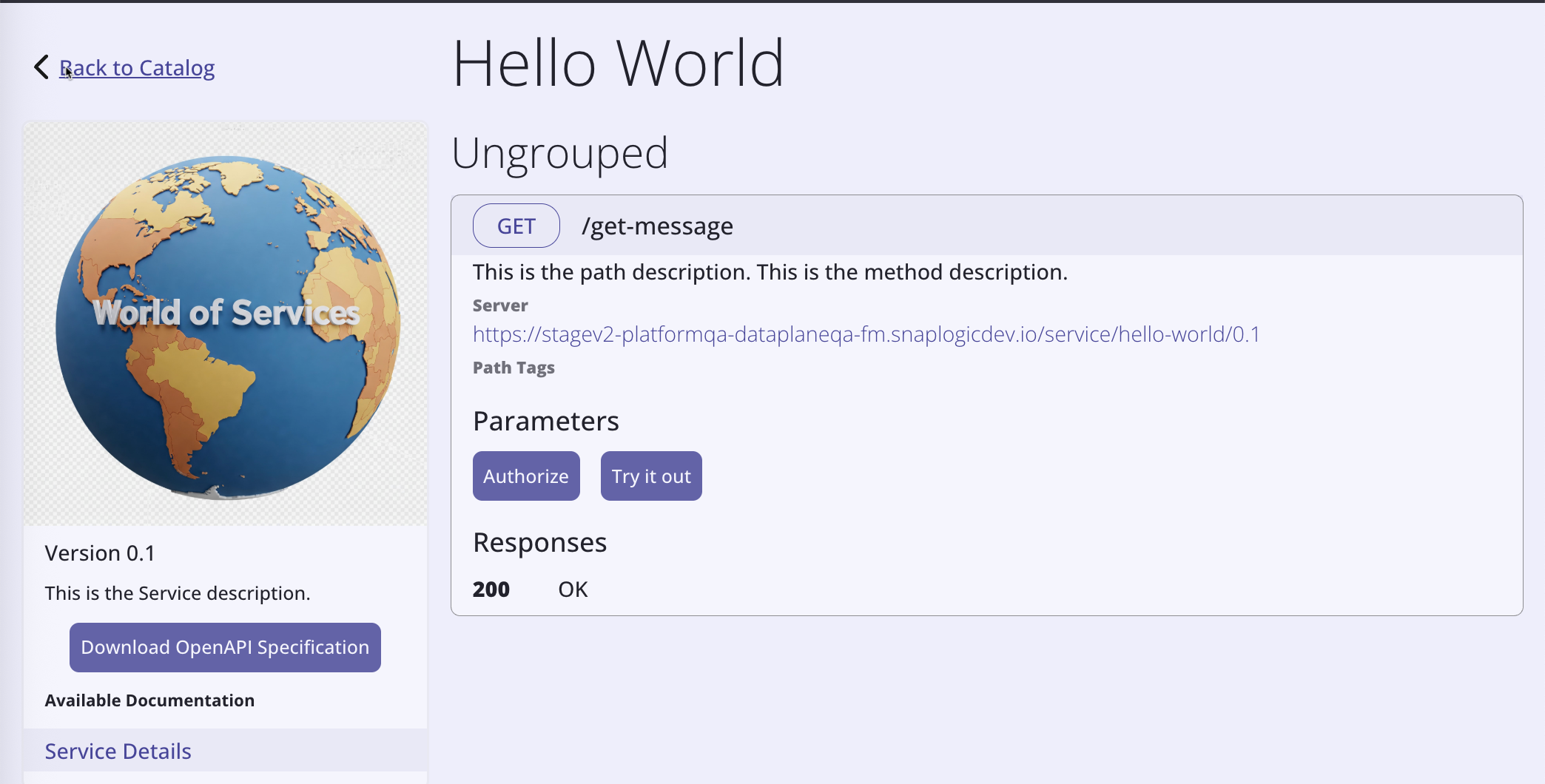
Clearly documenting the purpose of a Service and how to use it enables Service consumers (developers who discover and subscribe to Services through the APIM 3.0 Developer Portal) to use it properly and avoid errors. During development, add descriptions for Services, versions, endpoint paths, methods, and parameters to make their purpose clear to other developers and to Service consumers. After publication to the APIM 3.0 Developer Portal, these descriptions display on the Service Details page of the Service card (a clickable tile in the Portal).
The following example Service Details page in the APIM 3.0 Developer Portal shows where these descriptions appear:
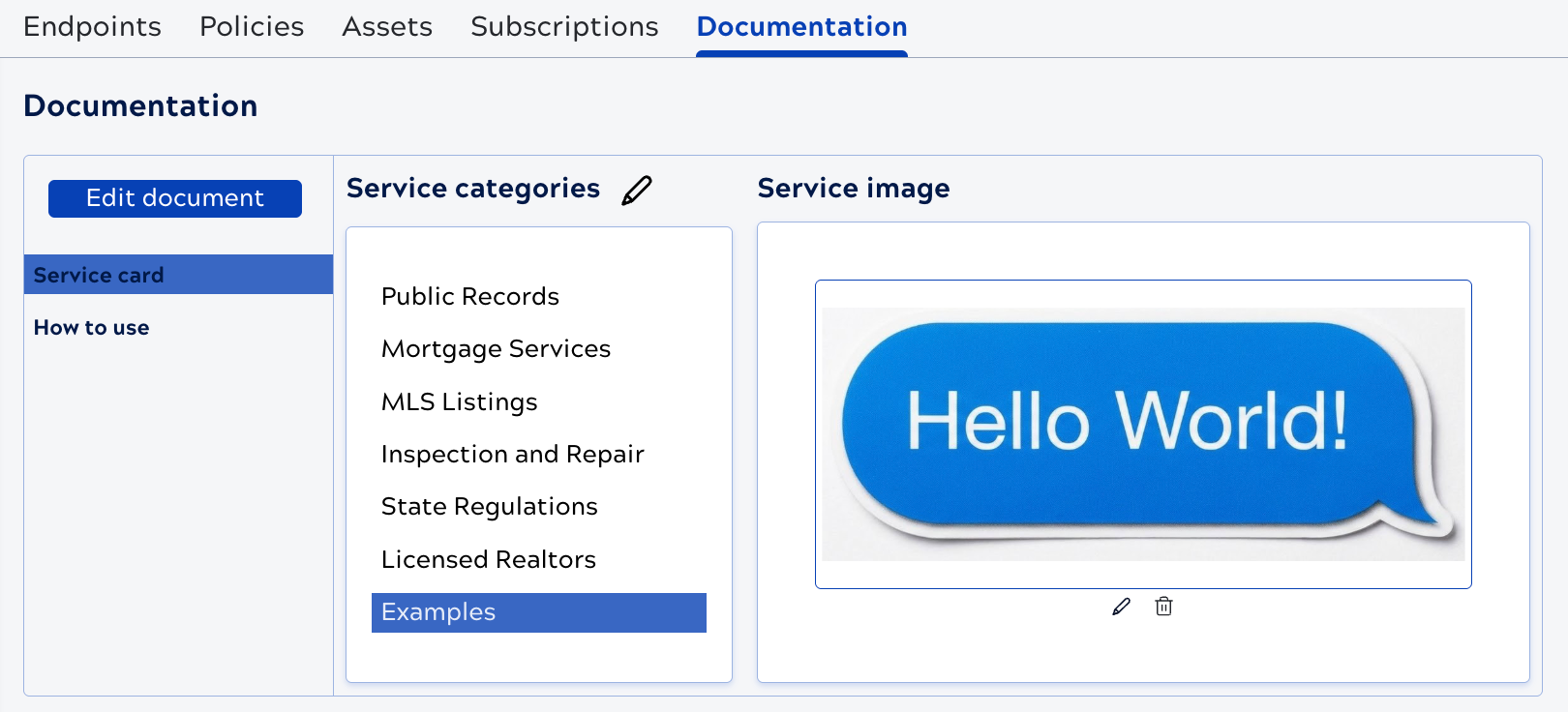
When viewing or editing a Service Version, use the Documentation tab to provide additional information to Service consumers, set categories, and assign an image to display on the Service card. The following image shows the controls on the Documentation tab:
Service card documentation pages
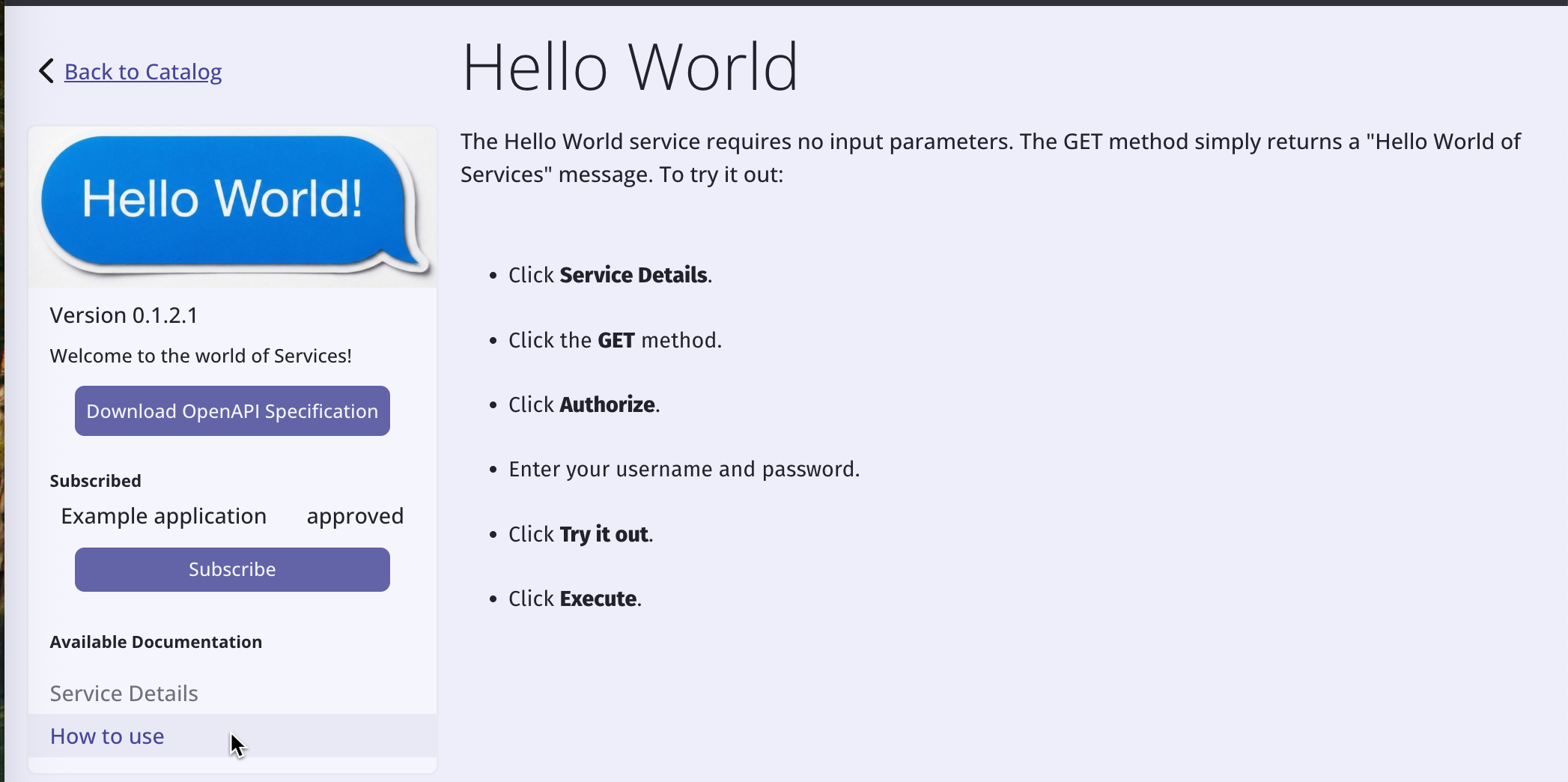
When a Service consumer clicks the Service card in the APIM 3.0 Developer Portal, by default it displays the Service Details page, which includes the endpoints and their descriptions. You can add multiple documentation pages that include text and images. The following example has an added How to use page:
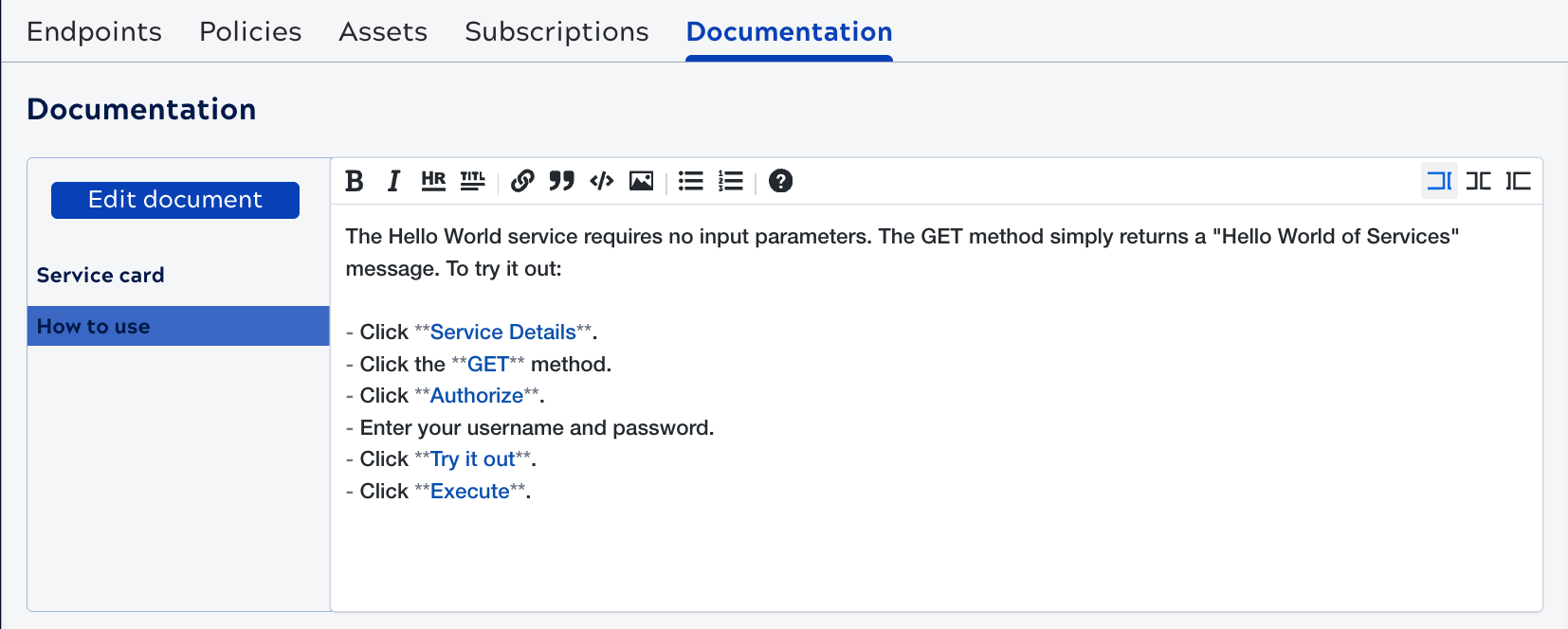
The following image shows how this page was created in the Service version's Documentation tab:
Categories
You can add Service categories to improve the organization and discoverability of Services in the APIM 3.0 Developer Portal. A Service can belong to multiple categories or none. Defined categories display in the APIM 3.0 Developer Portal and Service consumers can use them to browse Services by functional area, business domain, team, or any organizational structure defined by the API publisher. For example, categories such as "Finance", "Customer Management", "Orders", or "Internal APIs" can group related Services together. Service categories don't grant or restrict access to Services.
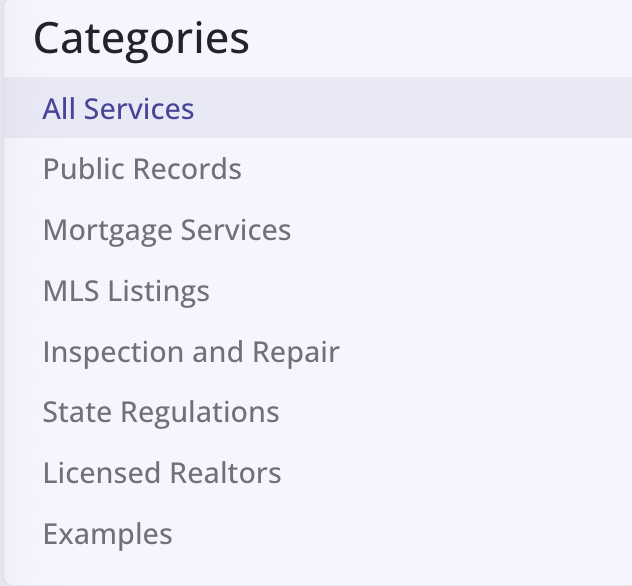
The following image shows example categories in the APIM 3.0 Developer Portal. Service consumers click a category to filter the available Services.
The following topics describe how to: