


Create a task notification
In the Notification center, you can create notifications for when tasks exceed a percentage of their typical duration or a time limit. These notifications trigger as follows:
- Percentage of normal: A threshold percentage of the average duration. The Snaplex calculates the
percentage of normal as follows:
- The average duration and standard deviation: If not computed in the last 3 days, calculate from the last completed 100 executions in the last 30 days.
- The current number of executions must be at least 10.
- Convert the specified percentage threshold into a z-score.
- Convert the z-score into a number of seconds using this formula
threshold_second =
              duration_avg + duration_sd * z_score
. - When the current duration exceeds the
threshold_secondvalue, the Snaplex sends a notification (once per execution).
- Time limit: A threshold in minutes that applies to all tasks in the environment or only to infrequent tasks. When task duration exceeds the threshold, the Snaplex sends a notification (once per execution).
Recipients of these notifications can check for the following potential causes:
-
The Snaplex is running low on resources, such as CPU or memory, or network bandwidth is limited.
-
An endpoint that the Pipeline is connecting to is responding slowly or isn't available.
-
The Pipeline is processing an unusually large number of documents or documents of large size.
Percentage
The following image shows the fields available to configure a notification based on when tasks exceed a percentage of their typical duration:
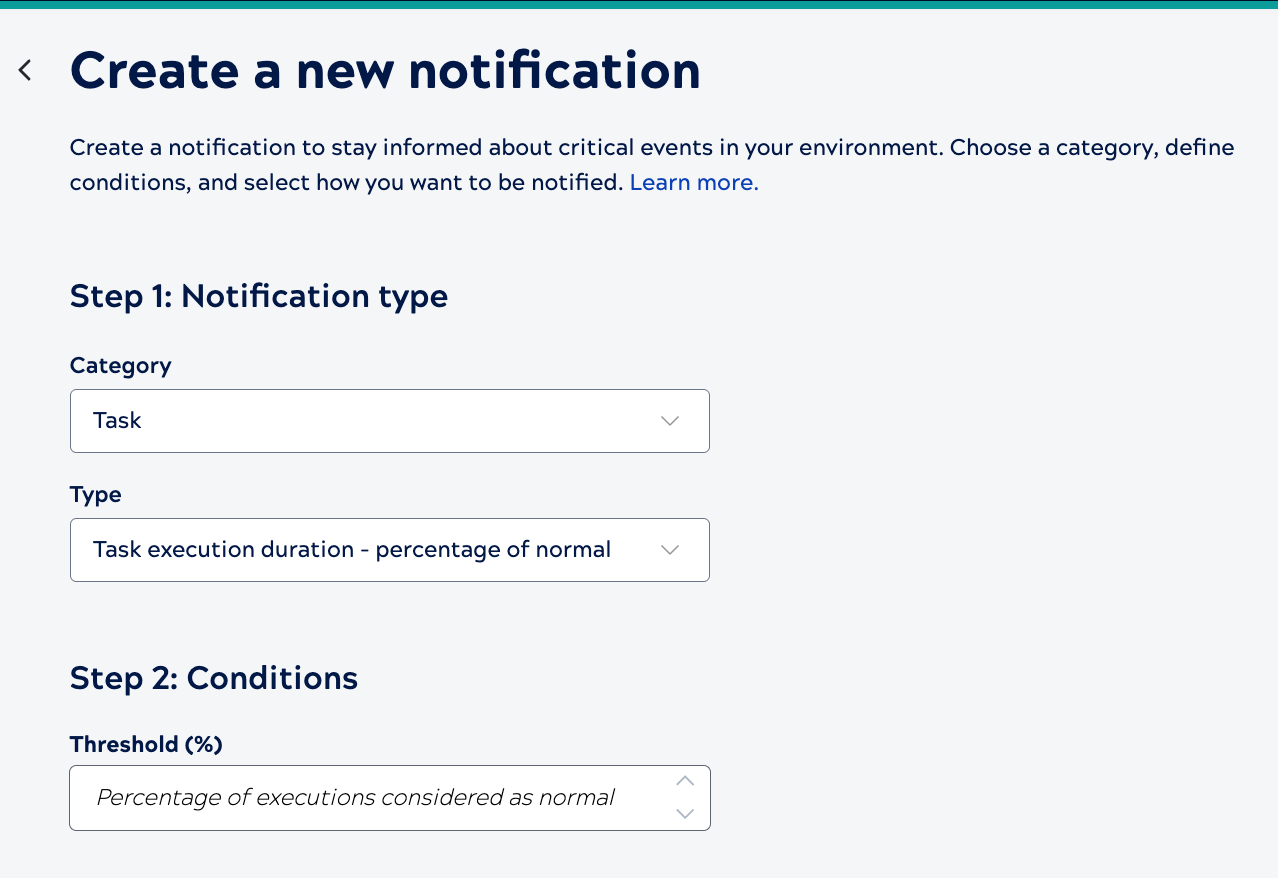
Enter the threshold as a percentage based on the 30-day historical executions.
Time limit
The following image shows the fields available to configure notifications for task duration based on a time limit:
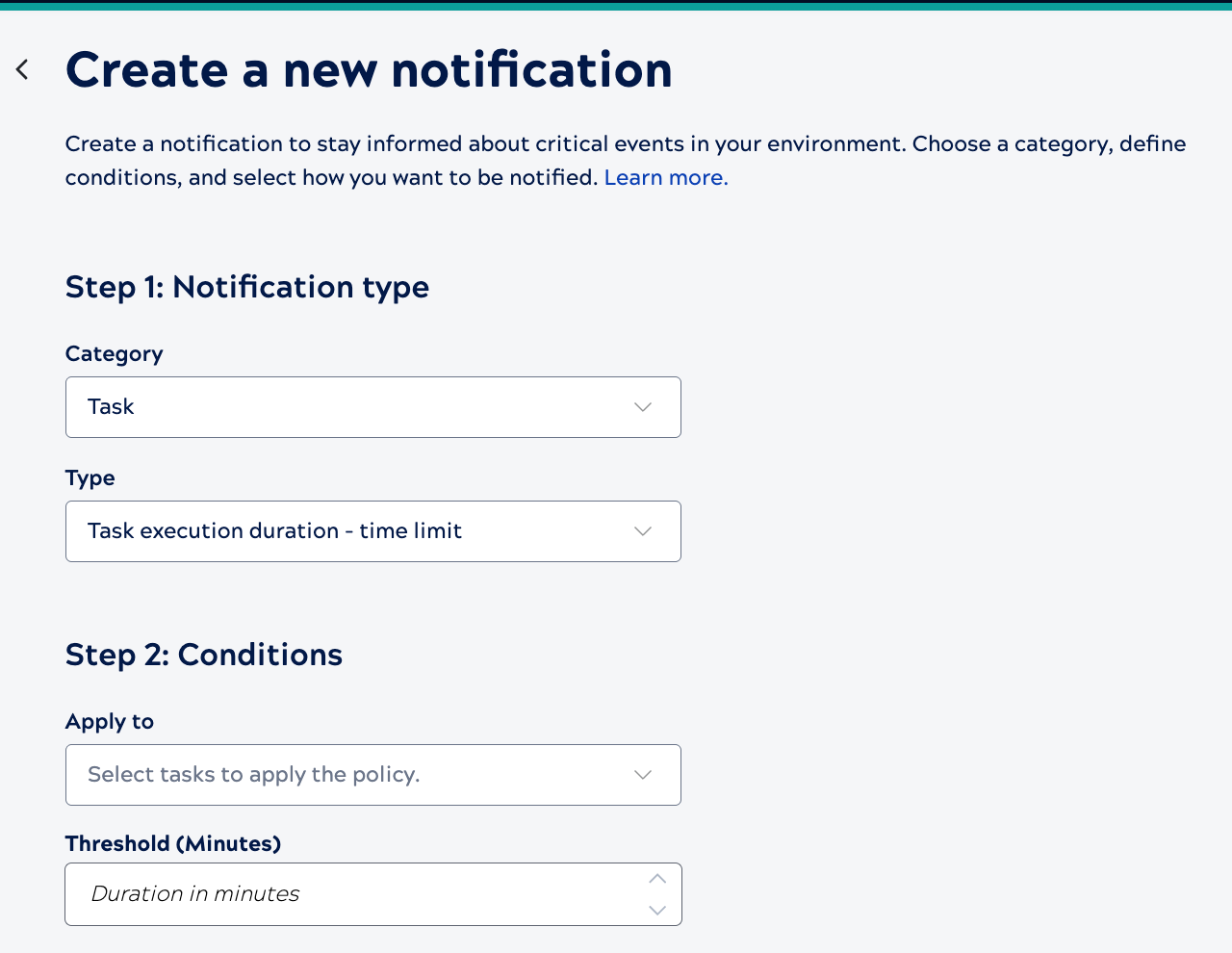
For Apply to, select one of the following options.
-
All Tasks: Applies the notification to all tasks in the environment.
-
Only Infrequent Tasks: Applies the alert only to tasks that don't run regularly.
Enter the threshold in minutes.