


Data Catalog Partition Overwrite Pipeline
The following Pipeline demonstrates how to overwrite an existing partition by using the three Data Catalog Service Snaps: Catalog Query , Catalog Delete , and Catalog Insert . Because you cannot edit the Table Assets in Manager, you can use this Pipeline as a way for overwriting partitions in the Data Catalog.

Download this Pipeline
-
The
Catalog
Query
Snap queries for a partition,
age, in the Asset named table1.

-
The
Catalog
Delete
Snap deletes the partition,
PK_1, indicated by the Key Name and Key Value.
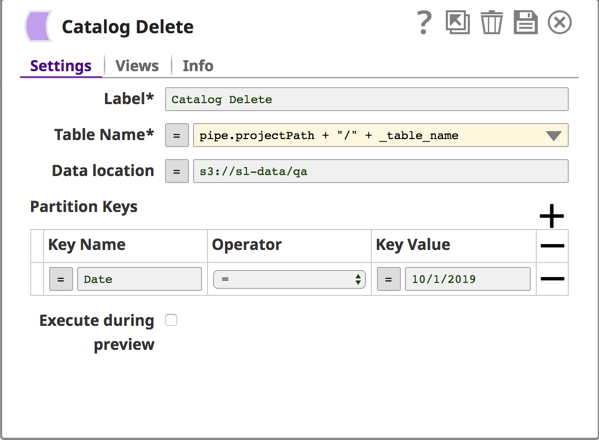
-
To replace this metadata, the JSON
Generator Snap is used to generate a document with the data for name, age, and
height.
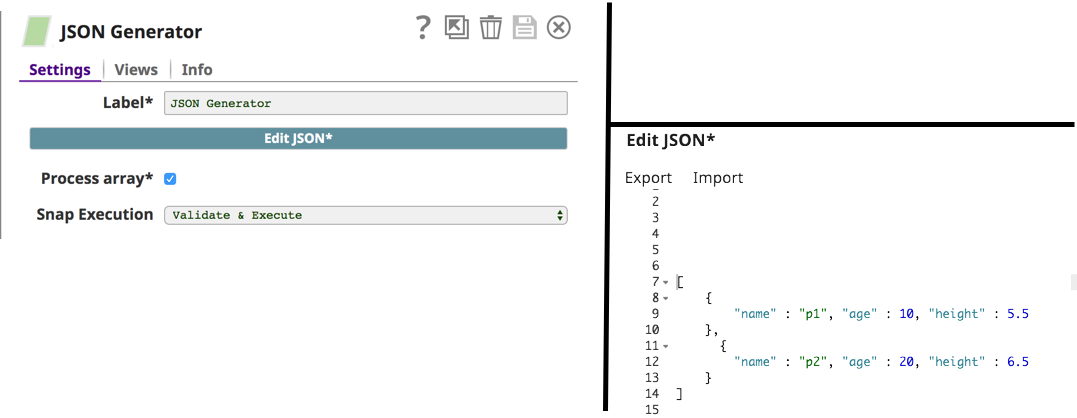
-
The JSON Snap passes the document data to the Parquet Writer, which writes the JSON document to a
S3 bucket.
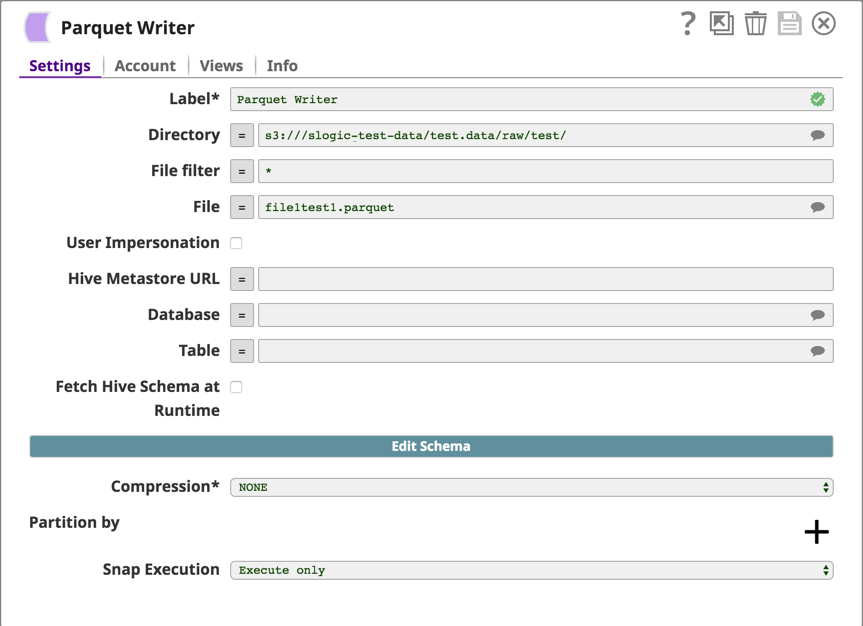
-
The
Catalog
Insert
Snap populates table1
with the new data.
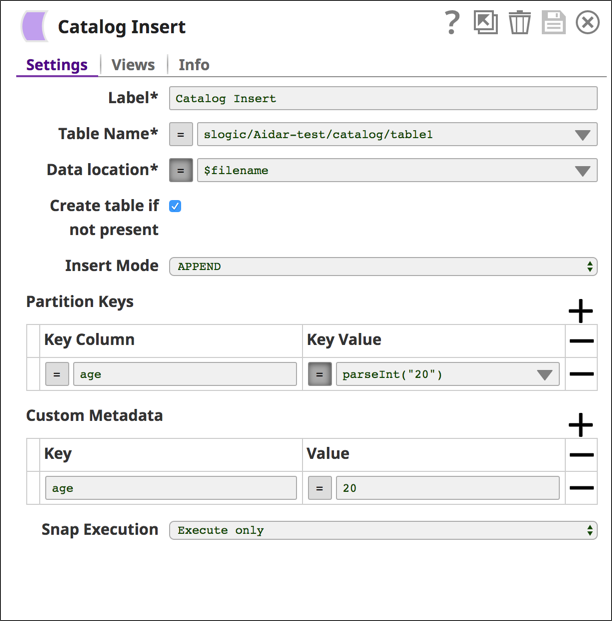
-
You can navigate to Manager > Projects > Assets to view the metadata inserted in
table1.
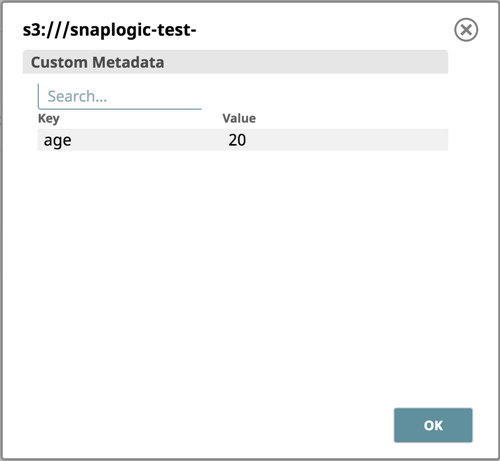
-
In Manager, click table1, and click Show Table Schema.

- Download and import the pipeline into SnapLogic.
- Configure Snap accounts as applicable.
- Provide pipeline parameters as applicable.