


Create contacts in Eloqua
This example demonstrates how to create contact records in Oracle Eloqua using the Eloqua Create Snap.
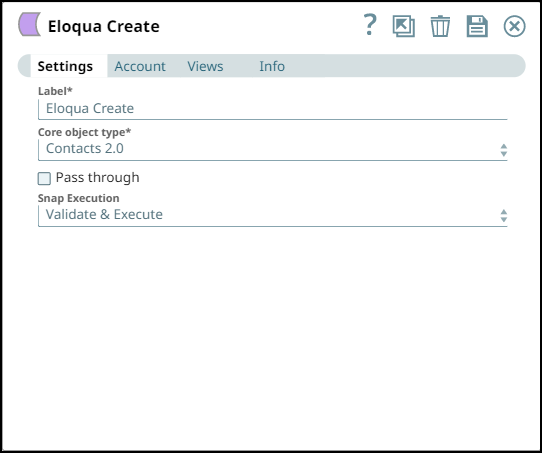
Configure the Eloqua Create Snap to create contact records in Eloqua. Set the Core object type to Contacts 2.0.
The Snap accepts contact data from upstream and creates new contact records in your Eloqua instance. On validation, the Snap successfully creates the contact records and returns the created object IDs.
| Eloqua Create Snap configuration | Description |
|---|---|
|
|
Configure the Snap with:
|
- Download and import the SLP file into your Environment.
- Configure Snap accounts.
- Provide Pipeline parameters, if any.