


Ultra requests tab
View the status and timing of requests processed by an Ultra Task pipeline.
The Ultra requests tab displays only for Ultra Task executions. It shows the status and timing of individual requests processed by the pipeline.
The default view shows Processed requests — those the pipeline has already handled. Toggle to Queued to see requests the pipeline has received but not yet started processing. Duration and Resp. only appear in the Processed view.
| Field | Description |
|---|---|
| Receive Time | The time the request was received. |
| Duration | The time the pipeline took to process the request. |
| Client IP | The IP address that sent the request directly to SnapLogic. When a proxy or load balancer is in front of the Ultra Task endpoint, this is the proxy's IP, not the originating client's IP. |
| Original IP | The originating client IP address, passed via forwarded headers through a proxy or load balancer. When no proxy is involved, this field matches Client IP. Use this field to identify the actual source of a request when debugging. |
| Method | The HTTP method of the request (for example, POST or GET). |
| Req. | The request payload size in bytes. |
| Resp. | The response payload size in bytes. |
| ID | The unique identifier for the request. |
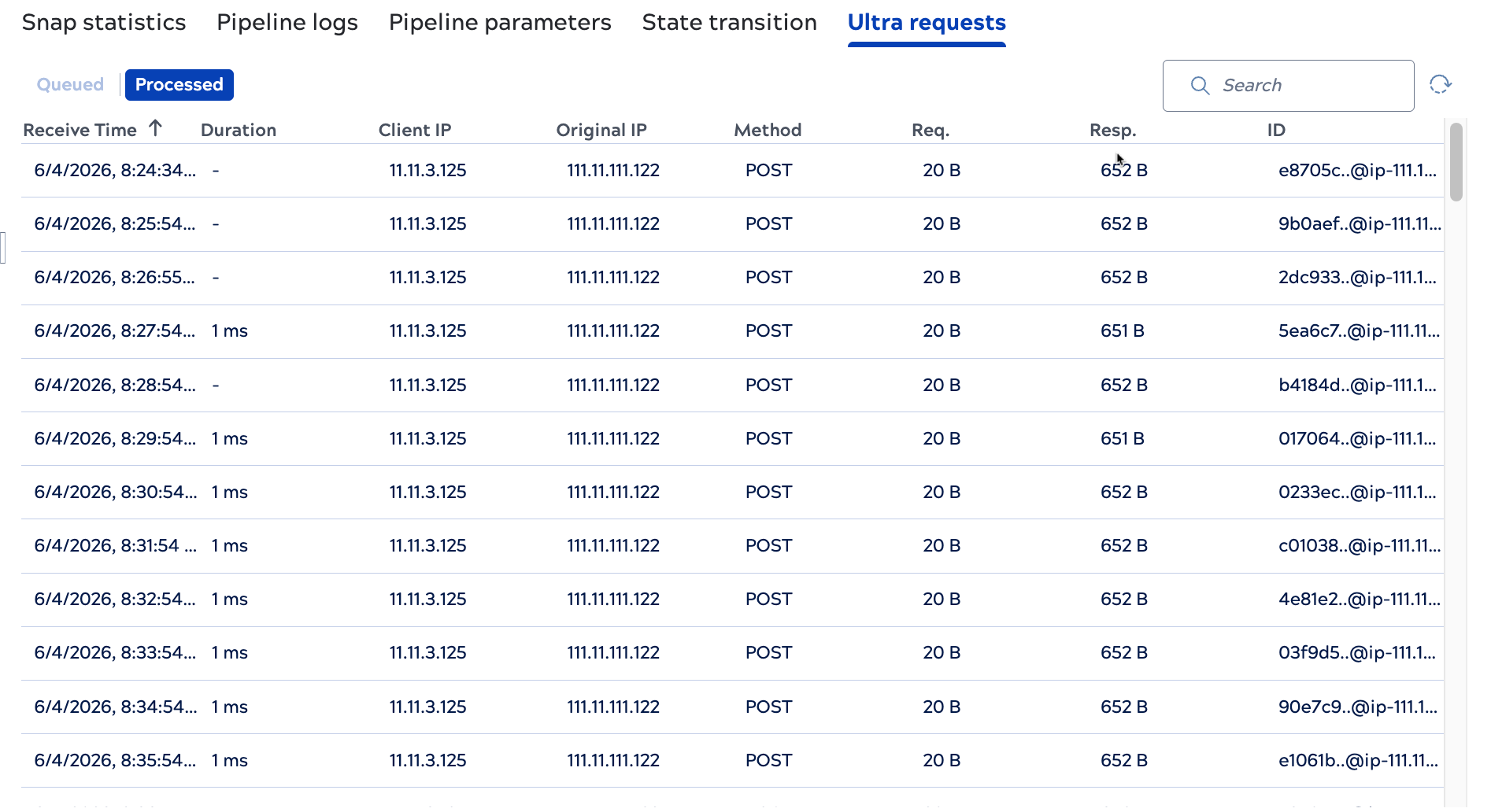
Queued view:
