Retrieving student records using DynamoDB Bulk Get
This example demonstrates how to retrieve student records from a DynamoDB table using the DynamoDB Bulk Get Snap with an upstream Mapper Snap.
Before you begin, ensure you have:
- A configured DynamoDB Account .
- A DynamoDB table with student records.
- Appropriate read permissions on the DynamoDB table.
This pipeline demonstrates bulk retrieval of student records from a DynamoDB table. The Mapper Snap prepares the input data with student IDs, and the DynamoDB Bulk Get Snap retrieves the corresponding records from the database.
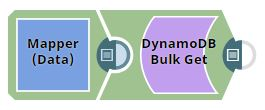
-
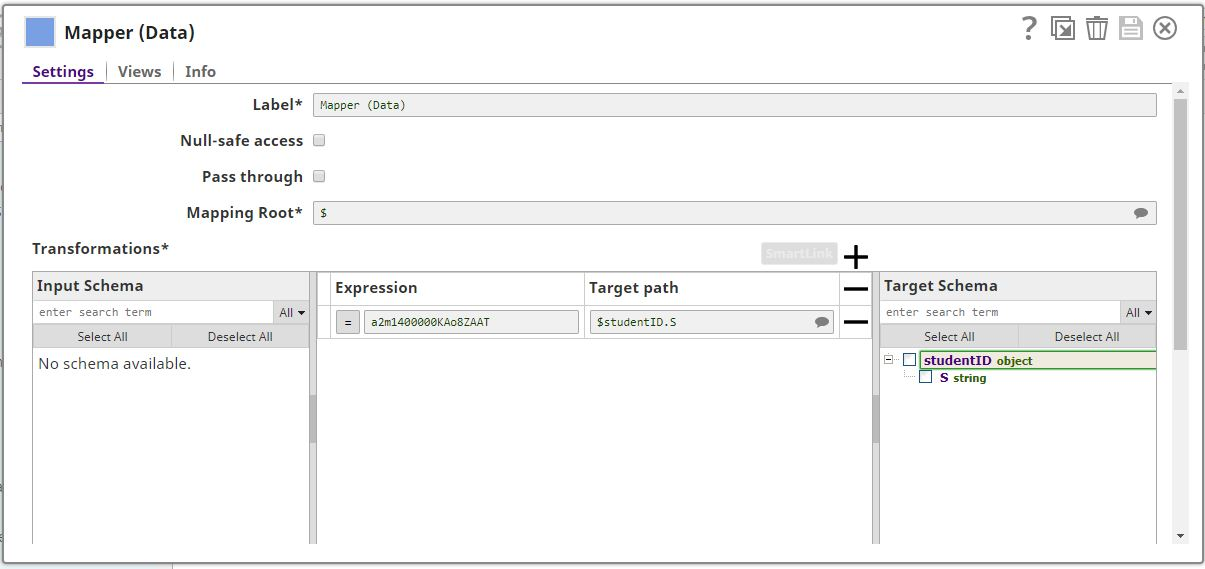
Configure the Mapper Snap to provide student IDs.
The Mapper Snap generates the input document structure required by the DynamoDB Bulk Get Snap. Map the student ID values to the appropriate key fields.
-
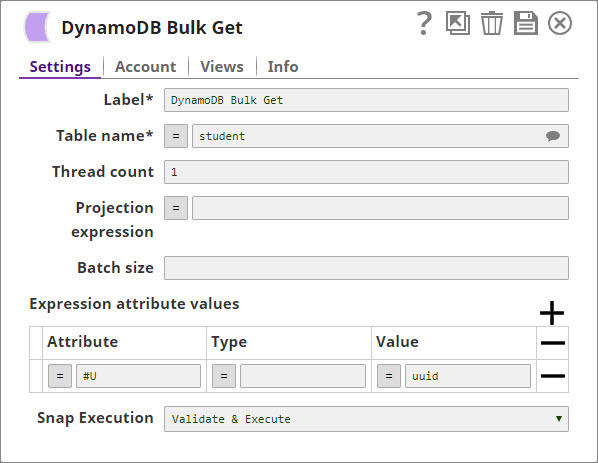
Configure the DynamoDB Bulk Get Snap.
In the DynamoDB Bulk Get Snap settings:
- Account: Select your configured DynamoDB account.
- Table name: Enter the name of your student records table.
- Thread count: Set the number of parallel threads for bulk operations (for example, 2).
- Projection expression: Specify the attributes to retrieve (for example, StudentID, Name, Course, Grade).
- Batch size: Define the number of records per batch request (for example, 25).
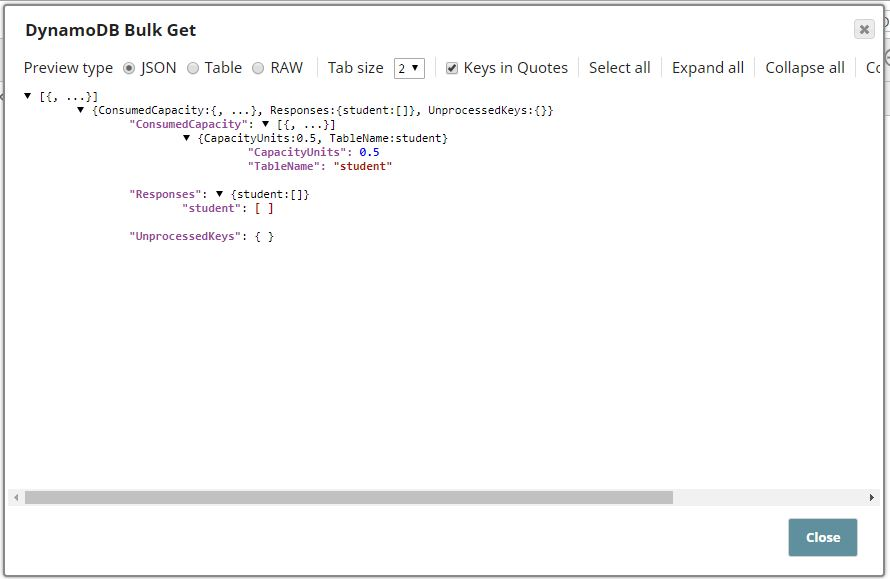
The DynamoDB Bulk Get Snap retrieves the student records from the DynamoDB table. The output displays the requested attributes for each student record.