Create a List item in SAP Concur

This example assumes that you have configured and authorized a valid Concur Account. For more information, refer to the SAP Concur OAuth2 account.


Download this Pipeline
  1. The following pipeline demonstrates how to use the SAP Concur Write Snap to create a new List item via the ListItems API endpoint in SAP Concur.
  2. Configure the JSON Generator Snap to pass the JSON input of a new Listitem.
  3. Next, configure the Mapper to map the data from the JSON Generator Snap to the SAP Concur Write Snap as the input for the Snap. The input schema is provided by SAP Concur Write Snap.
  4. Configure the SAP Concur Write Snap as shown below:
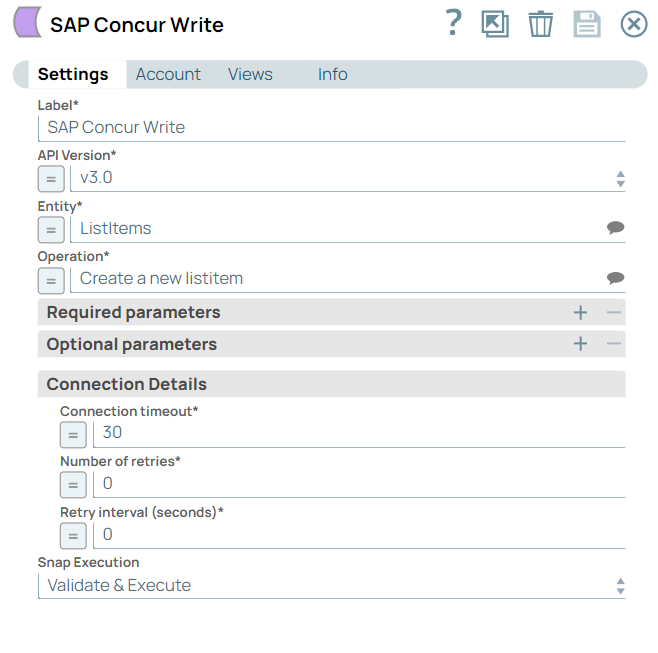

  5. A successful validation of the Snap displays the output with the query results. Configure the JSON Formatter and the File Writer Snaps downstream of the SAP Concur Write Snap to format and record data in a new file.
To reuse the example pipelines:
  1. Download and import the SLP file into your Environment.
  2. Configure Snap accounts.
  3. Provide Pipeline parameters, if any.