


Creating Multiple Records
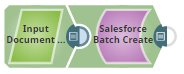
The following example Pipeline of Salesforce Batch Create Snap shows how to create multiple records in Salesforce in a batch.
Download this Pipeline
-
In the Pipeline execution:
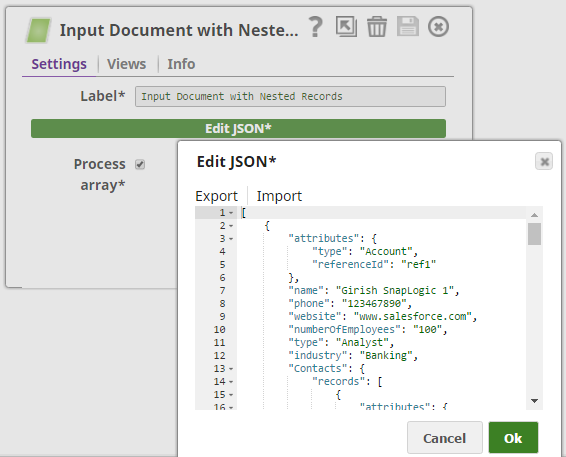
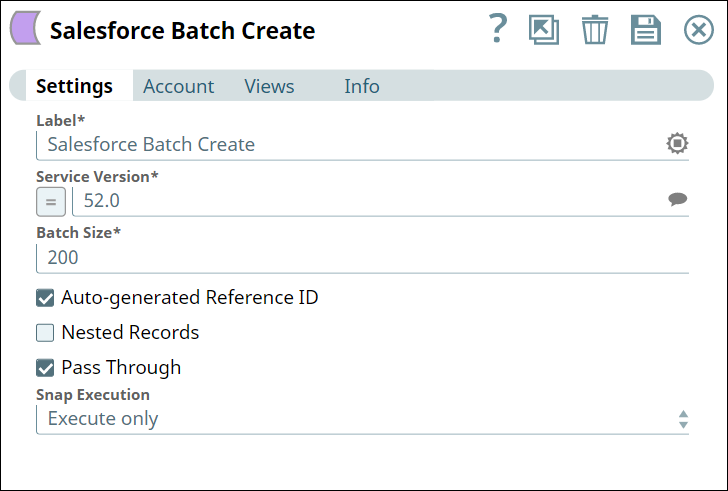
-
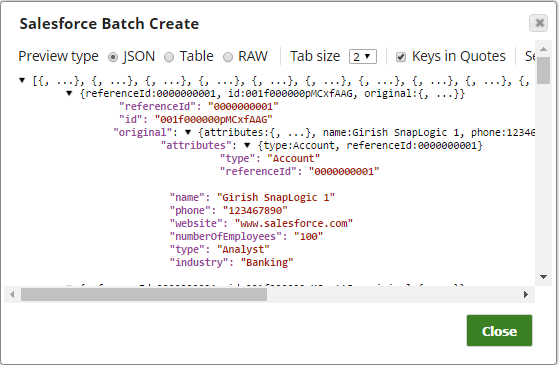
Successful execution of the Snap gives the following preview:
- Download and import the SLP file into your Environment.
- Configure Snap accounts.
- Provide Pipeline parameters, if any.