


Insert catalog categories into ServiceNow
This example pipeline demonstrates how to insert a new record in a ServiceNow table. It maps static data values for the name and price fields and inserts the formatted data into the ServiceNow catalog_category_request table.
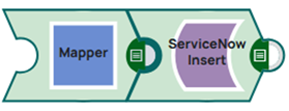
Download this Pipeline
-
Configure the Mapper Snap to map ServiceNow record details to the input fields of the ServiceNow Insert Snap.
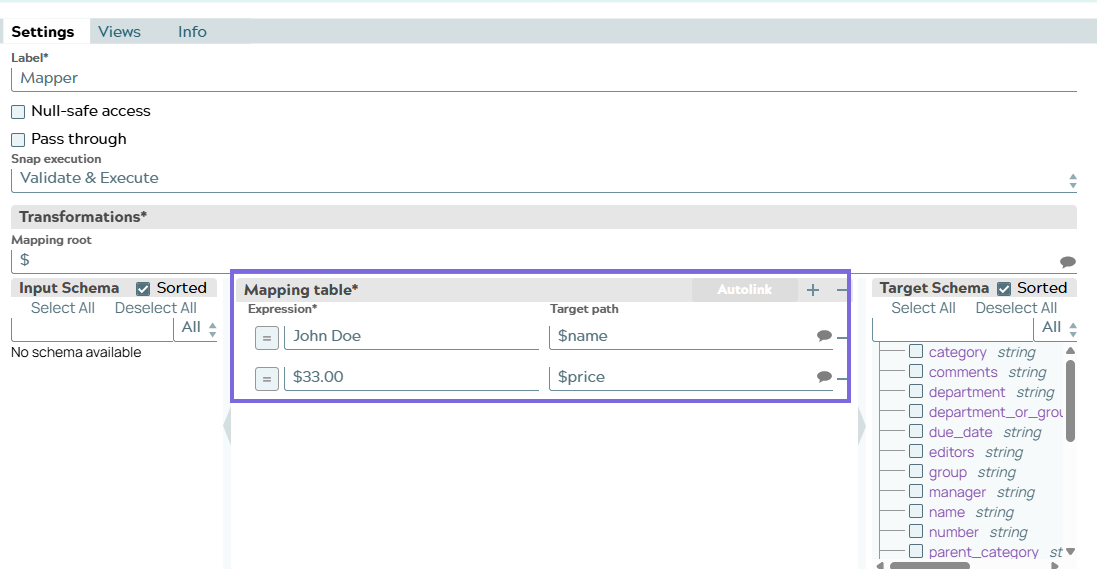
-
Connect the ServiceNow - Insert Snap with the target table name (catalog_category_request). It inserts the mapped data into the ServiceNow catalog_category_request table
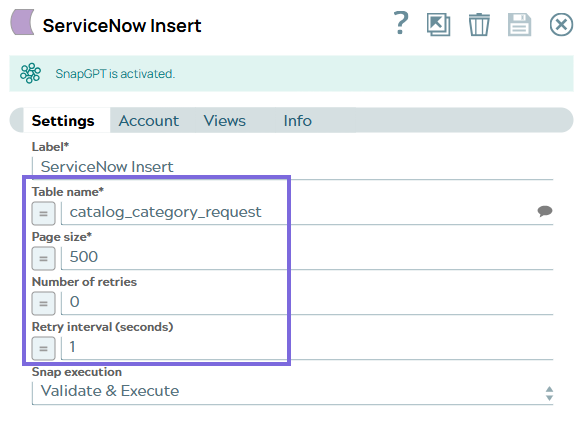
-
Execute the pipeline to insert the records. Preview the data to verify successful insertion.
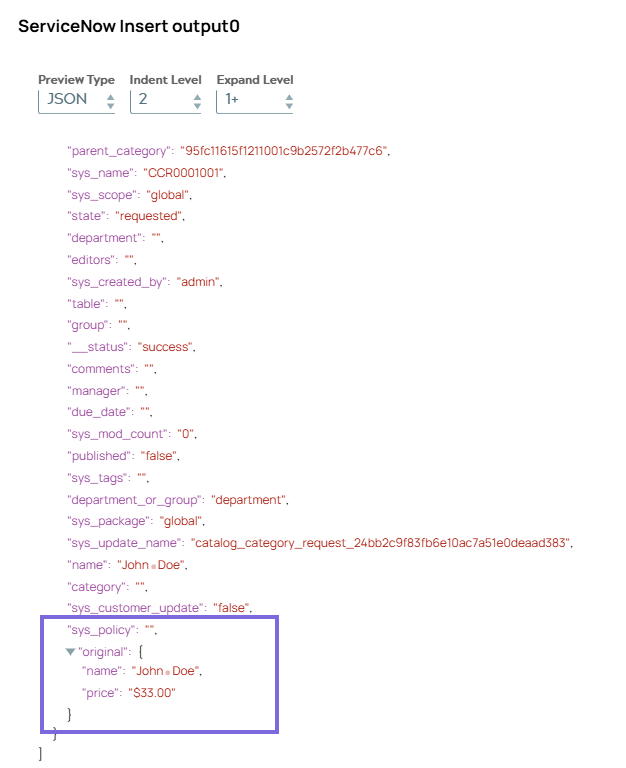
- Download and import the SLP file into your Environment.
- Configure Snap accounts.
- Provide Pipeline parameters, if any.