


Update records using array filters
This example pipeline demonstrates how to use the Array filters field to update records with filter conditions on array elements within MongoDB documents.
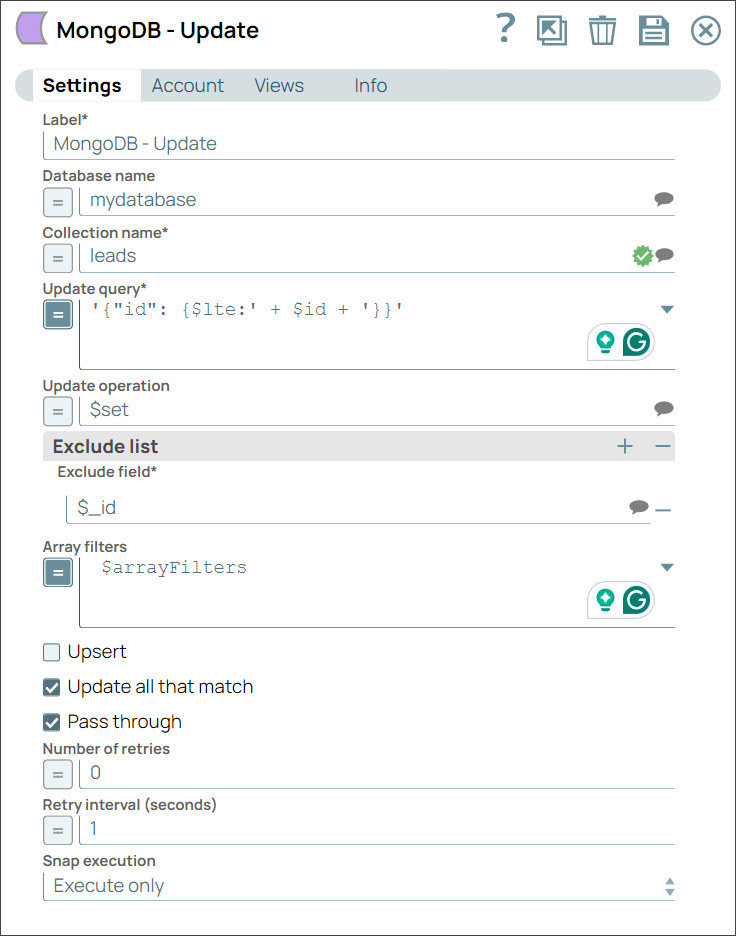
In this pipeline, we shall:
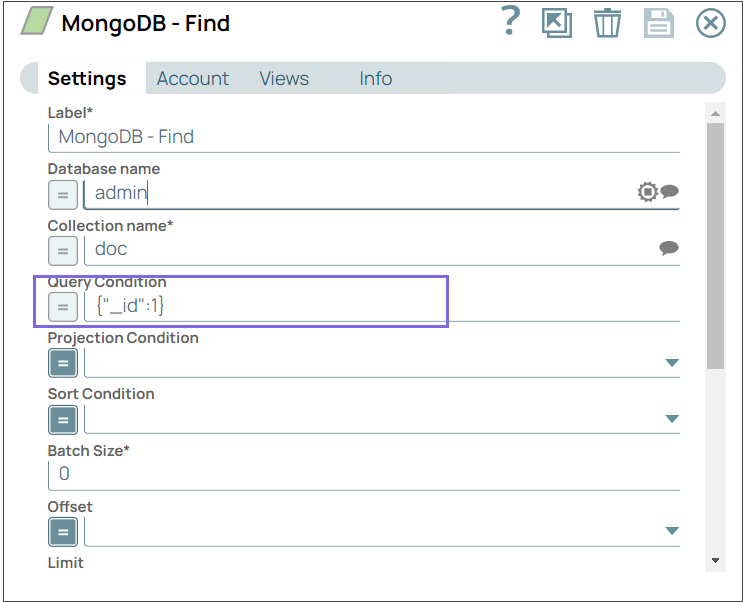
- Configure the MongoDB - Find Snap to search all the records with record id = 1
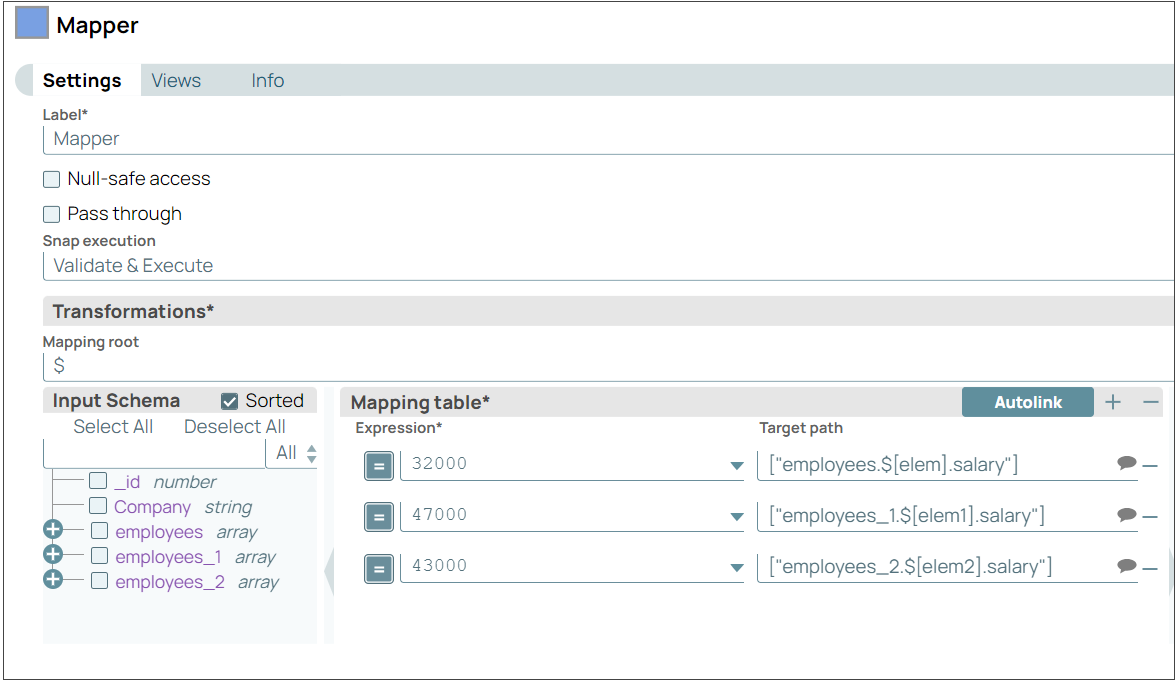
- Configure the Mapper Snap with the employees' salaries to be updated for employees, employees_1, and employees_2 elements within the record id = 1
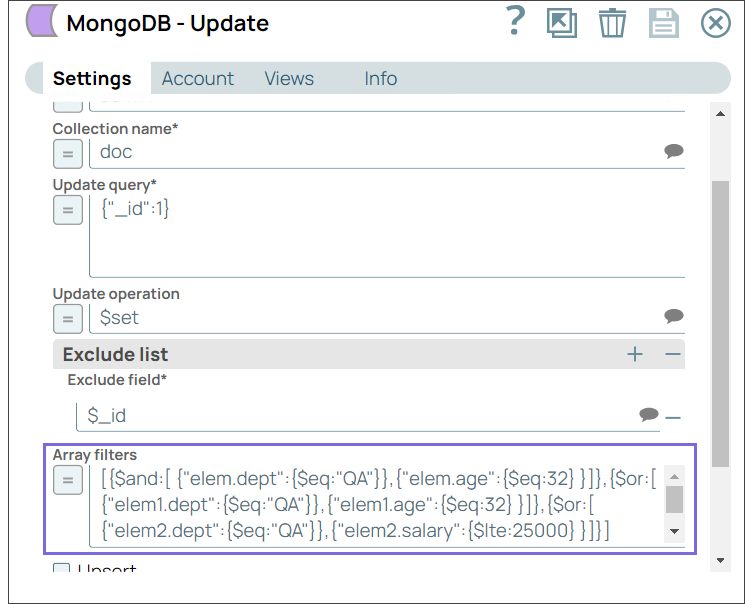
- Configure the MongoDB - Update Snap with filter conditions for array elements
-
Configure the MongoDB - Find Snap to search all the records with record id = 1.
-
Configure the Mapper Snap with the employees' salaries to be updated for employees, employees_1, and employees_2 elements within the record id = 1.
-
Configure the MongoDB - Update Snap with the following filter conditions:
{{elem.dept = QA} and {elem.age = 32}}{{elem1.dept = QA} or {elem1.age = 32}}{{elem2.dept = QA} or {elem2.salary <= 25000}}
-
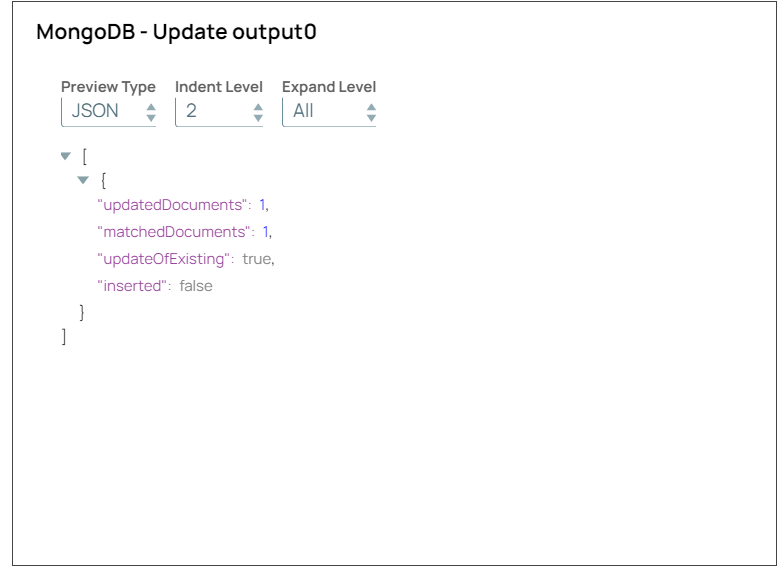
Validate the pipeline.
You can see that the record with id equals to 1 with multiple elements is updated based on the matched conditions.
- Download and import the pipeline into SnapLogic.
- Configure Snap accounts as applicable.
- Provide pipeline parameters as applicable.