


Reading Records in Bulk
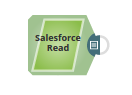
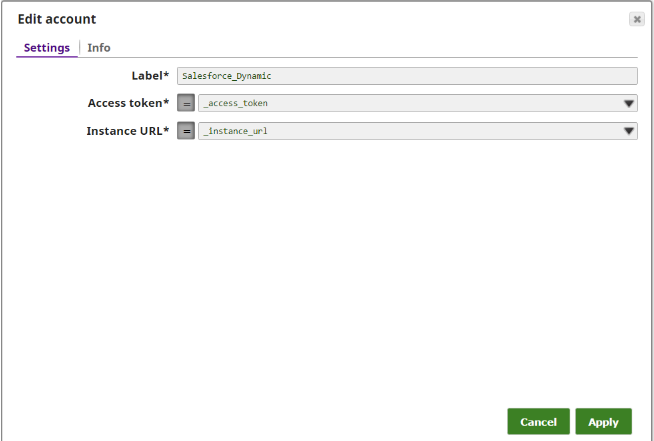
The Salesforce Read Snap reads the records from the Standard Object, Account, and retrieves values for the 10 output fields (Output field limit) starting from the 3rd field (Output field offset). Additionally, we are passing the values dynamically for the Access token and the Instance URL fields in the Account settings of the Snap by defining the respective values in the pipeline parameters.
See also: Pipeline: Salesforce.com Data to a File
-
The Salesforce Read Pipeline.
-
For this Pipeline, define the two Pipeline parameters:
access_Token
instance_URL

-
The Salesforce Read Snap reads the records from the Standard object, Account, to the extent of 10 output fields starting from the 3rd record(by defining the properties- Output field limit and Output field offset with the values 10 and 3 respectively).

-
Set Access token to _access_token and Instance URL to _instance_url. Note that the values are to be passed manually and are not suggestible.
-
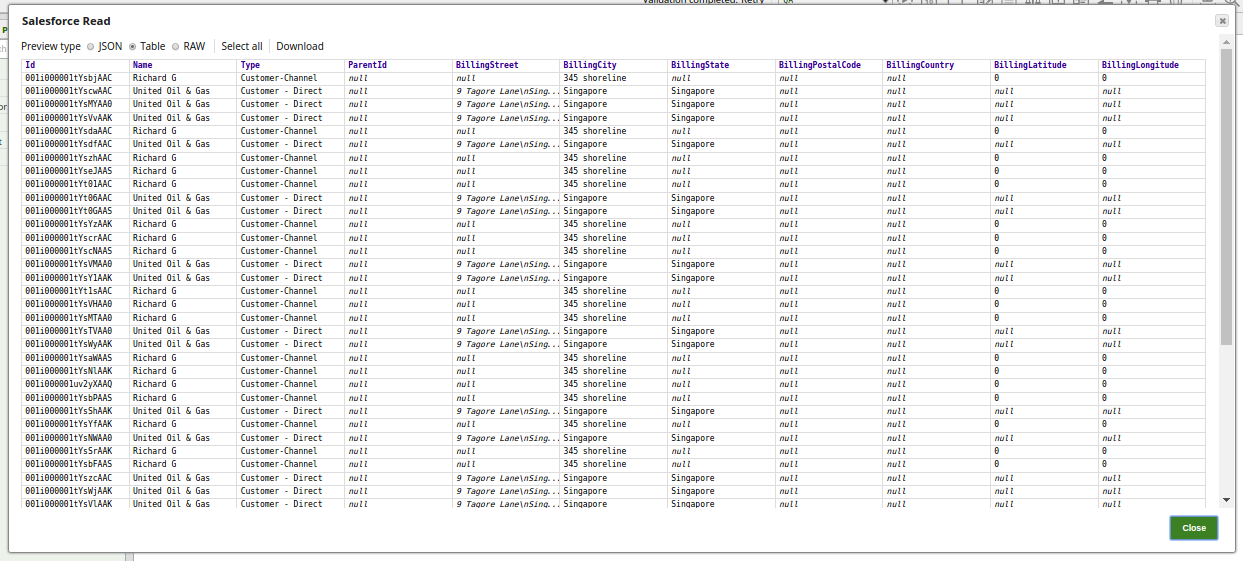
Successful execution of the Pipeline displays the below output preview:
- Download and import the SLP file into your Environment.
- Configure Snap accounts.
- Provide Pipeline parameters, if any.