


Delete a dataset from BigQuery
This example pipeline demonstrates how to delete a dataset from Google BigQuery using the BigQuery Dataset Delete Snap.
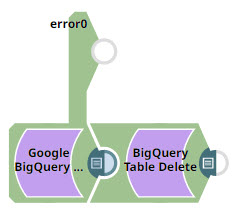
Download this pipeline.
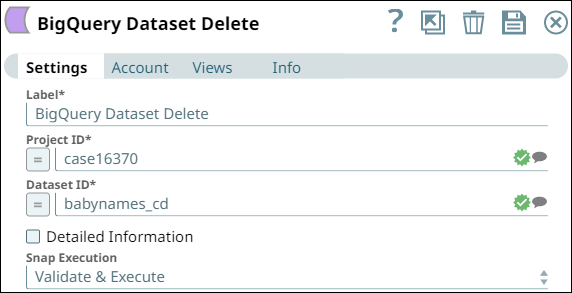
Configure the BigQuery - Dataset Delete Snap to delete a dataset.
Specify the Project ID and Dataset ID of the dataset to delete. Optionally enable Delete Contents to delete all tables in the dataset.
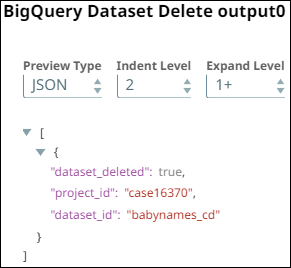
On validation, the Snap deletes the dataset and displays the operation status.
| BigQuery - Dataset Delete Snap configuration | BigQuery - Dataset Delete Snap output |
|---|---|
 |
 |
- Download and import the pipeline into SnapLogic.
- Configure Snap accounts as applicable.
- Provide pipeline parameters as applicable.