


Using the debug Output View
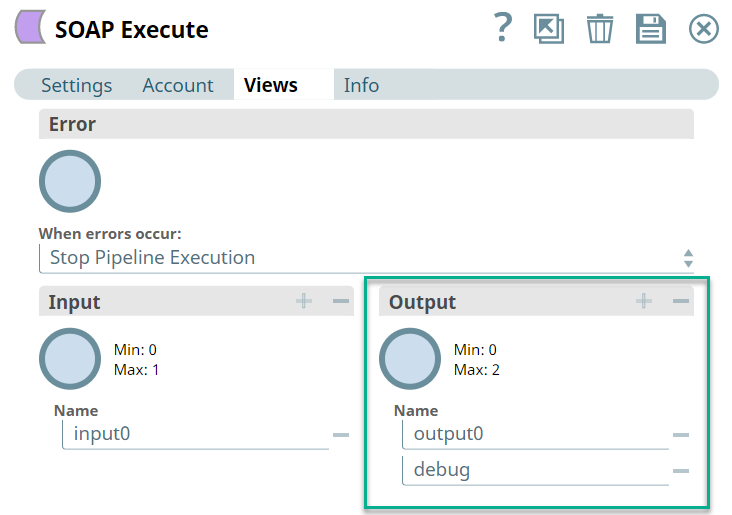
You can add a second output view named debug (all lower-case) to view the details of the SOAP request. For every SOAP call, the Snap writes two separate output documents to the debug view. The first document contains the request headers and envelope. The second document contains the response data.
For example, consider the following SOAP Execute Snap with two output views:
Below is a snapshot of the output from both output views:
| output0 (default output) | debug |
|---|---|
.png) |
.png) |