Edit an endpoint
-
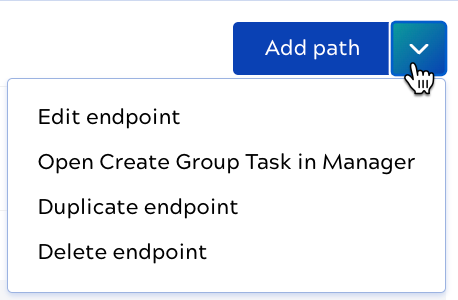
In the endpoint section, click the Add path dropdown:
-
Select Edit endpoint.
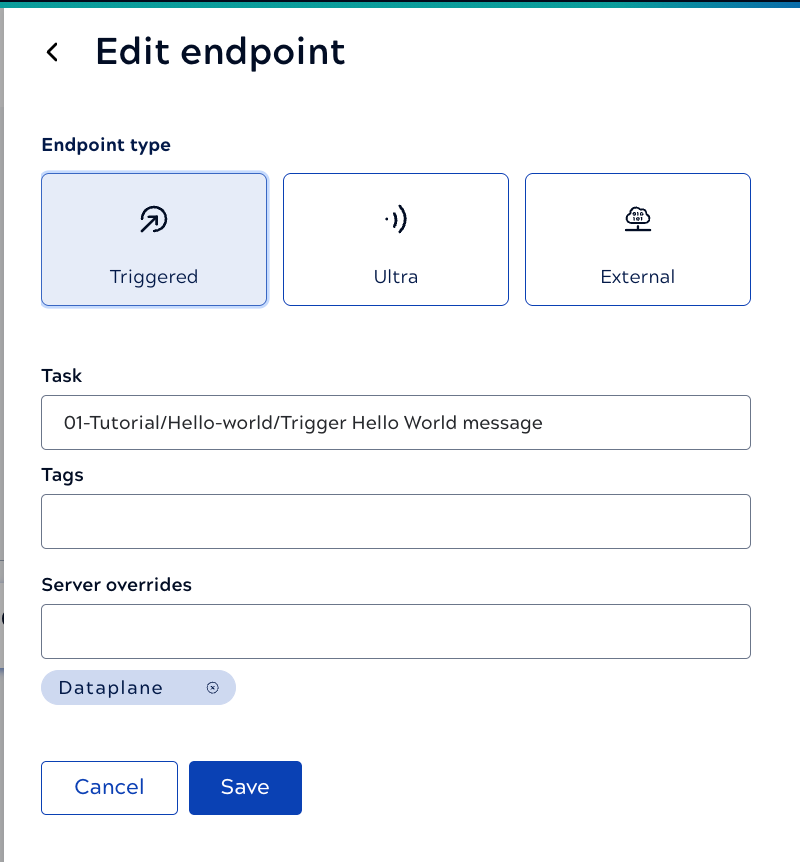
The Edit endpoint panel displays. The image shows a native endpoint. External endpoints include different options, including an Upstream URL field. Refer to Add external endpoint for details.