


Search and mark an email as read (Search Email)
We use an example where we are going to search for an email from an individual's mailbox with required inputs and mark it as read. In this example, our Pipeline activities are as follows:
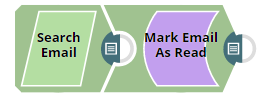
Download this Pipeline
-
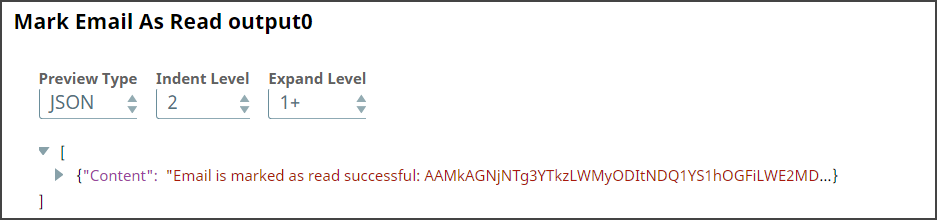
Marking an email as read using Mark Email As Read Snap.
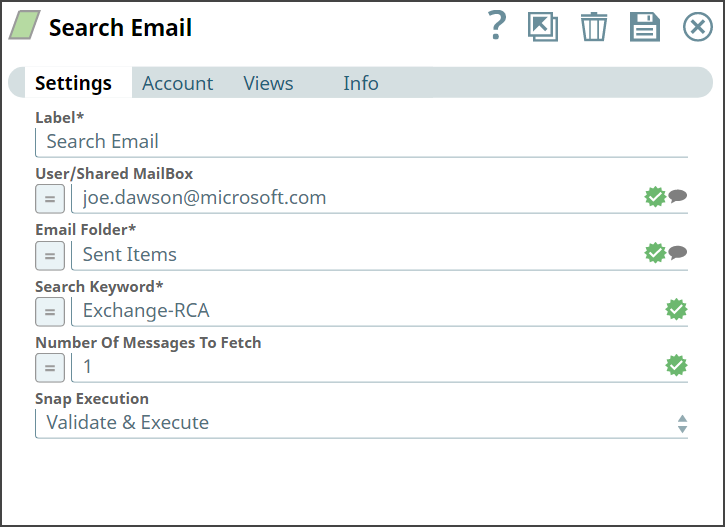
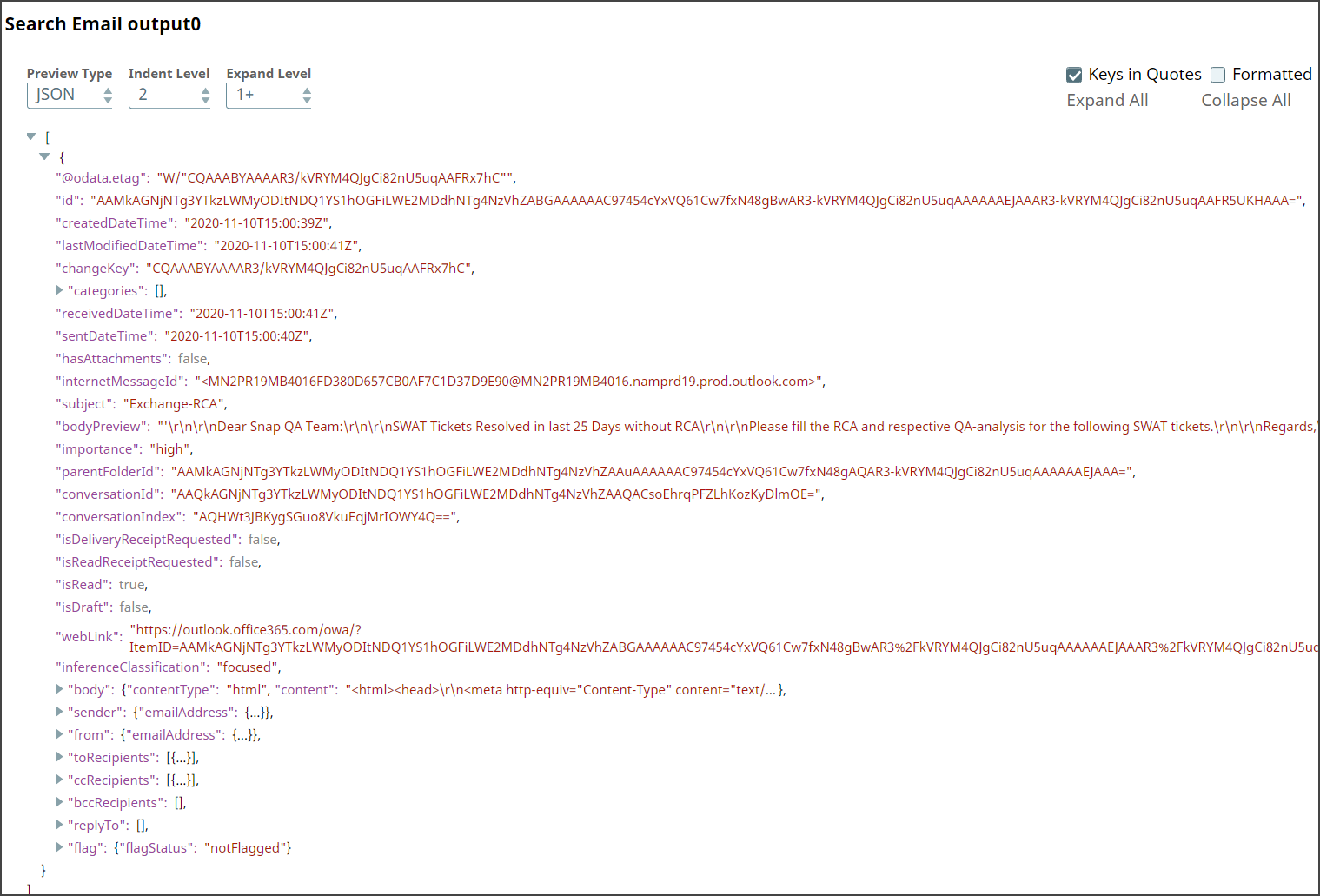
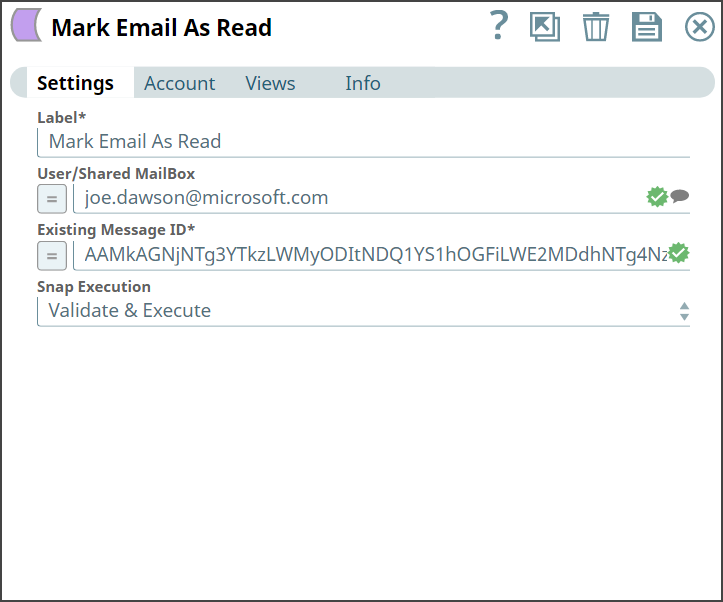
- Download and import the pipeline into SnapLogic.
- Configure Snap accounts as applicable.
- Provide pipeline parameters as applicable.