Sequence Snap without Input
This pipeline, Sequence_Snap_Without_Input_Data, demonstrates a basic Sequence Snap without any input data. Upon execution, the Snap generates a sequence of numbers based on the Snap's settings.
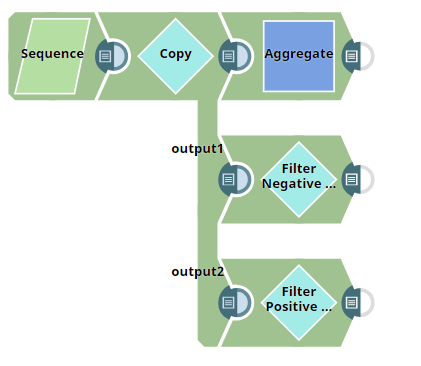
Download this pipeline
-
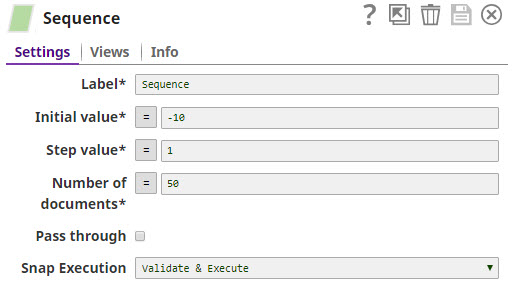
The Sequence Snap is configured as shown below:
-
Configure the Sort Snap to sort the Age in descending order and the Last Name as
global. Further, set the Sort order (Global) as ascending.
-
Validate the Snap. The Sort Snap displays the following output, with Age in descending
order and, further, the Last Name in ascending order.
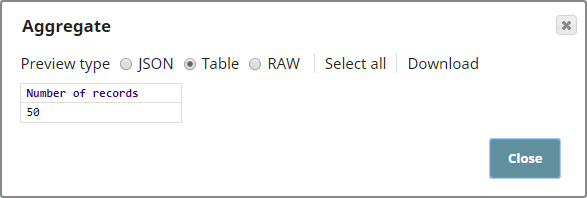
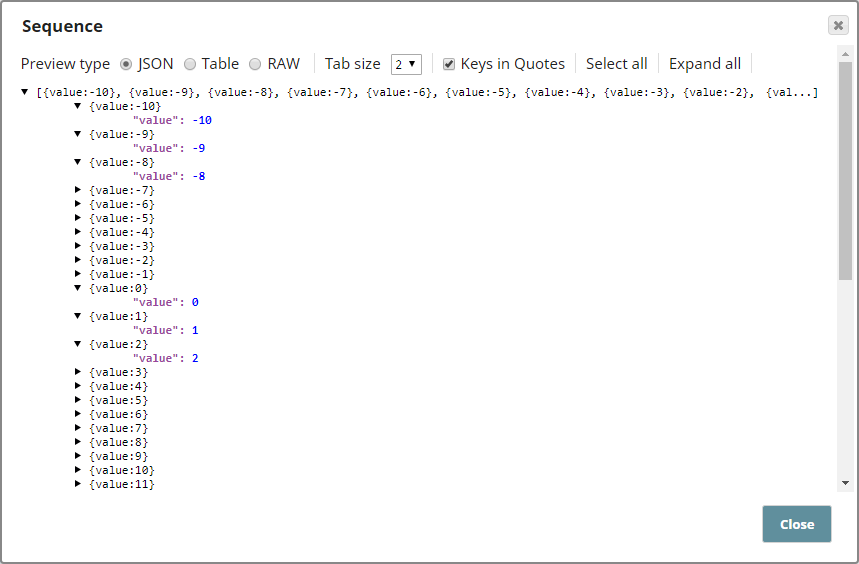
The initial value is -10 and this is incremented by 1 to output a total 50 records. The output from the Sequence Snap is a sequence of numbers -10, -9, -8, and so on, as shown below: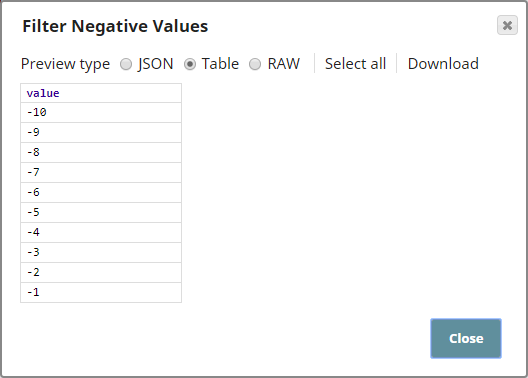
-
The downstream Snaps are configured to demonstrate a typical use case for the Sequence
Snap. In this example, an Aggregate Snap, and two filter Snaps are used. The Aggregate
Snap is configured to show the total number of records, and the Filter Snaps are
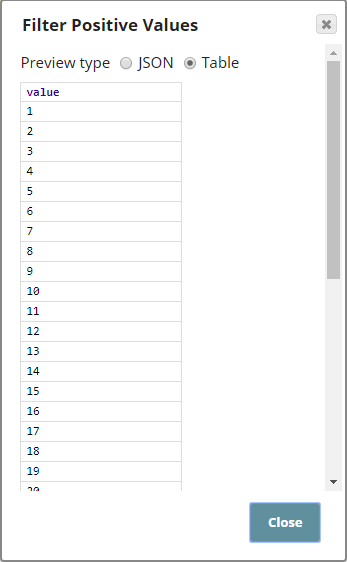
configured to filter negative and positive integers. Their outputs are as shown below: