Ingest Data from One Table to Another in Snowflake
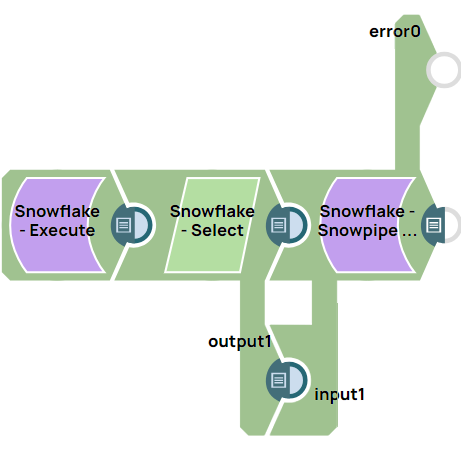
This example pipeline demonstrates how to read data from one Snowflake table and stream it into another table. The Snowflake Select Snap reads the source table, and the Snowpipe Streaming Snap writes the selected records to the target table.
Here's the execution flow of the pipeline:
-
Source Table: The table where new data entries are continuously added.
-
Snowpipe Streaming Snap: This Snap monitors the source table for new data and streams the data in real time.
-
Target Table: The destination table where the streamed data is inserted.
-
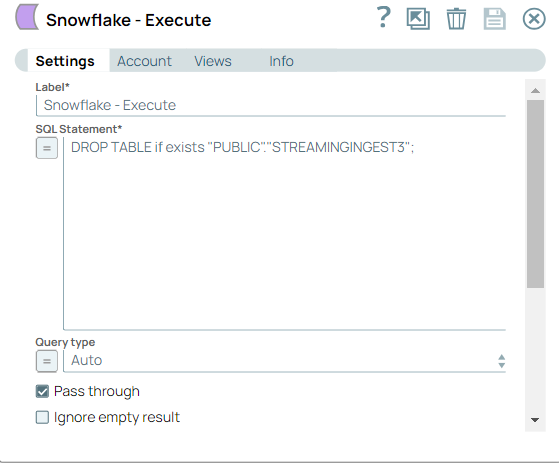
Configure the Snowflake - Execute Snap to delete the existing table.
-
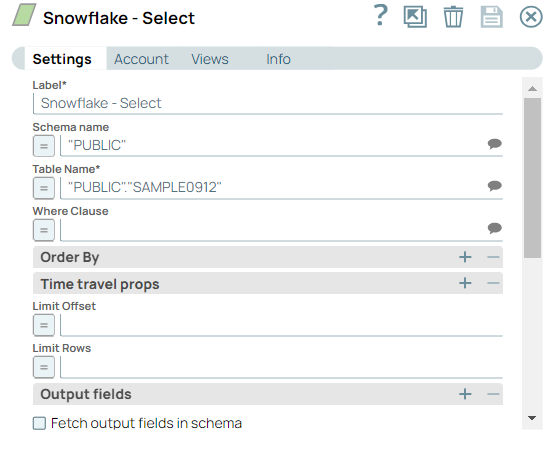
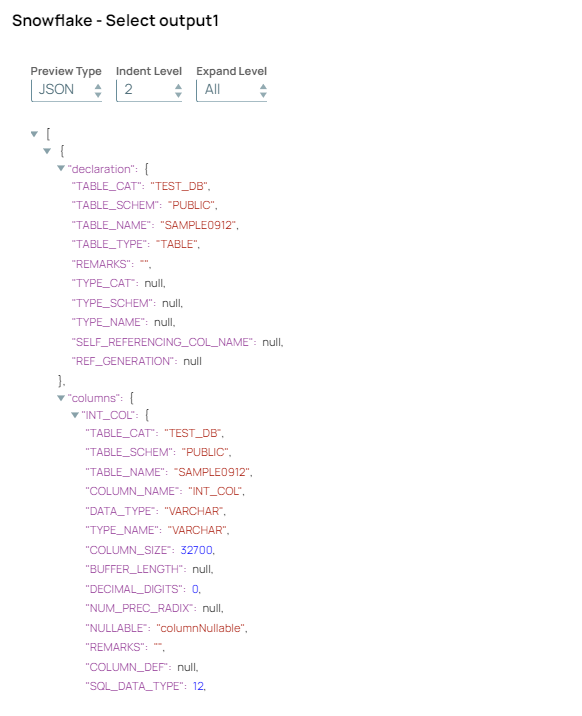
Configure the Snowflake - Select Snap with Schema name and Table name fields. Add the second
output view for Snowflake - Select to pass the schema to the downstream
Snowflake - Snowpipe Streaming Snap to enable table creation.
-
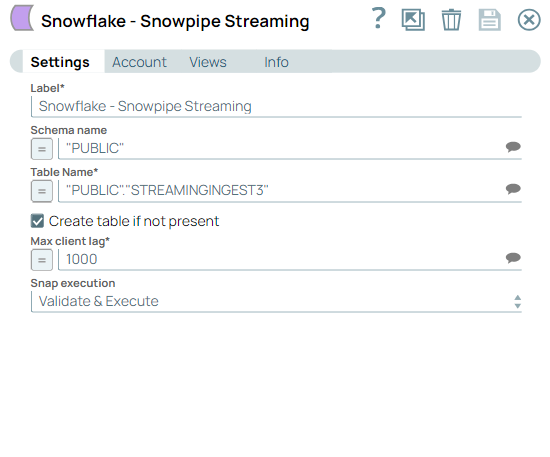
Configure the Snowflake - Snowpipe Streaming Snap to ingest the data into the Snowflake database as and when
available.
-
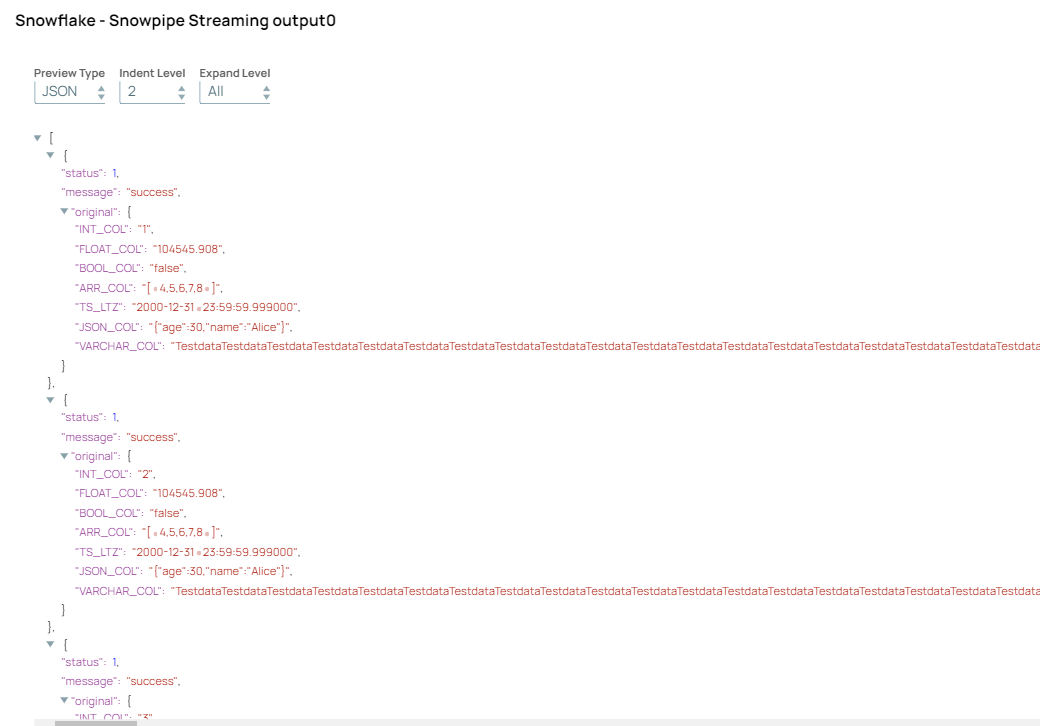
Validate the Snap. On validation, the data is successfully inserted into the
Snowflake database.