Log in to the Developer Portal
An API consumer without SnapLogic credentials can create an account and manage user settings in the Developer Portal in your environment (Org).
Overview
An API consumer without SnapLogic credentials can create an account and manage user settings in the Developer Portal in your environment.
Create an Account
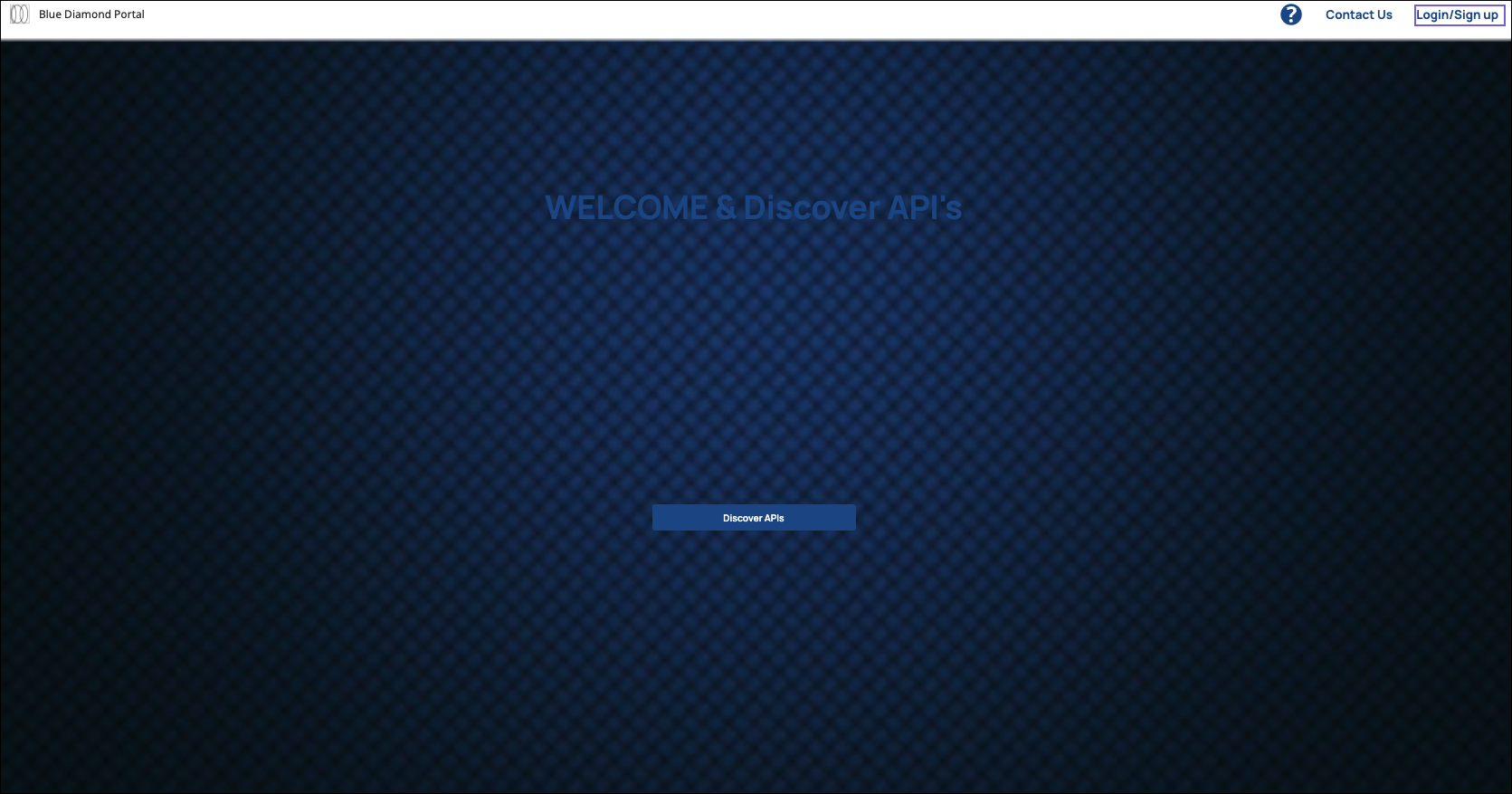
- In the top right corner of the Developer Portal login page, click
Login/Sign-Up.
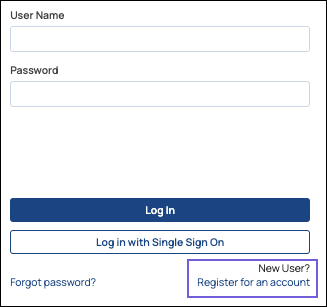
- In the Login dialog, click Register for an account.
- Enter the information for your user account, then click Register
Account:
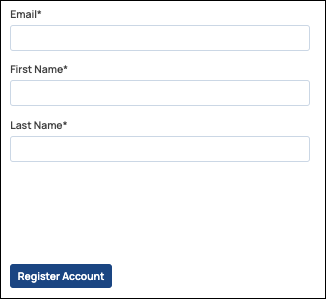
- First Name
- Last Name
- When the Success message appears, click Return to Login.
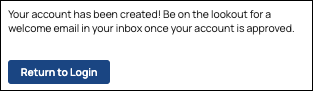
You will receive a confirmation email once your account is approved by an Environment admin.
Configure Your User Settings
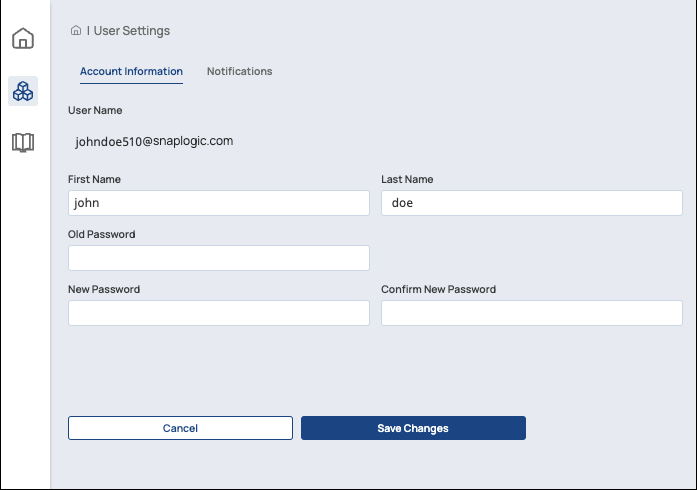
As a Developer Portal user, you can modify your Account Information and view your Notifications on the User Settings page.
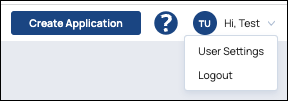
- Click your profile icon in the top right corner and click User
Settings.
- You can change your first and last name and your password in the Account
Information tab. After you are finished, click Save
Changes.
- When the confirmation message appears, click Ok.
View Notifications
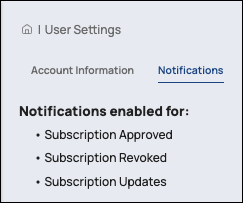
As a Developer Portal user, you can click the Notifications tab to view your email notification settings. You receive email notifications when your subscription is approved, revoked, or updated. Only an Environment admin can change these settings.