Select data from a MySQL database table
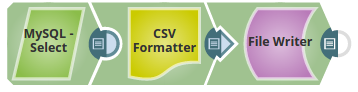
This example pipeline demonstrates how to retrieve data from a MySQL database table using the MySQL Select Snap.
 Download this Pipeline
-
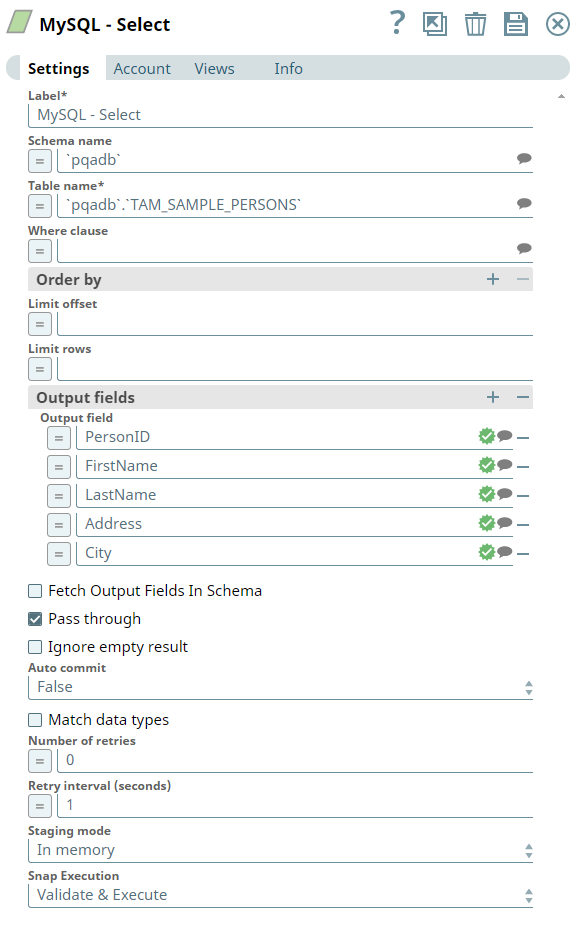
Configure the MySQL Select Snap.
In this example, the Snap is configured to select all records from the
employeestable:- Schema Name: Leave blank to use the default schema.
- Table Name:
employees - Filter: Leave blank to retrieve all records.
- Output Fields: Select specific columns or leave blank to retrieve all columns.
-
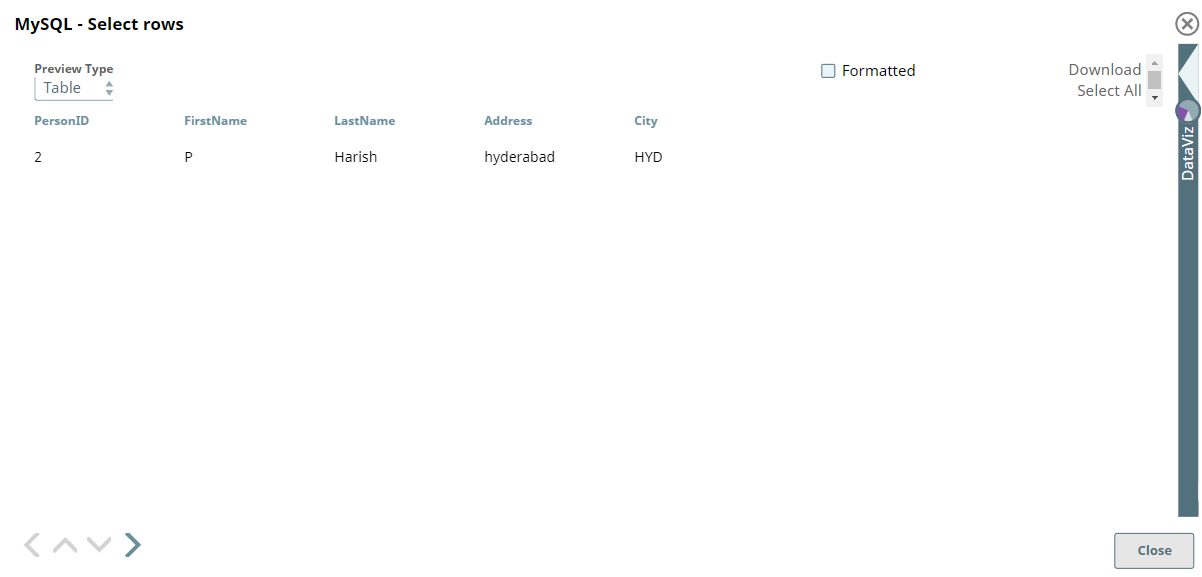
Validate and execute the pipeline.
The MySQL Select Snap retrieves the data and outputs it as documents.
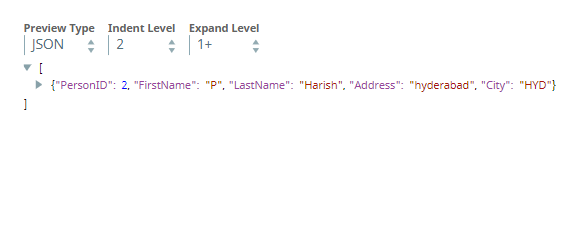
The pipeline successfully retrieves data from the MySQL database table and outputs each row as a separate document.