


Manage an email in a mailbox (Flag Email)
We are using an example of email management, where we have a chain of email Snaps functioning respectively to perform tasks for the mails in the mailbox. In this example, our Pipeline activities are as follows:
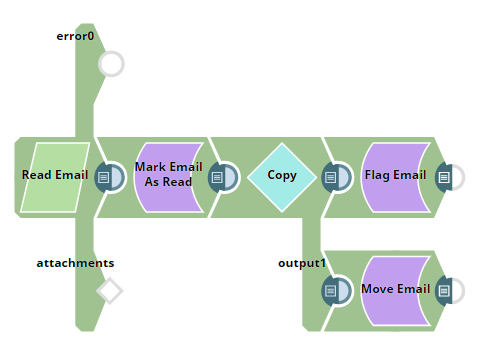
Download this Pipeline
-
Reading an email using Read Email Snap.
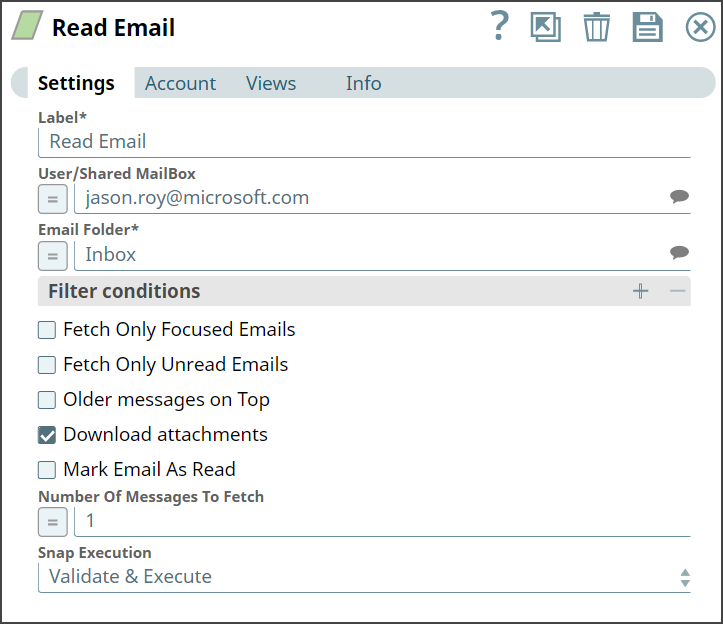
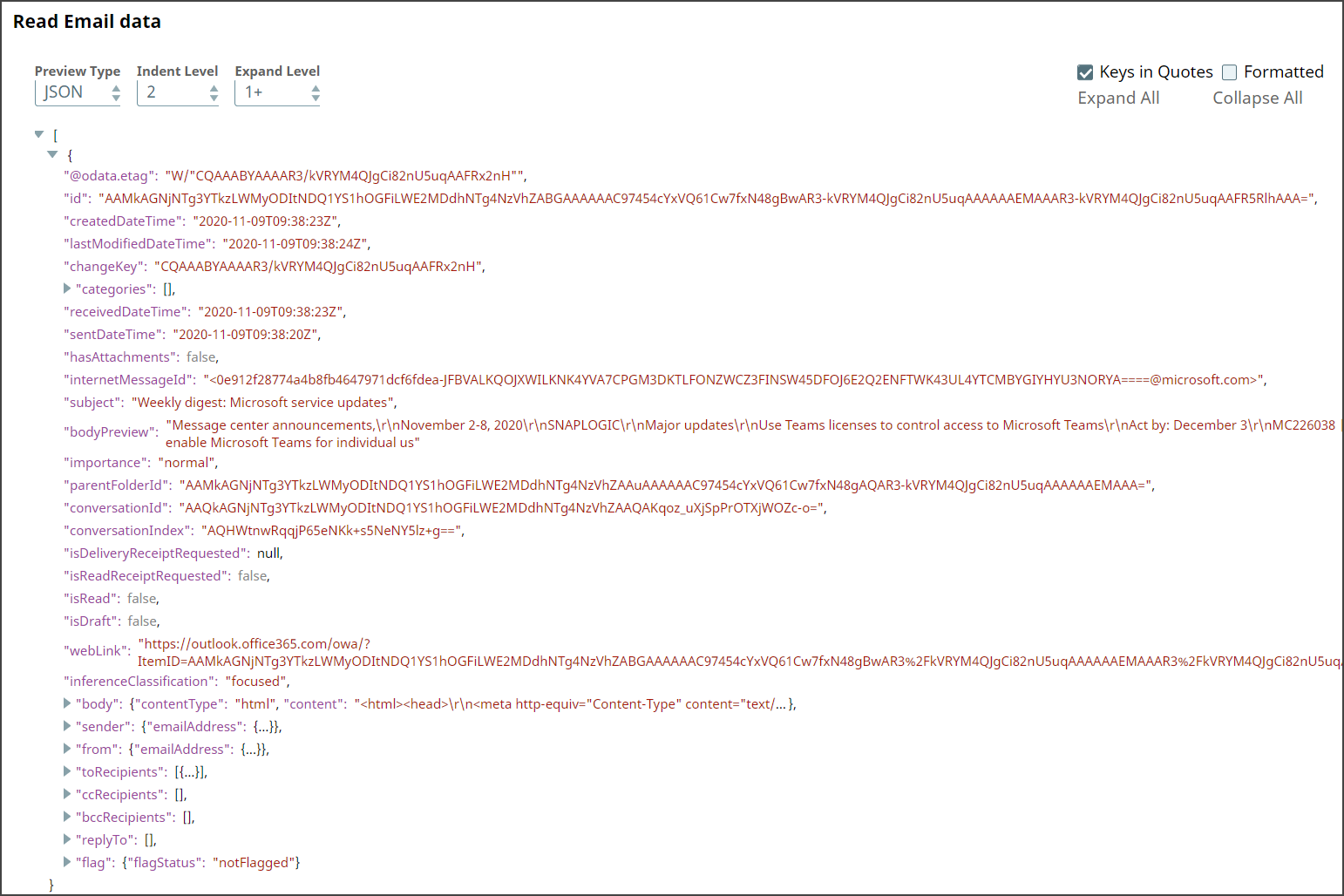
Upon execution, we see an output with email details from the desired folder.
-
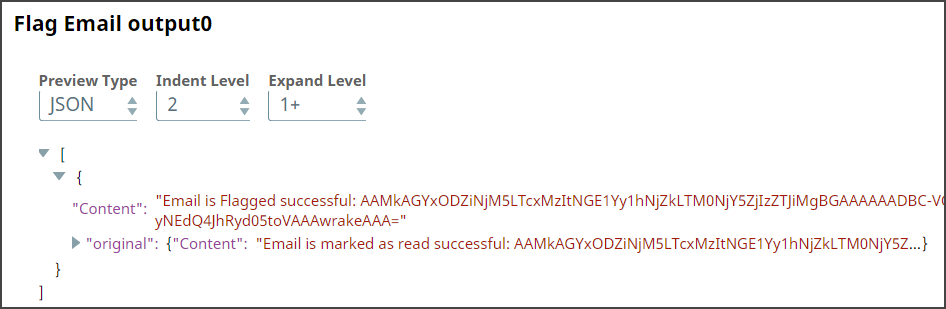
Flagging an email using Flag Email Snap.
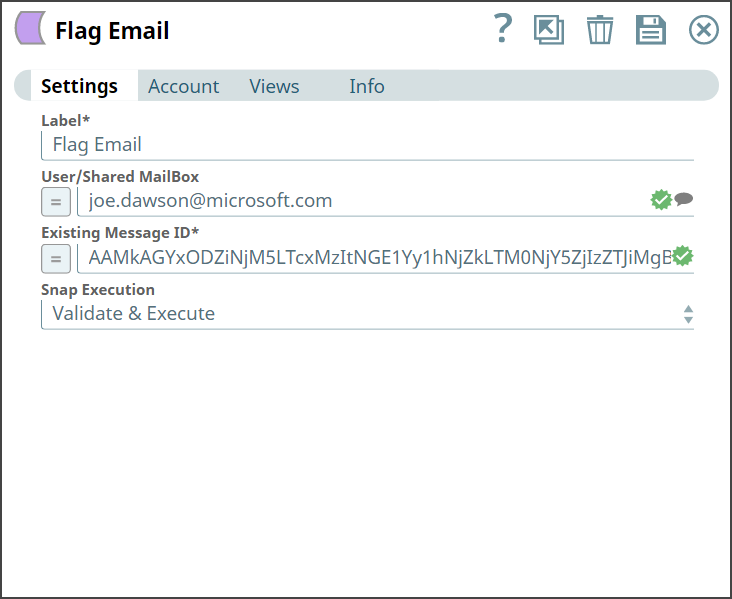
Upon execution, we see an output confirming flagging the desired email.
-
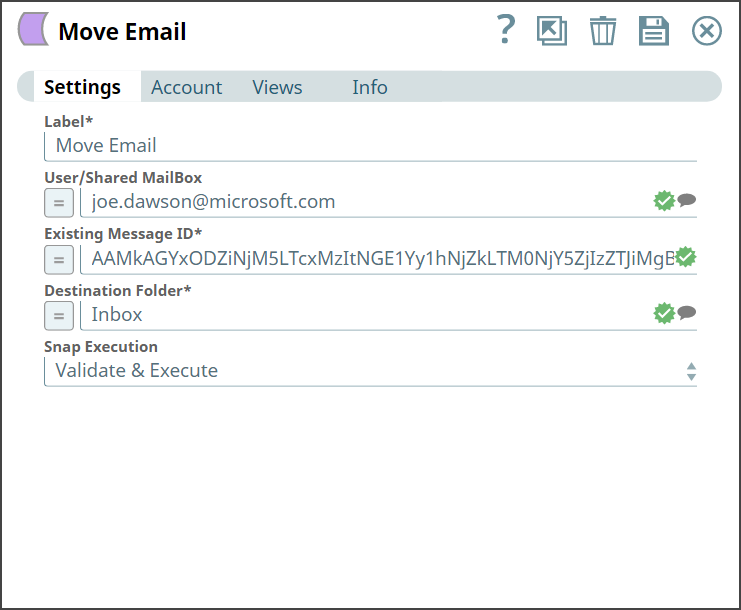
Moving an email using Move Email Snap.
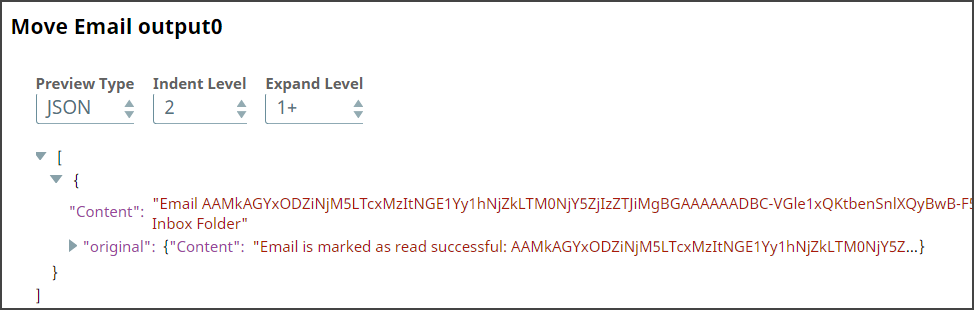
Upon execution, we see an output confirming that the email has moved to the destination folder.
- Download and import the pipeline into SnapLogic.
- Configure Snap accounts as applicable.
- Provide pipeline parameters as applicable.