


Neo4j Schema Discovery
Overview
The Neo4j Schema Discovery Snap retrieves the node labels, relationship types, and property keys defined in the target Neo4j database.
The Snap requires no configuration beyond an account. Use it to inspect an unfamiliar graph before building a pipeline, or to drive downstream Snaps that iterate over the labels present in the database. The Snap reads schema metadata only; it does not return node or relationship data.
- This is a Read-type Snap.
Supported Accounts
Snap views
| Type | Description | Examples of upstream and downstream Snaps |
|---|---|---|
| Input |
This Snap has at most one document input view. The Snap ignores the content of the incoming document; connecting an input view only controls when the Snap runs. |
|
| Output |
This Snap has one document output view. The Snap emits the node labels, relationship types, and property keys defined in the database named in the account. |
|
| Learn more about Error handling. | ||
Snap settings
| Field/Field set | Description |
|---|---|
Label* String |
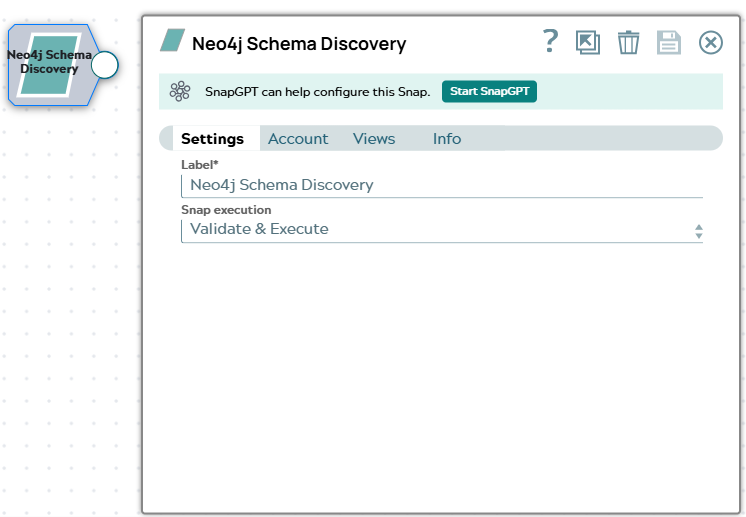
Specify a unique name for the Snap. Modify this to be more appropriate, especially if more than one of the same Snaps is in the pipeline. Default value: Neo4j Schema Discovery |
|
Snap execution Dropdown list
|
Choose one of the three modes in
which the Snap executes. Available options are:
Default value: Validate & Execute |
Troubleshooting
| Error | Reason | Resolution |
|---|---|---|
| Neo4j operation failed | The account does not have the privileges required to call
db.labels(), db.relationshipTypes(), or
db.propertyKeys() on the target database. |
Grant the account the SHOW CONSTRAINTS and
ACCESS DATABASE privileges on the target database, or use a
database administrator account. |