


Getting All Records From Workday Using Pagination
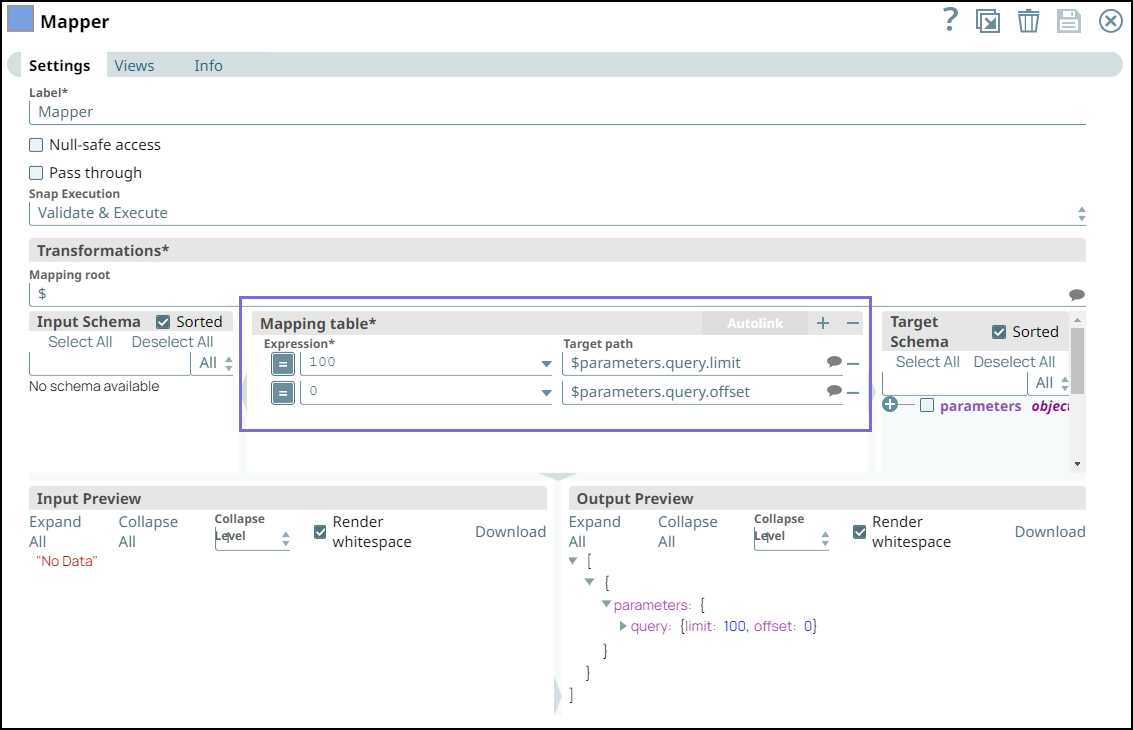
This example Pipeline demonstrates the Pagination functionality in the Workday REST Snap. In this example, we fetch all worker records from Workday using the Enable Pagination feature.
Prerequisite: A valid Workday REST OAuth2 account to access the resources from Workday.
Download this Pipeline
-
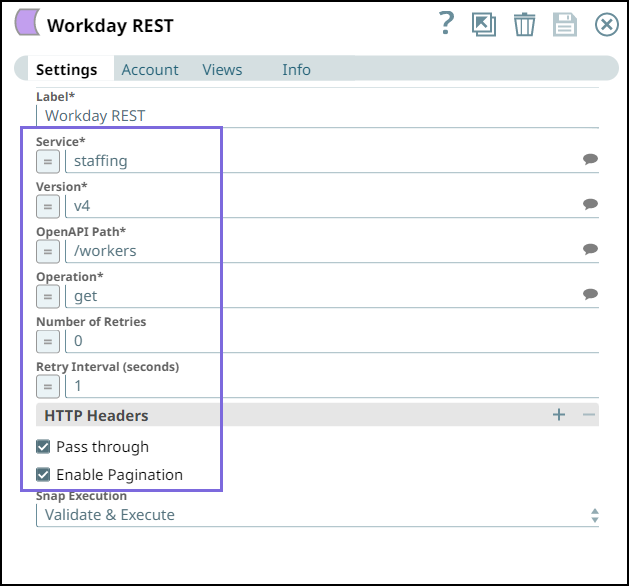
To configure the Workday REST Snap, select the Enable Pagination checkbox to enable the Snap to paginate the response.
-
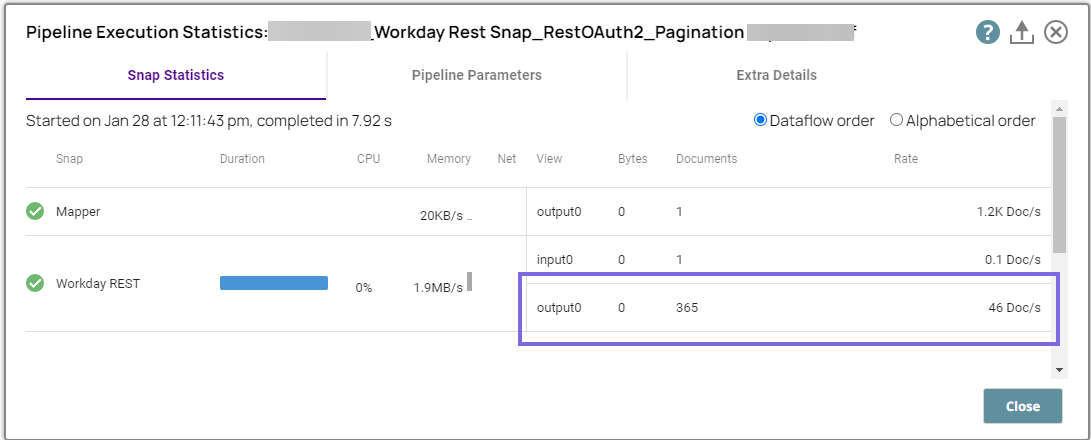
Execute the pipeline. The Snap returns all worker records (365 records in this case) with 100 records on each page.
- Download and import the SLP file into your Environment.
- Configure Snap accounts.
- Provide Pipeline parameters, if any.