


Display empty string or null data as null in the output
This example pipeline demonstrates how you can enable the Salesforce Bulk Snaps to display empty strings and null data as null in the output using the Display null or empty values as null checkbox.

Download this Pipeline
-
Configure the Mapper Snap to pass null data as follows:
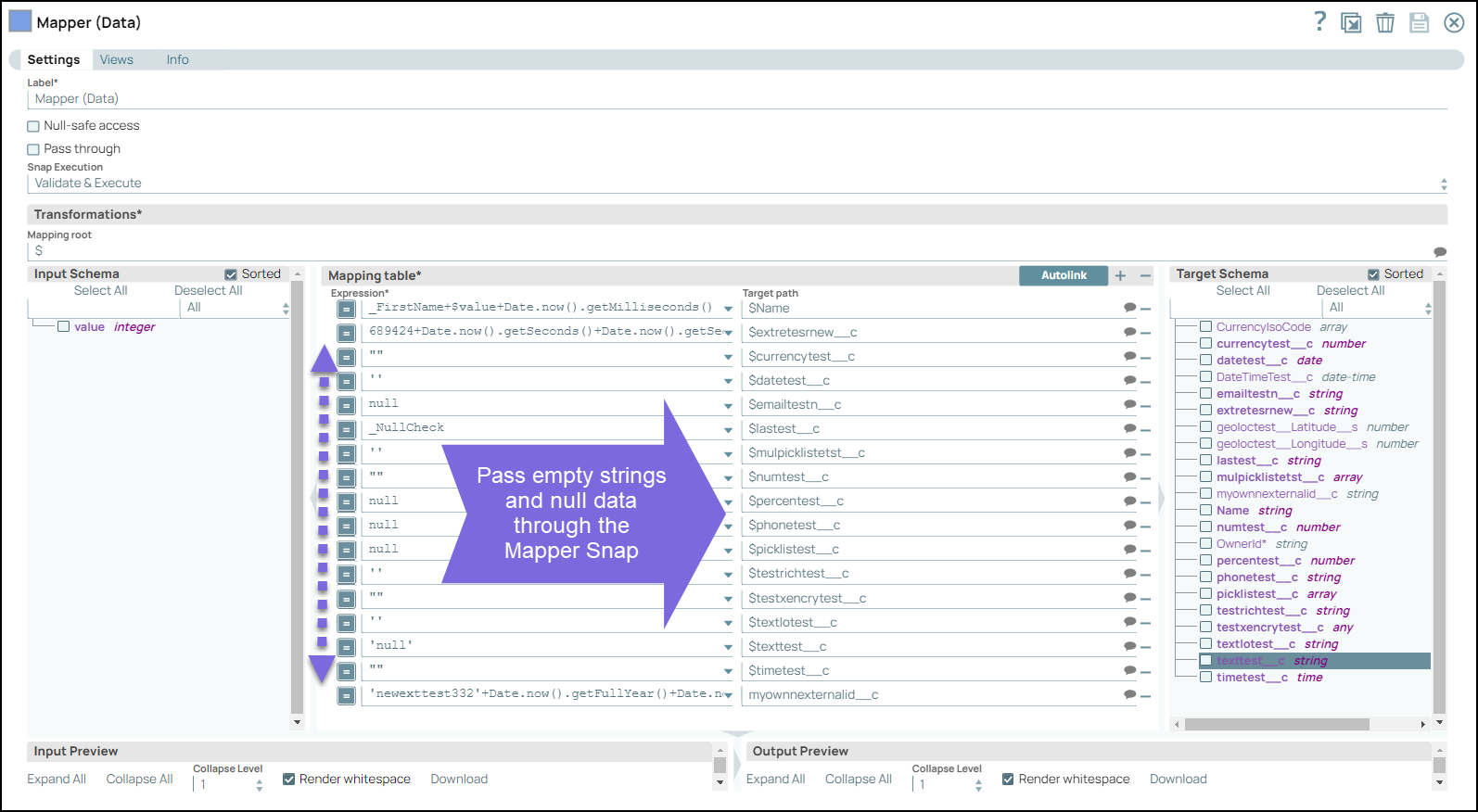
-
Configure the Salesforce Bulk Create Snap as follows:
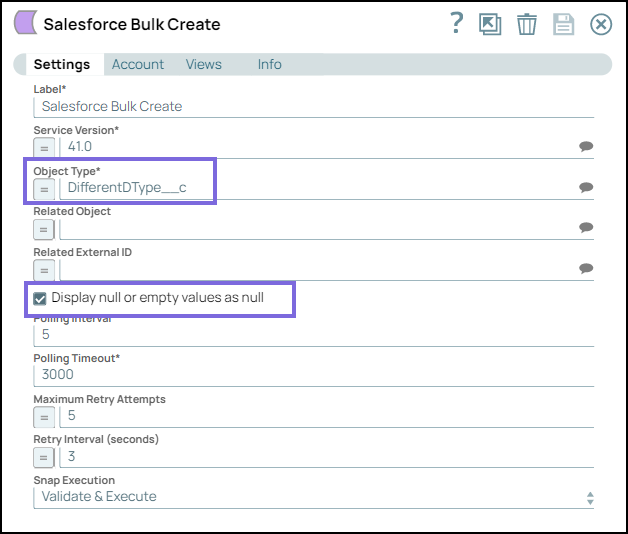
-
On validating the Snap, the empty strings and null data is displayed as null in the output.

-
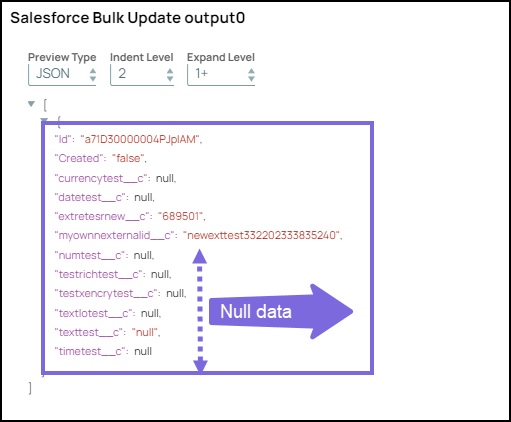
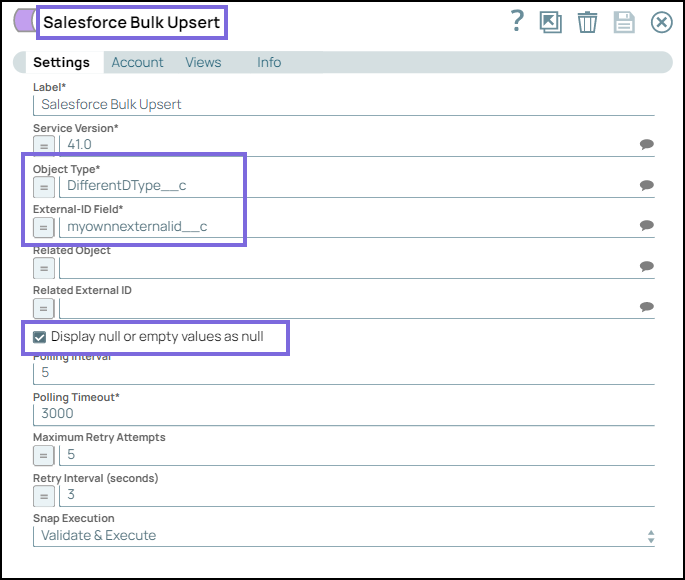
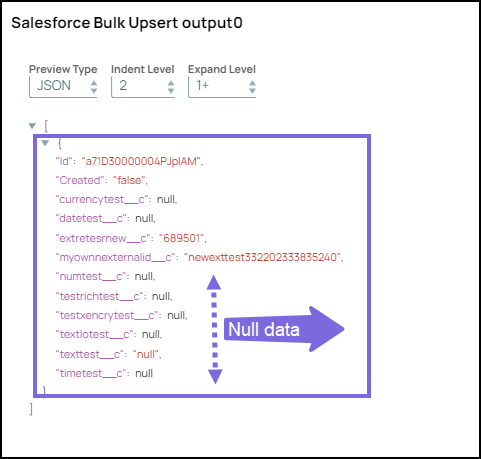
Similarly, configure the Salesforce Bulk Query, Salesforce Bulk Update, and Salesforce Bulk Upsert Snaps along with upstream Mapper Snaps to pass the input. Select the Display null or empty values as null checkbox in all the Bulk Snaps. On validating the Snaps, the output is displayed as null in the output preview of the Salesforce Bulk Create, Salesforce Bulk Upsert, Salesforce Bulk Query and Salesforce Bulk Update Snaps.
Snap Configuration Snap Output 
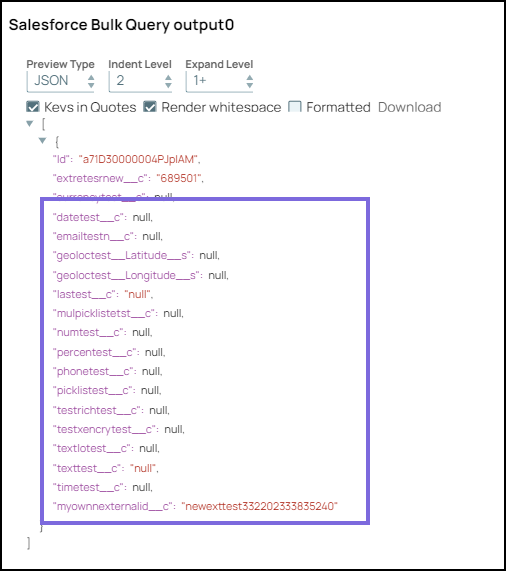
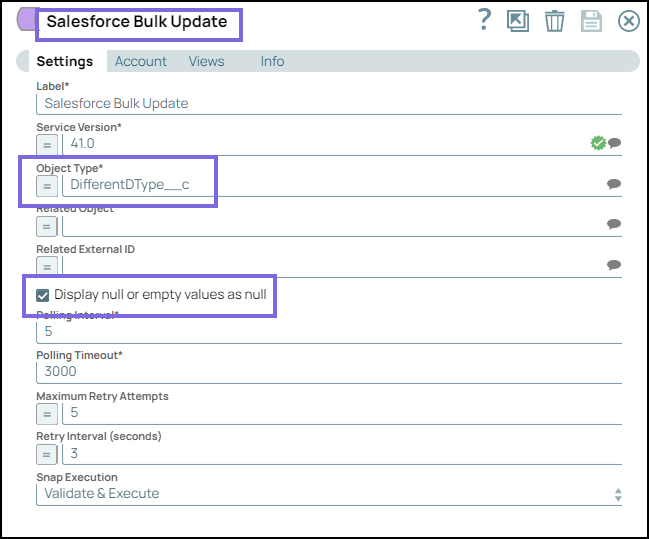
- Download and import the SLP file into your Environment.
- Configure Snap accounts.
- Provide Pipeline parameters, if any.