Writing to Multiple Excel Sheets in the Output
This example demonstrates how you can use the Excel Formatter Snap to classify Excel data and route it to different worksheets in the output file based on the values in a specific field.

Download this pipeline
-
In the sample pipeline, the JSON
Generator Snap output contains
records with two values for the country field,
CanadaandUnited States.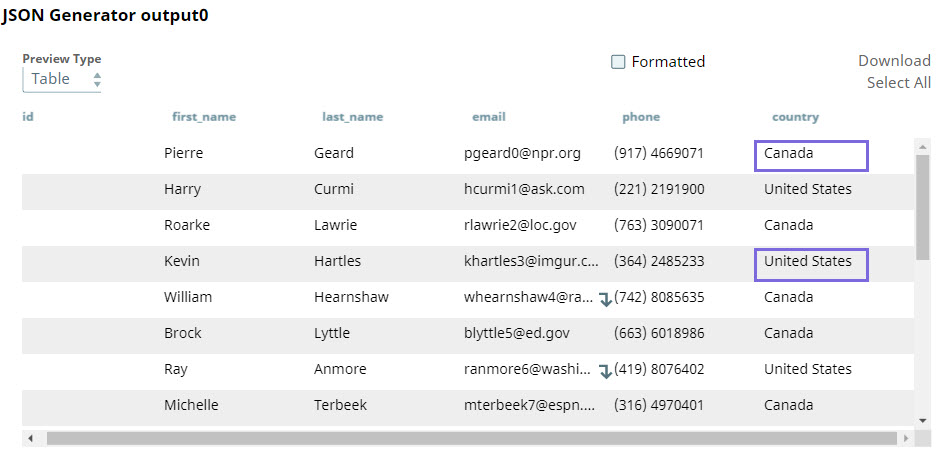
-
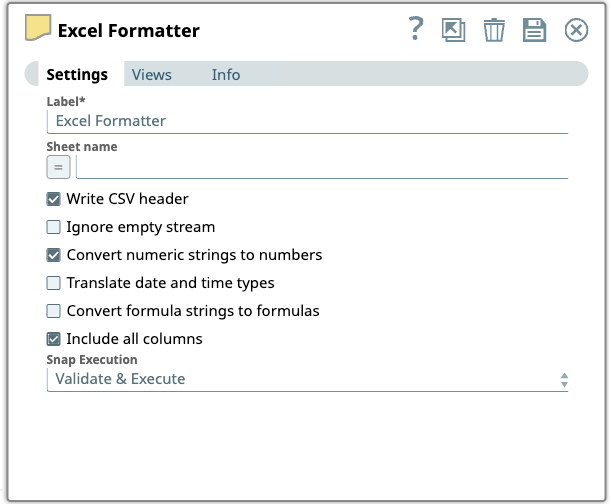
In the Excel Formatter Snap, if you select the value $country in the
Sheet name field, the input data is organized into two sheets based
on each unique value in the country field.
-
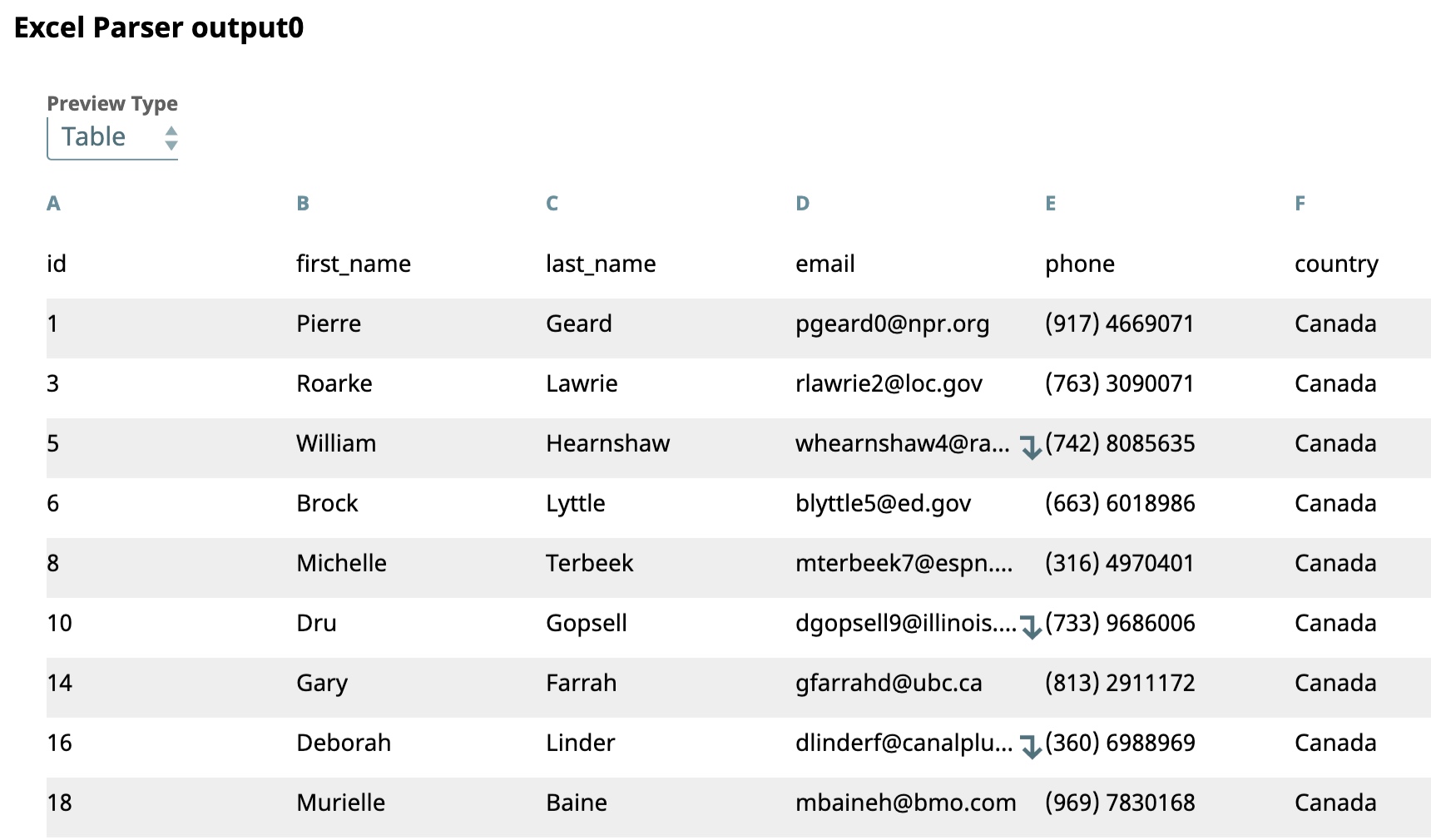
The Snap's output preview shows records for Canada grouped together in one
sheet:
-
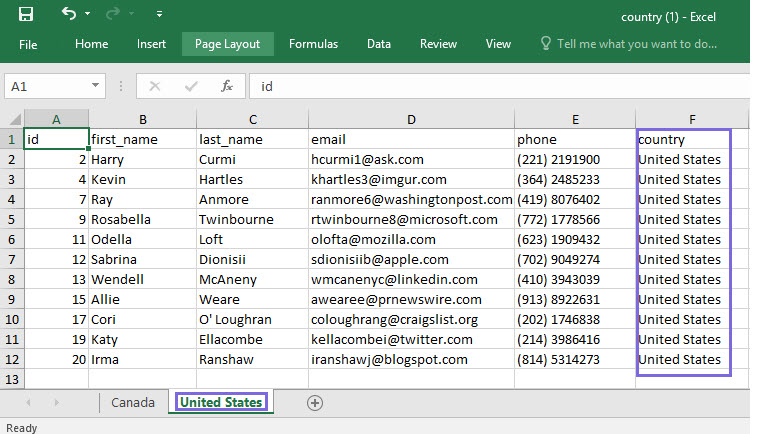
The final output shows an Excel file containing two worksheets, one for Canada
and the other for United States.