


AutoSync Manager
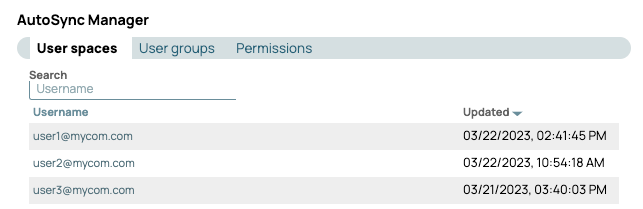
The AutoSync Manager provides controls for Environment admins to view and manage AutoSync user spaces, user groups, and permissions.
The AutoSync Manager screen contains controls for Environment (Org) admins to view and manage:
- AutoSync user spaces
- AutoSync user groups for sharing credentials and Account assets
- Permissions
Opening AutoSync Manager
From the left navigation pane in Project Manager, click AutoSync Manager to open it.
For more information on user spaces and user groups, refer to AutoSync Administration.