


Find or create a part, upload or replace a file
This example pipeline demonstrates how to find or create a part and then upload or replace its file.
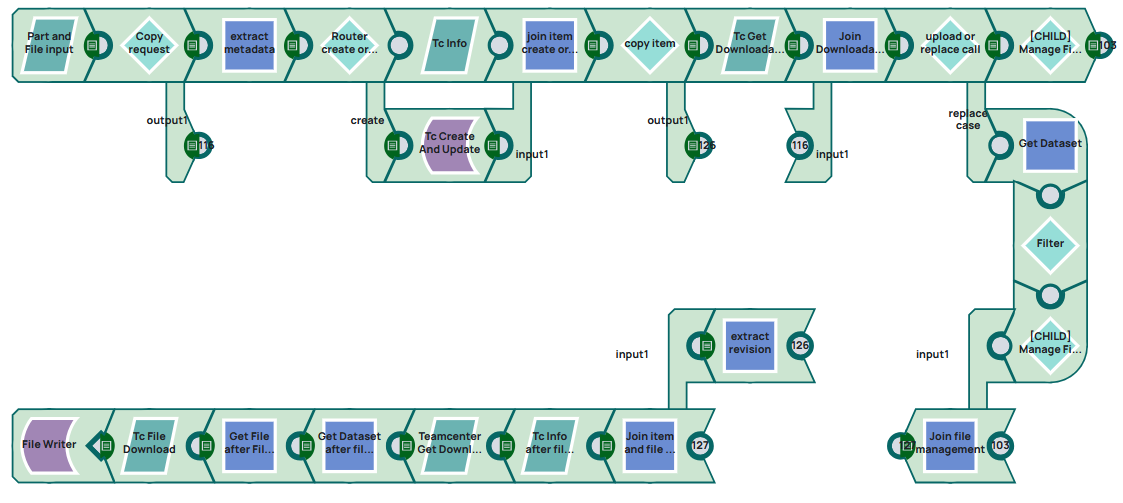
Steps
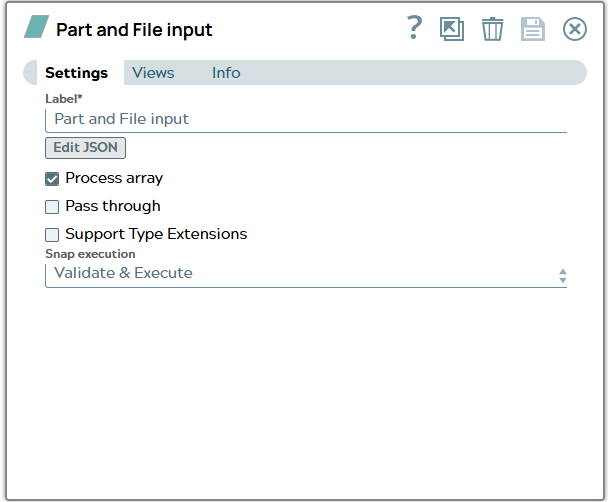
1: Configure the JSON Generator Snap and edit json file including metadata for Item and binary data for file.
Snap configuration | Snap output |
|---|---|
 |  |
2: Configure a Copy Snap to save a copy of request file for later.
Snap configuration | |
|---|---|
 |
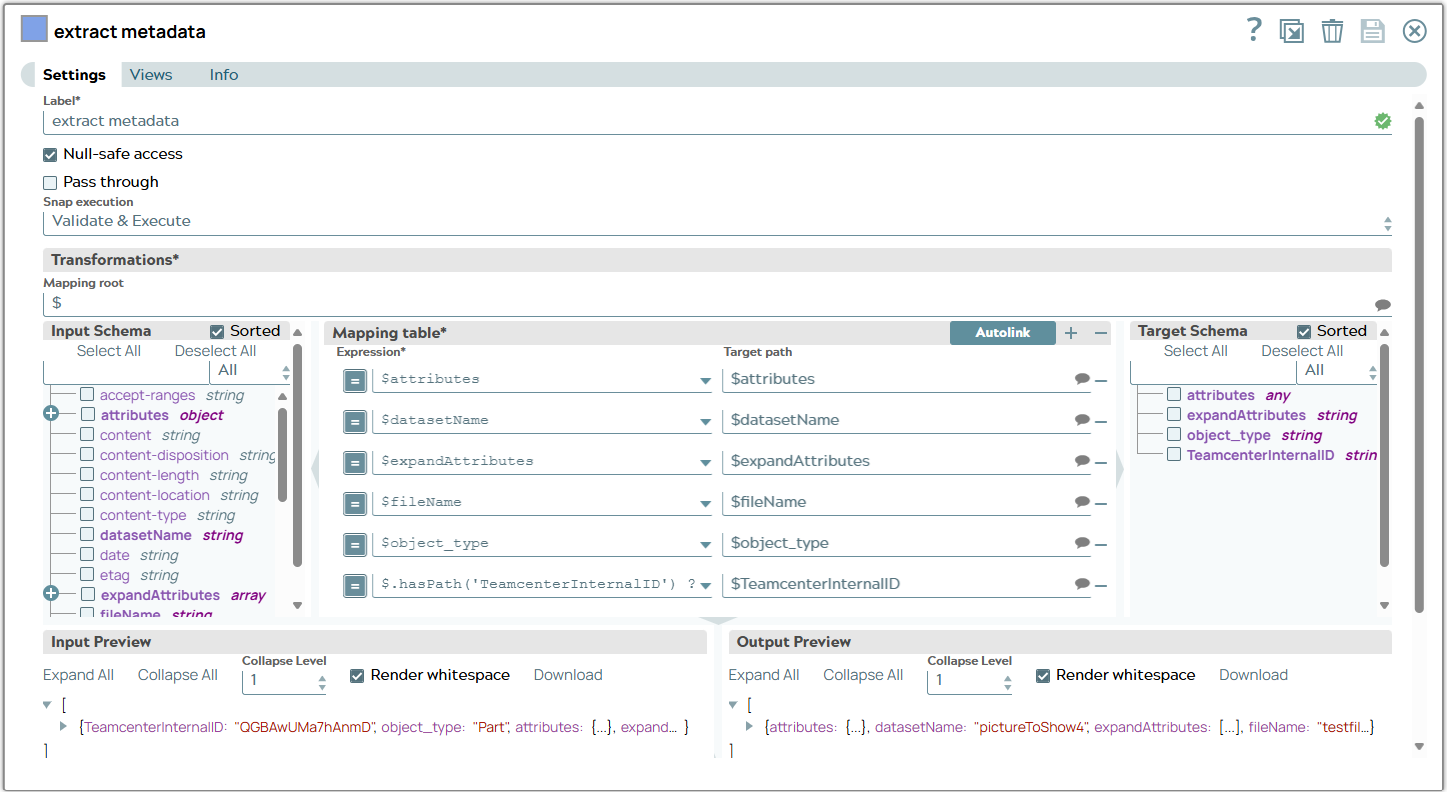
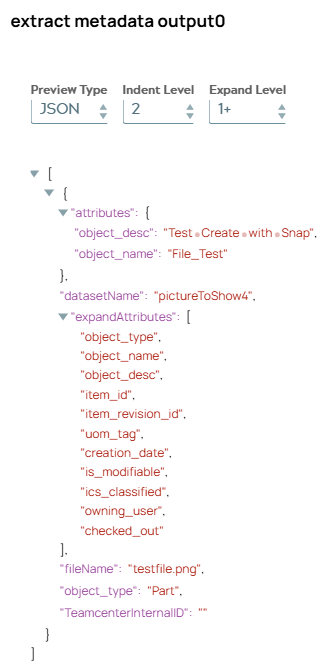
3: Configure a Mapper Snap to extract metadata for Teamcenter object. On validation, the Snap displays JSON document only containing metadata information.
Snap configuration | Snap output |
|---|---|
 |  |
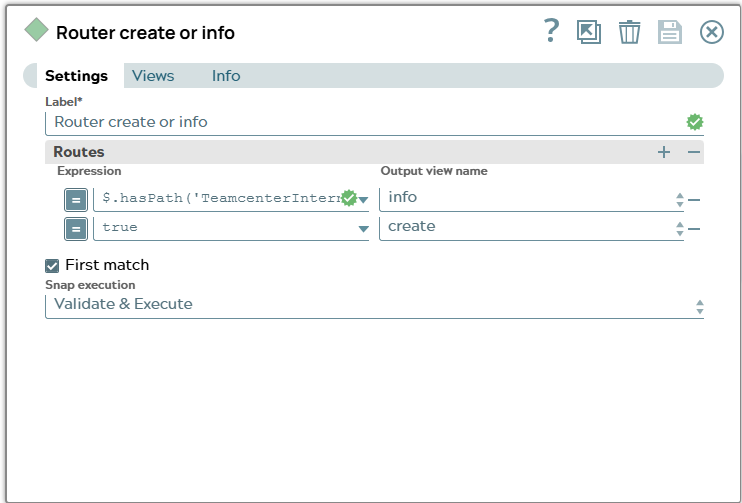
4: Configure a Router Snap to check request information for property which includes TeamcenterInternalID of existing object. Expression for this example is
$.hasPath('TeamcenterInternalID') && $.TeamcenterInternalID != ""Snap configuration | |
|---|---|
 |
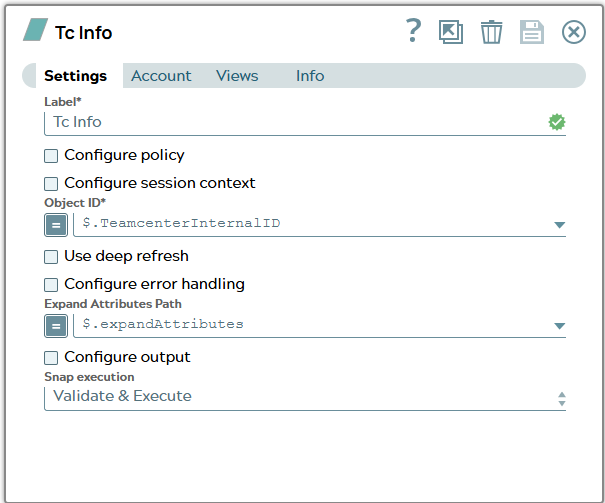
5.1: Branch “Info” - Configure a Tc Info Snap to get data of existing object in Teamcenter.
Snap configuration | |
|---|---|
 |
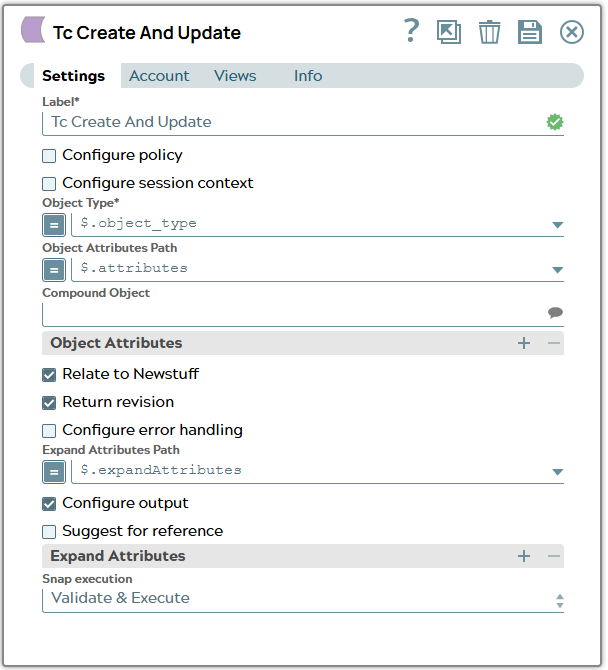
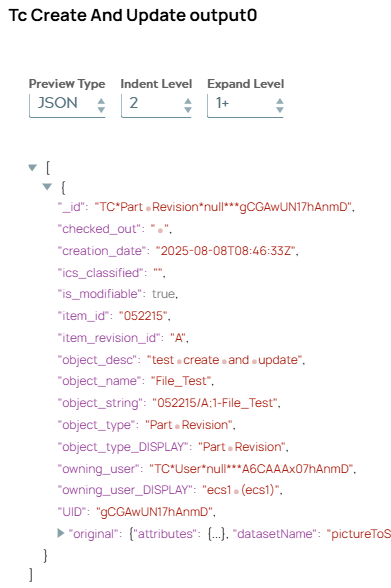
6.1: Branch “Create” - Configure a Tc Create And Update Snap to create Item for given attributes and type. On validation, the Snap displays the newly created revision.
Snap configuration | Snap output |
|---|---|
 |  |
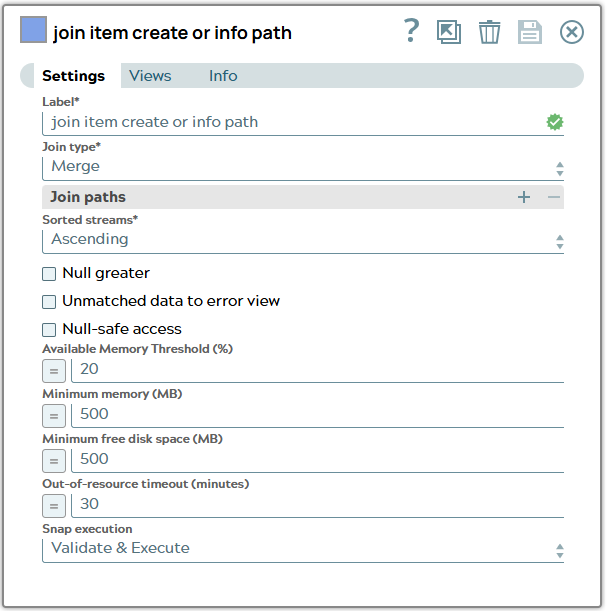
7: Configure a Join Snap to merge “Info” and “Create” branch.
Snap configuration | |
|---|---|
 |
8: Configure a Copy Snap to save a copy of item revision metadata for later.
Snap configuration | |
|---|---|
 |
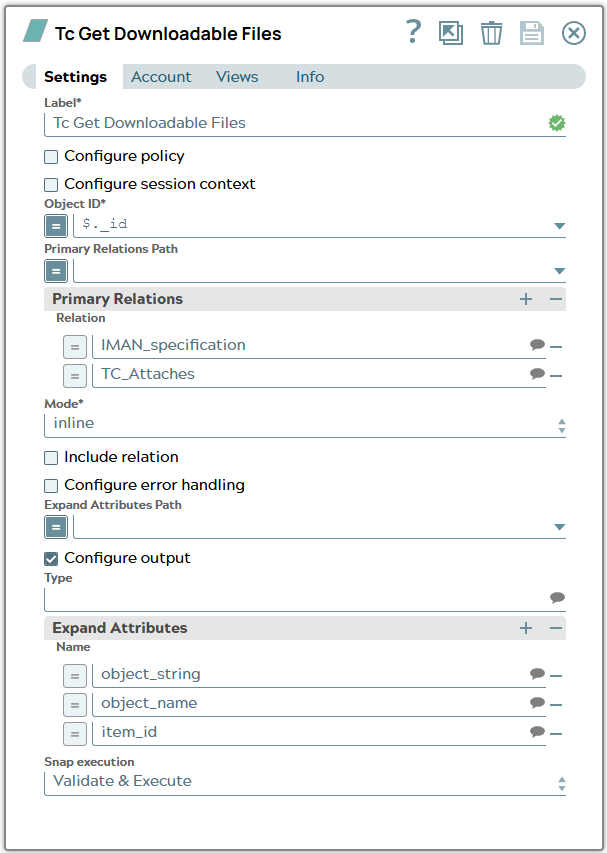
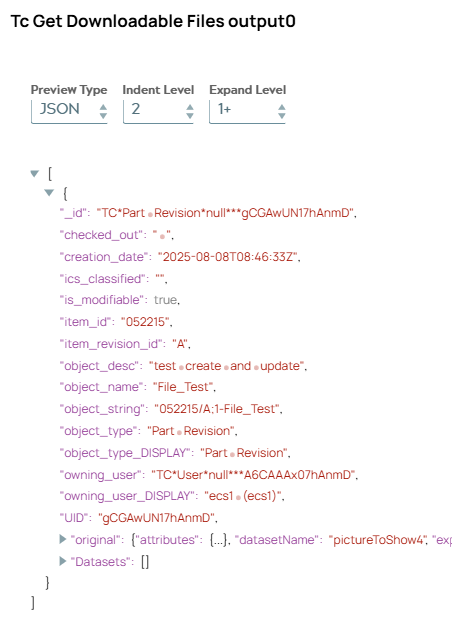
9: Configure a Tc Get Downloadable Files Snap to get a list of downloadables files for object. On validation, the Snap displays the empty Datasets result for newly created object.
Snap configuration | Snap output |
|---|---|
 |  |
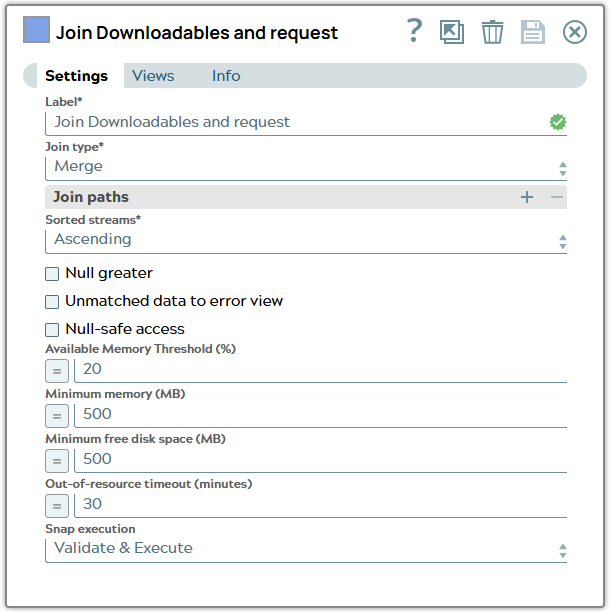
10: Configure a Join Snap to merge the copy of request message and the Tc Get Downloadables Files response to one document.
Snap configuration | |
|---|---|
 |
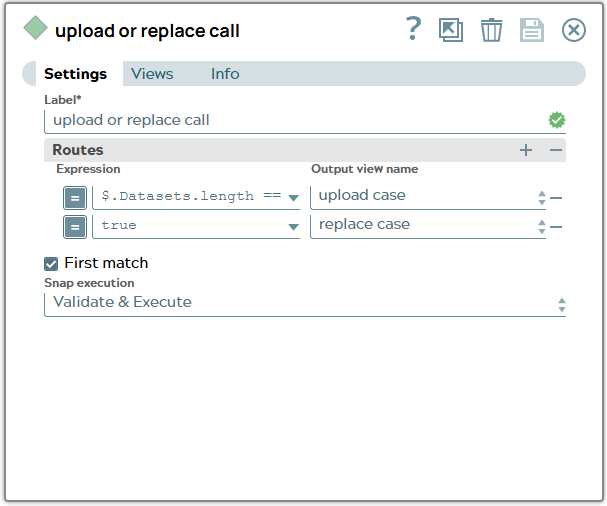
11: Configure a Router Snap to decide for upload or replace branch based on Datasets result. Expression for this example is
$.Datasets.length == 0Snap configuration | |
|---|---|
 |
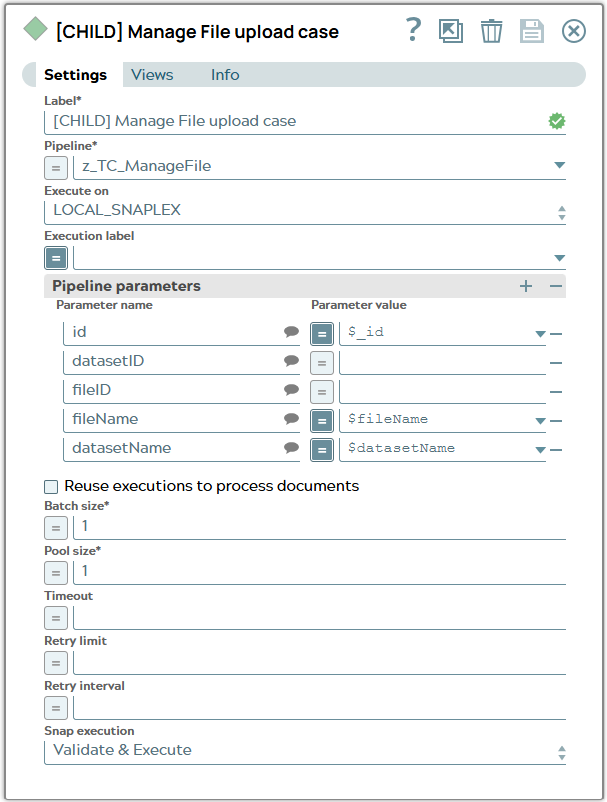
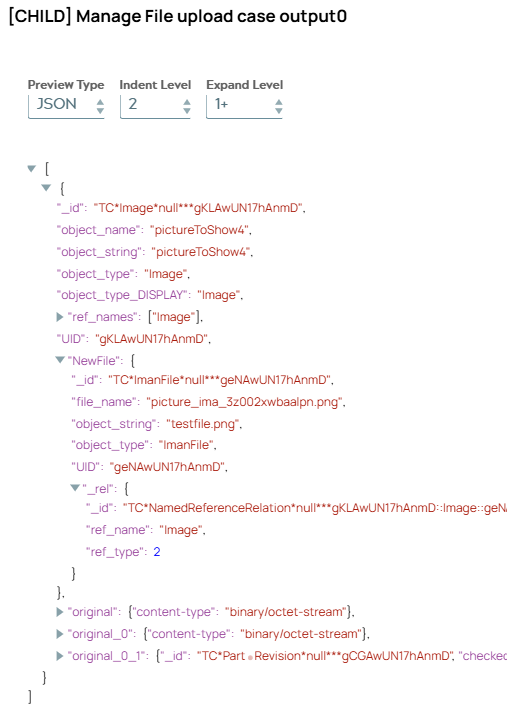
12.1: Branch “Upload” - Configure a Pipeline Execution Snap to call child pipeline to manage file for object. On validation, the Snap displays the response of the child pipeline including the information for the uploaded File.
Snap configuration | Snap output |
|---|---|
 |  |
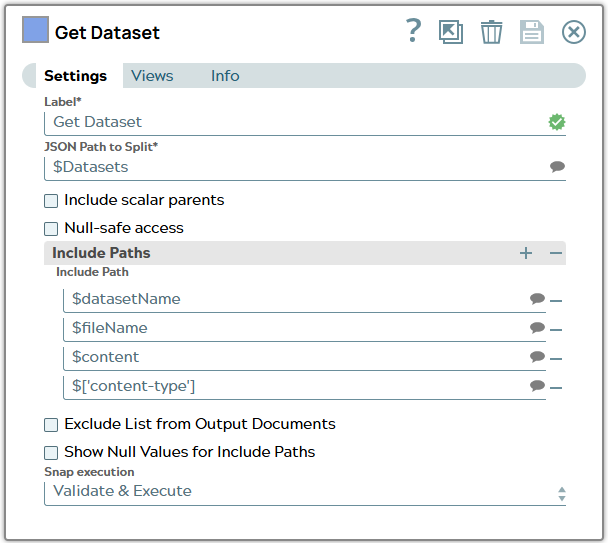
13.1: Branch “Replace” - Configure a Splitter Snap to get all datasets out of document.
Snap configuration | |
|---|---|
 |
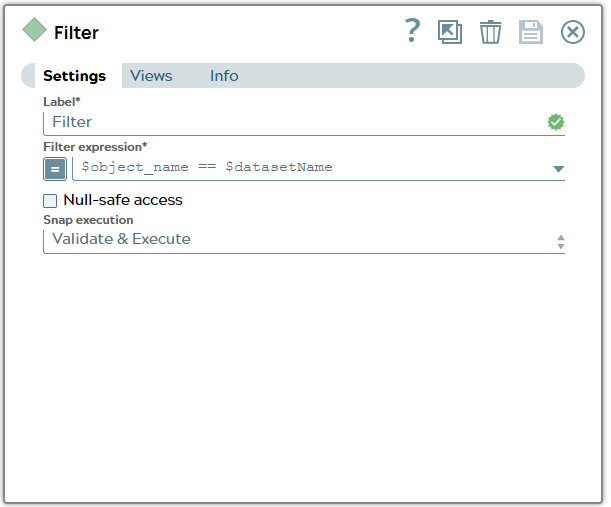
13.2: Branch “Replace” - Configure a Filter Snap to filter the one dataset with correct name.
Snap configuration | |
|---|---|
 |
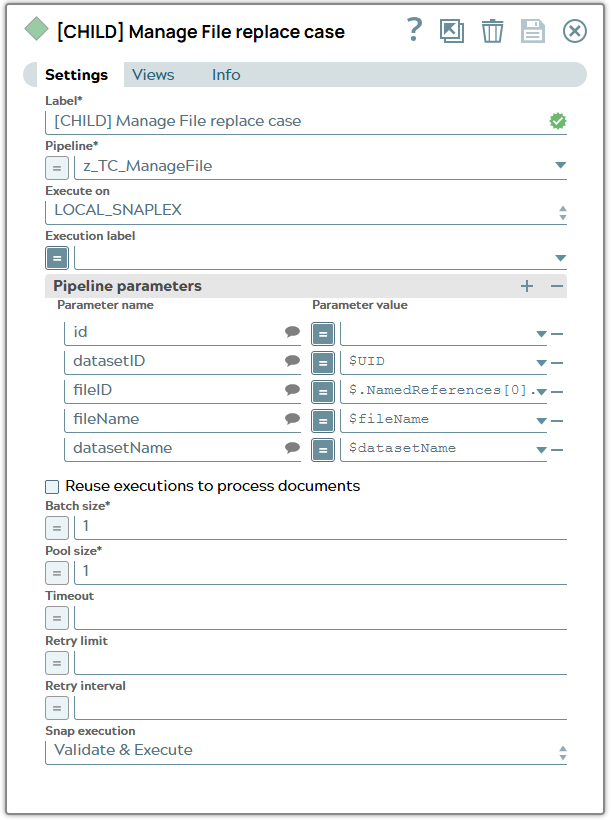
13.3: Branch “Replace” - Configure a Pipeline Execution Snap to call child pipeline to manage file for object.
Snap configuration | |
|---|---|
 |
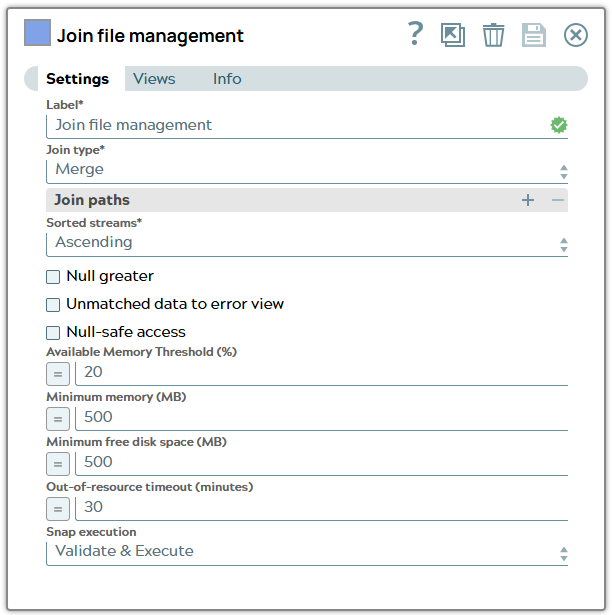
14: Configure a Join Snap to merge branches for managing file data together.
Snap configuration | |
|---|---|
 |
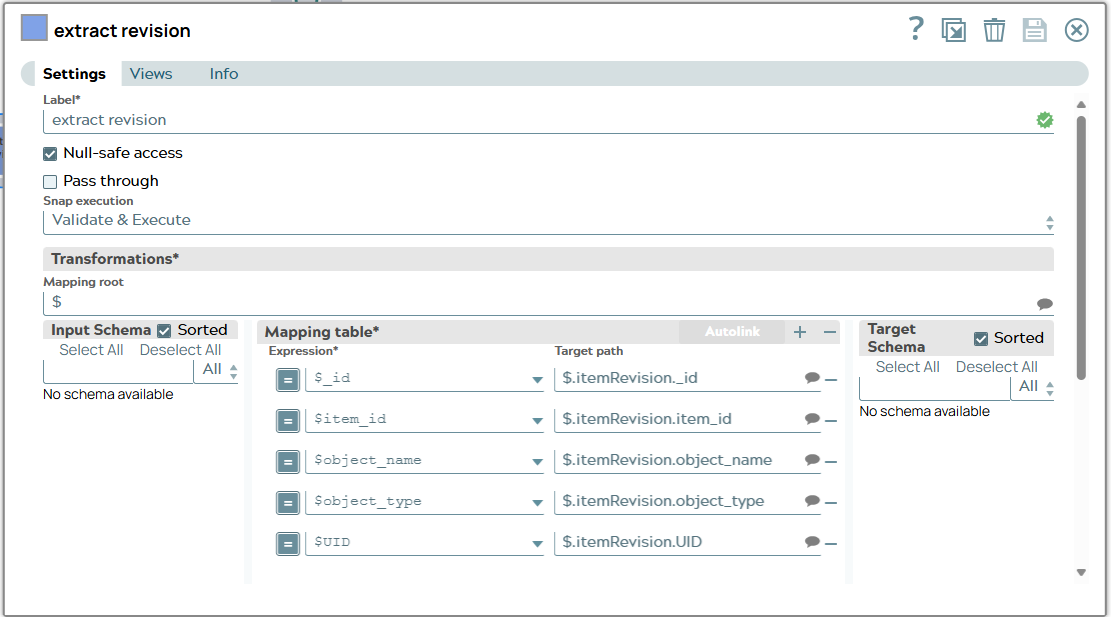
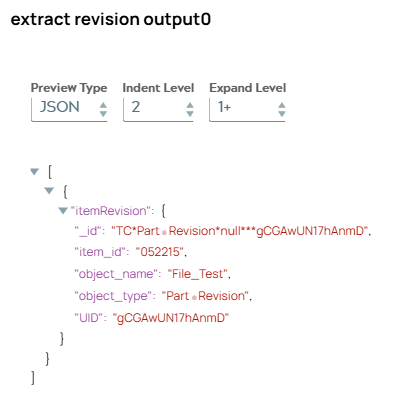
15: Configure a Mapper Snap to map metadata of prior made copy for item object into a single object “itemRevision”. On validation, the Snap displays the mapped data.
Snap configuration | Snap output |
|---|---|
 |  |
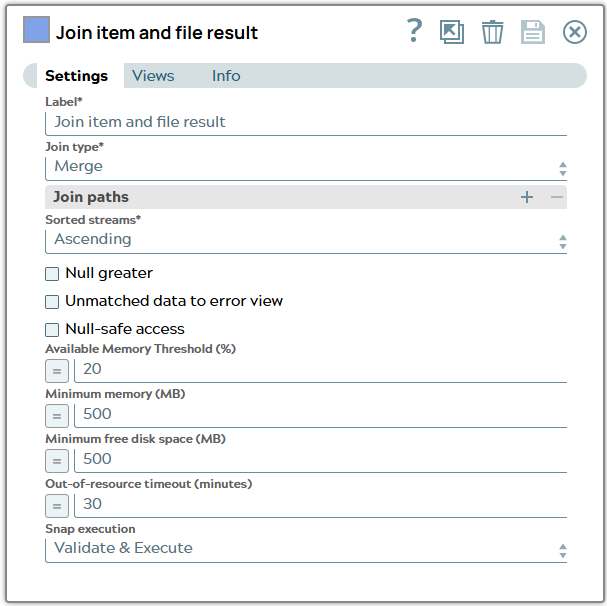
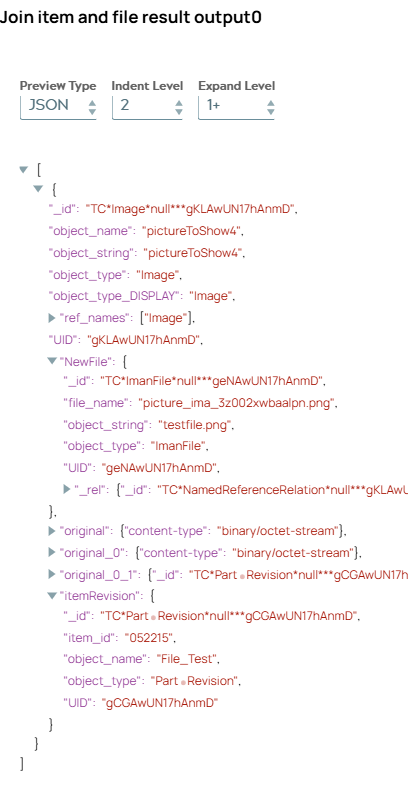
16: Configure a Join Snap to merge item revision metadata to file transfer result. On validation, the Snap displays the joined information.
Snap configuration | Snap output |
|---|---|
 |  |
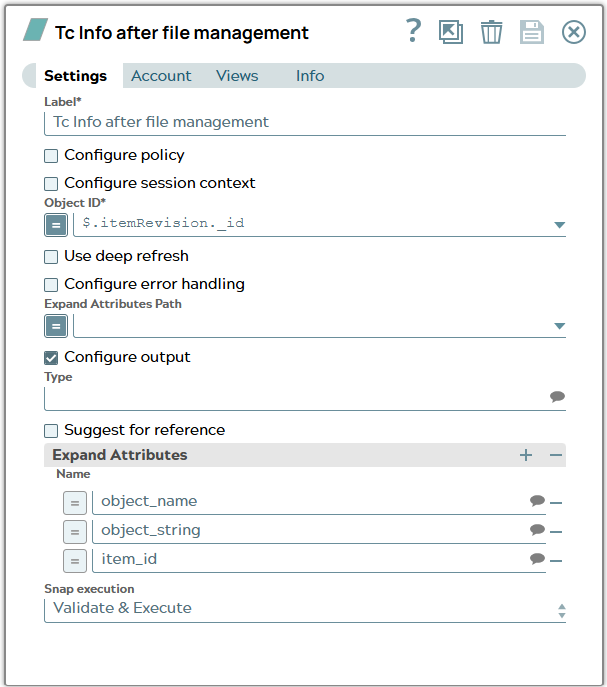
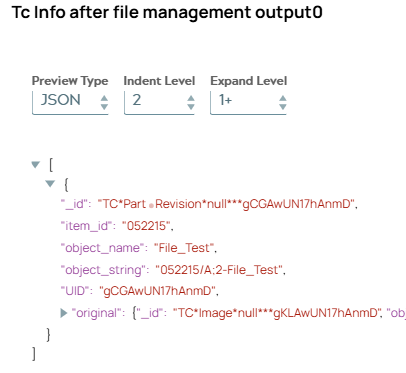
17: Configure a TC Info Snap to get fresh data for item revision. On validation, the Snap displays the current metadata.
Snap configuration | Snap output |
|---|---|
 |  |
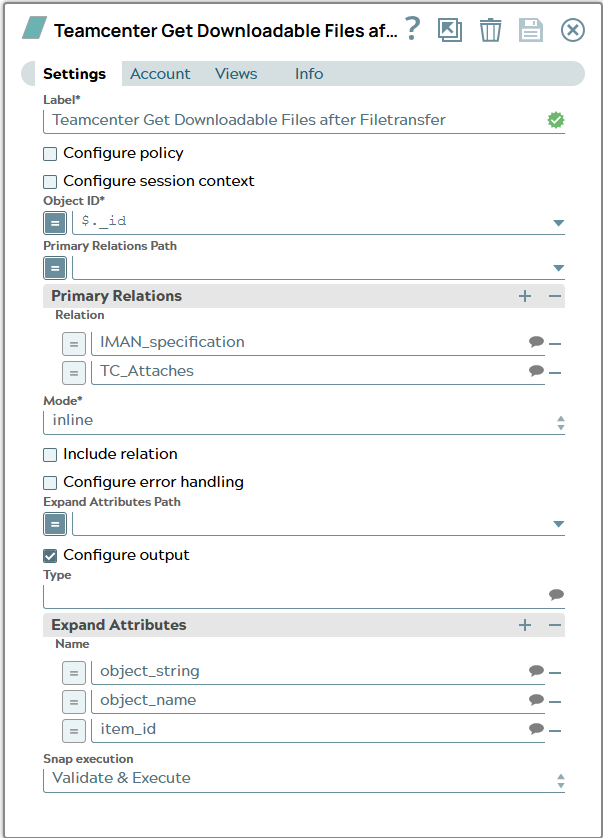
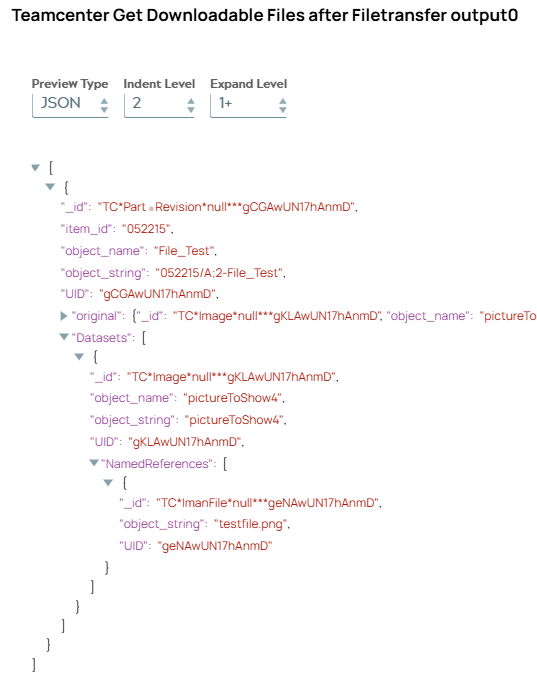
18: Configure a Tc Get Downloadable Files Snap to get again current downlodables for item revision. On validation, the Snap displays the dataset which was created by file transfer.
Snap configuration | Snap output |
|---|---|
 |  |
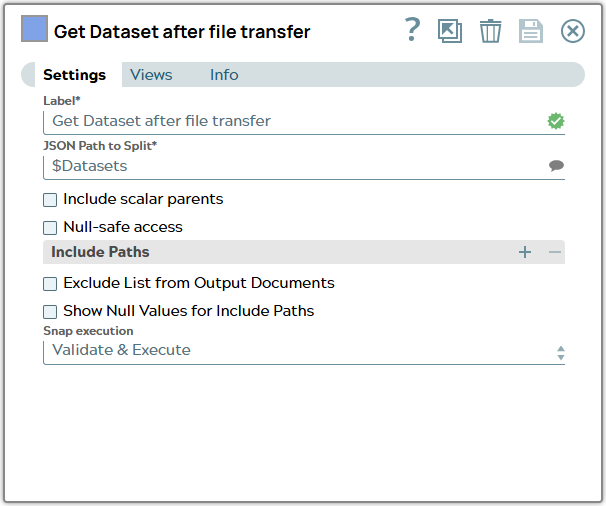
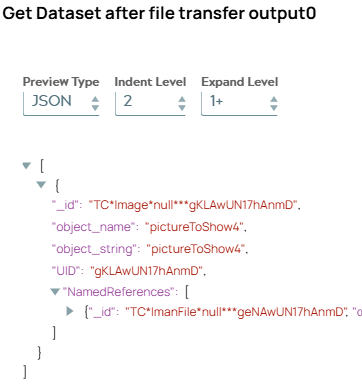
19: Configure a Splitter Snap to extract Datasets from JSON document. On validation, the Snap displays the dataset.
Snap configuration | Snap output |
|---|---|
 |  |
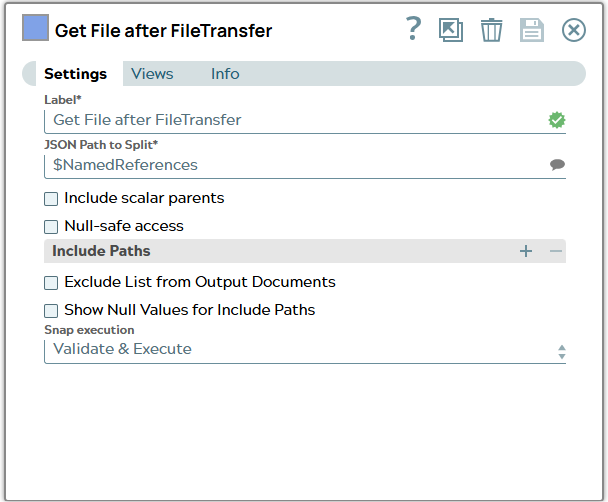
20: Configure a Splitter Snap to get NamedReferences of dataset to get UID of file object. On validation, the Snap displays the NamedReference.
Snap configuration | Snap output |
|---|---|
 |  |
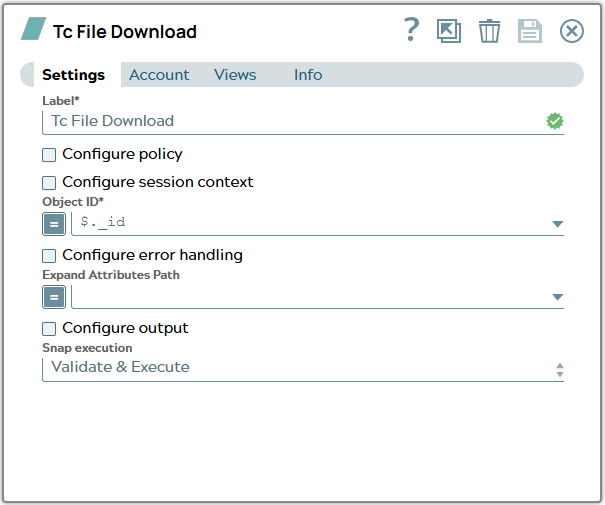
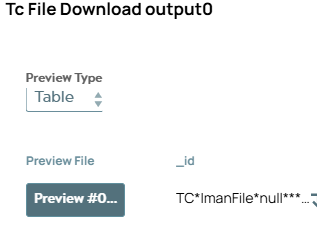
21: Configure a Tc File Download Snap to download binary file. On validation, the Snap displays a preview File.
Snap configuration | Snap output |
|---|---|
 |  |
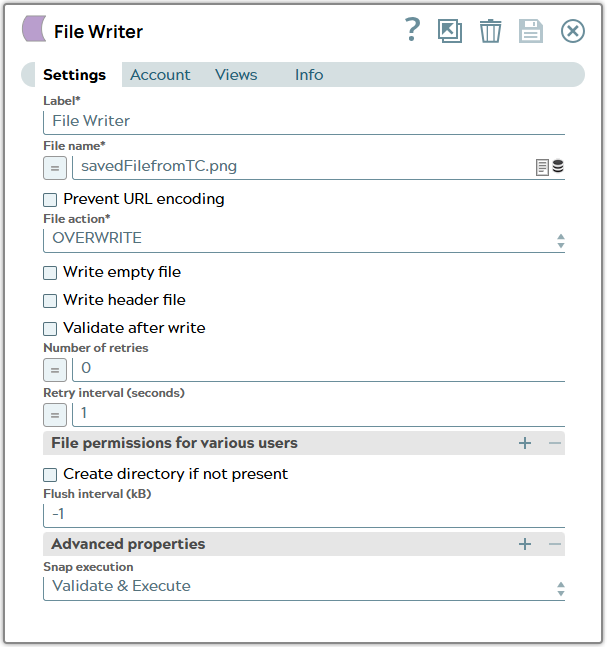
22: Configure a File Writer Snap to store downloaded file to file system.
Snap configuration | |
|---|---|
 |
Child pipeline to extract binary data of file
This example pipeline demonstrates how to extract binary data from JSON Document and send binary data and parameter to child pipeline.
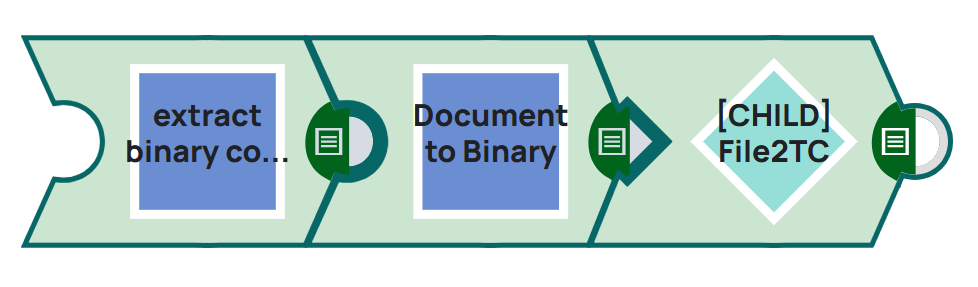
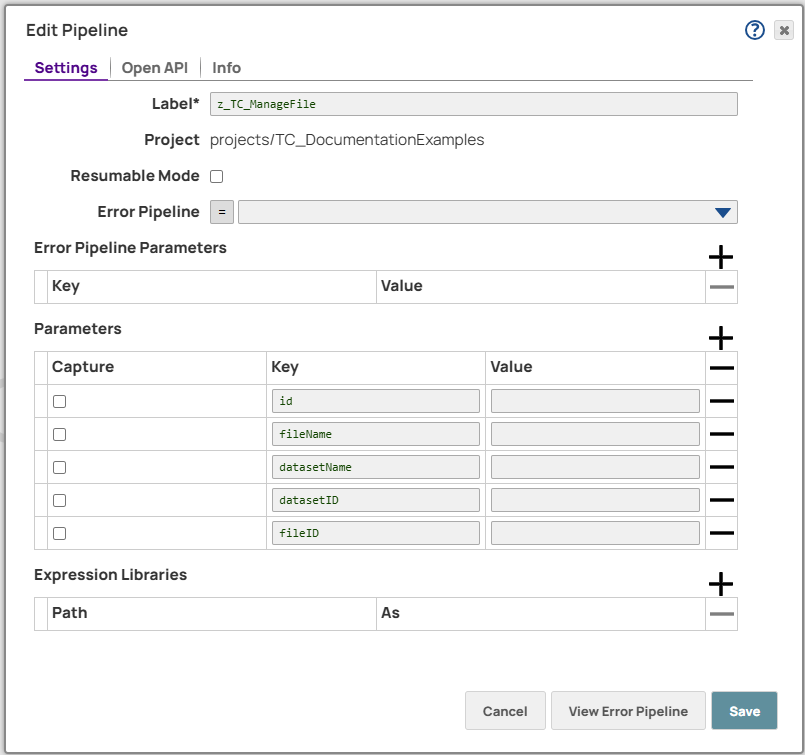
Pipeline properties include all possible parameters for child pipeline.
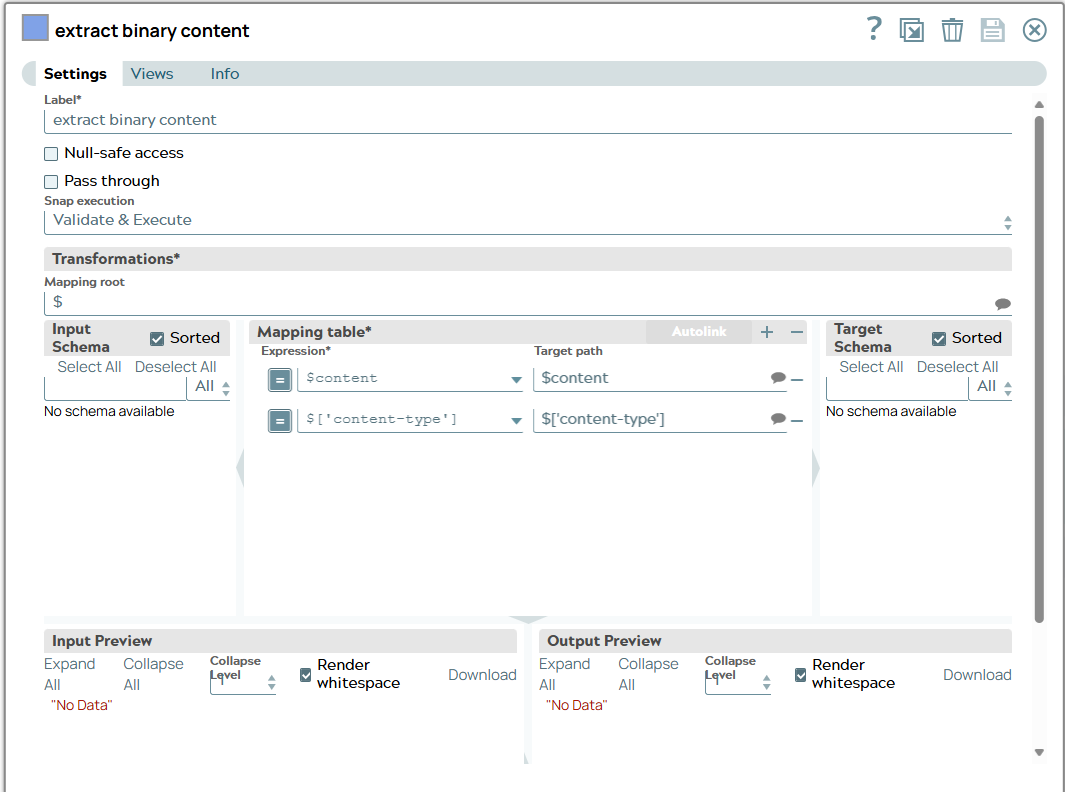
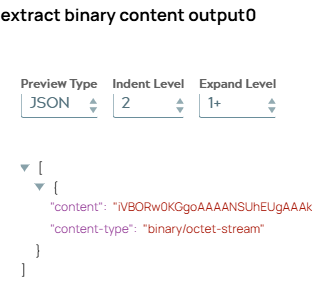
1: Configure the Mapper Snap to extract binary data stored in one field of JSON document. On validation, the Snap displays the content.
Snap configuration | Snap output |
|---|---|
 |  |
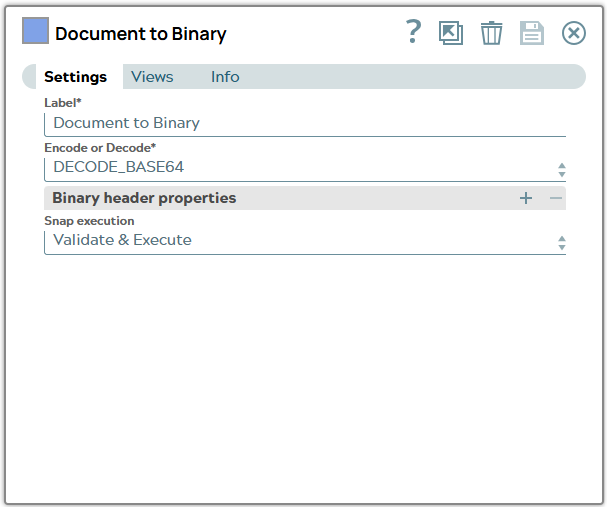
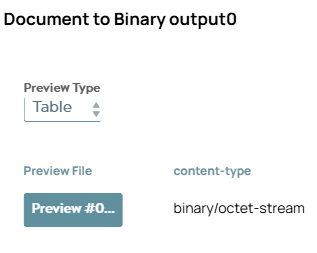
2: Configure a Document to Binary Snap to create a binary file based on input document. On validation, the Snap displays a preview.
Snap configuration | Snap output |
|---|---|
 |  |
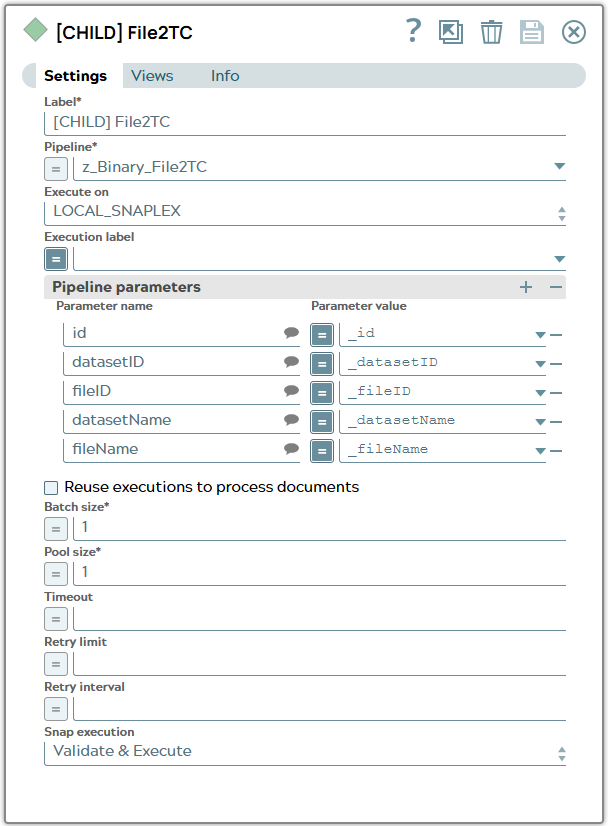
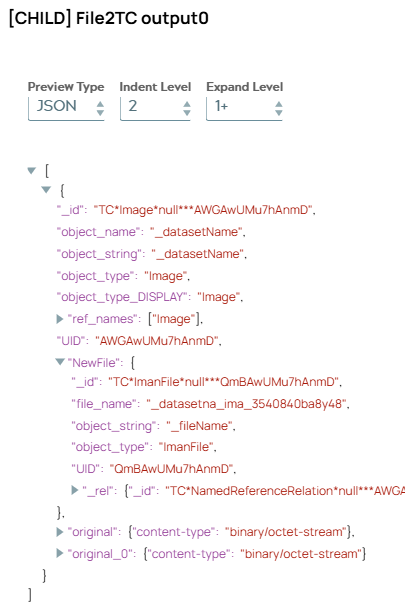
3: Configure a Pipeline Execute Snap to call childpipeline for loading binary file to Teamcenter. Pipeline routes given parameter from parent pipeline down to the child pipeline. On validation, the Snap displays the result of child pipeline execution.
Snap configuration | Snap output |
|---|---|
 |  |
Child pipeline to upload or replace a file
This example pipeline demonstrates how to load binary data sent to start pipeline to Teamcenter object which ID was given by parameter.
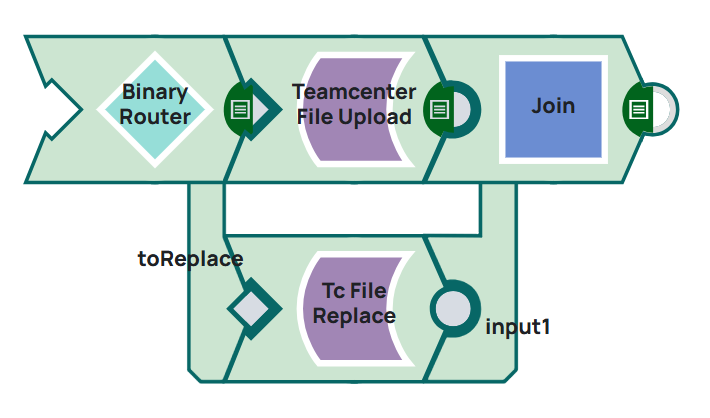
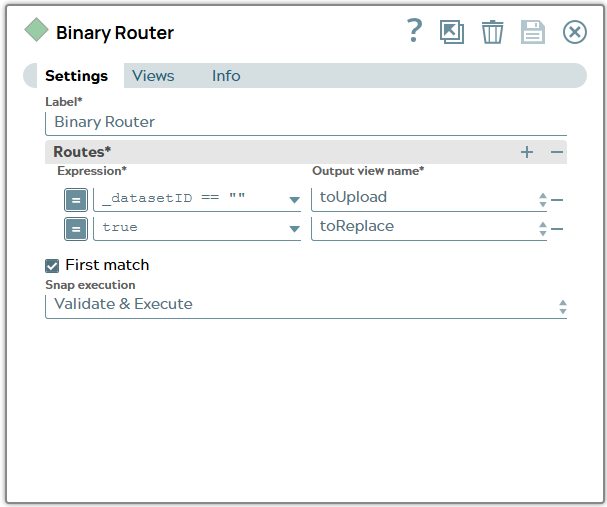
1: Configure the Binary Router Snap to evaluate parameter. If ID of dataset is given a replace of file shall happen. If datasetID is empty a new dataset shall be created while uploading file.
Snap configuration | |
|---|---|
 |
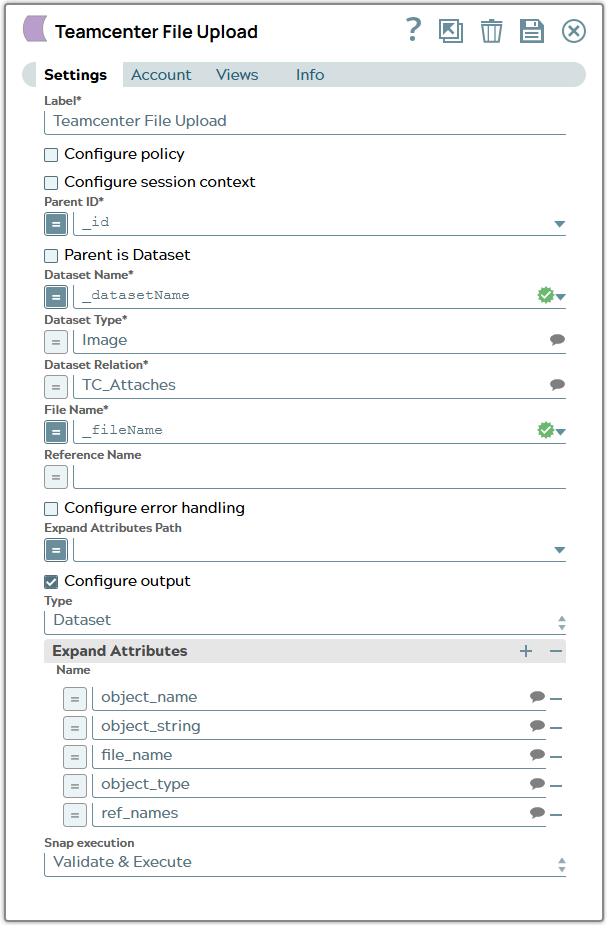
2.1: Branch “Upload” - Configure a Tc File Upload Snap to upload file to Teamcenter object. Name of dataset and file are given by parameter values.
Snap configuration | |
|---|---|
 |
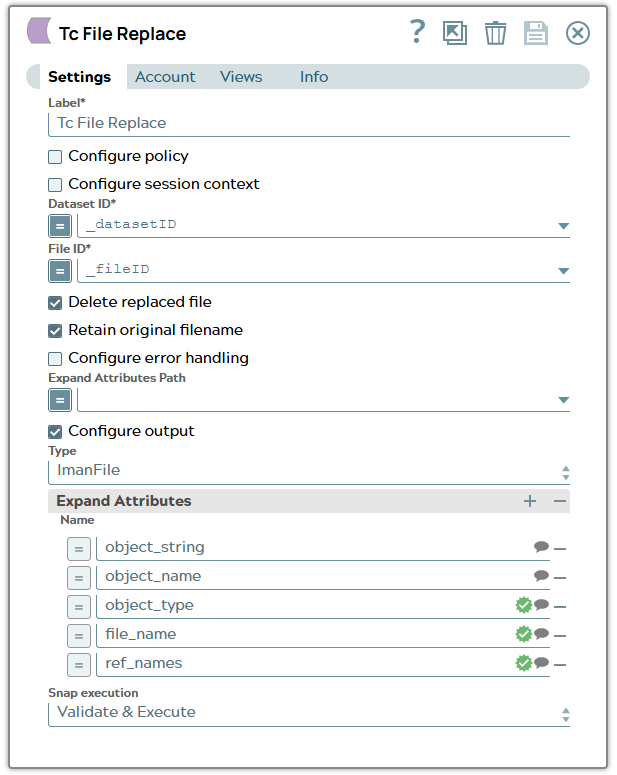
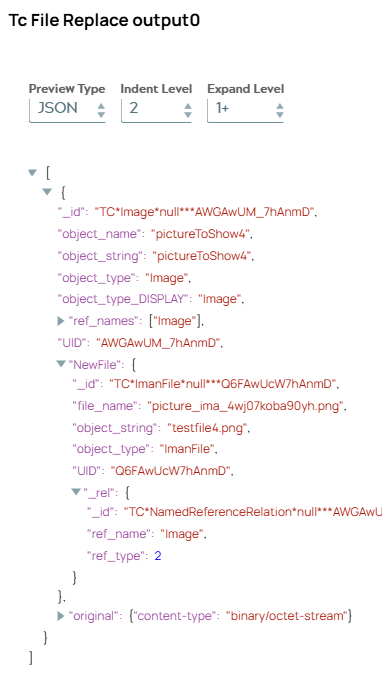
2.2: Branch “Replace” - Configure a Tc File Replace Snap to replace file of existing Teamcenter dataset. On validation, the Snap displays the dataset and file information.
Snap configuration | Snap output |
|---|---|
 |  |
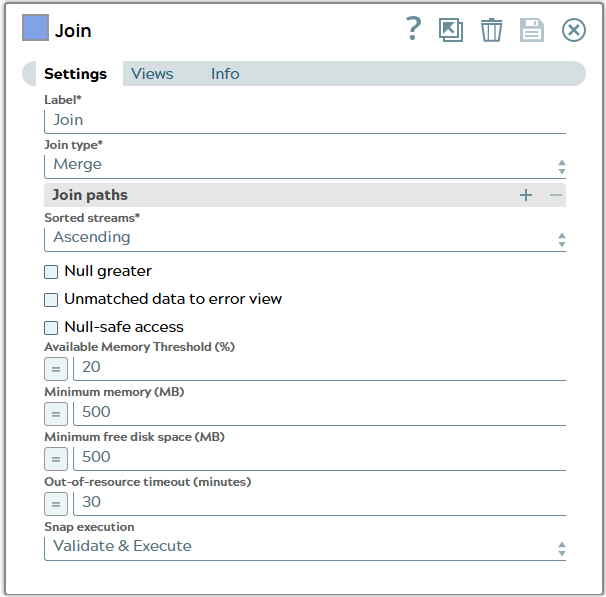
3: Configure a Join Snap to move the branches together.
Snap configuration | |
|---|---|
 |