


Delete employee records from Azure Synapse SQL with a condition
This example Pipeline demonstrates how to delete employee records from the employee table by specifying a delete condition.
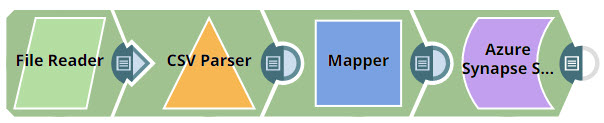
Download this Pipeline
-
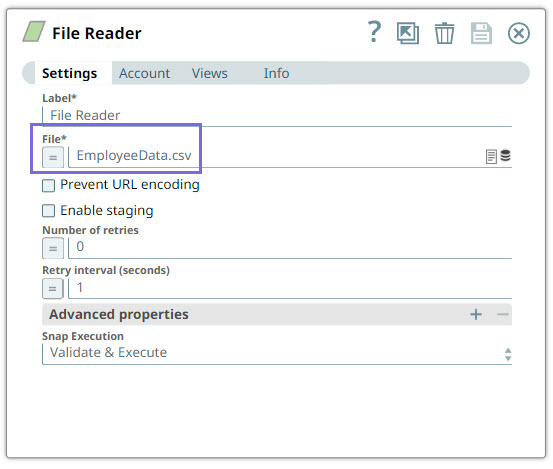
Configure the File Reader Snap to read the EmployeeData.csv file from the SL database.
On validation, the Snap generates output in binary format.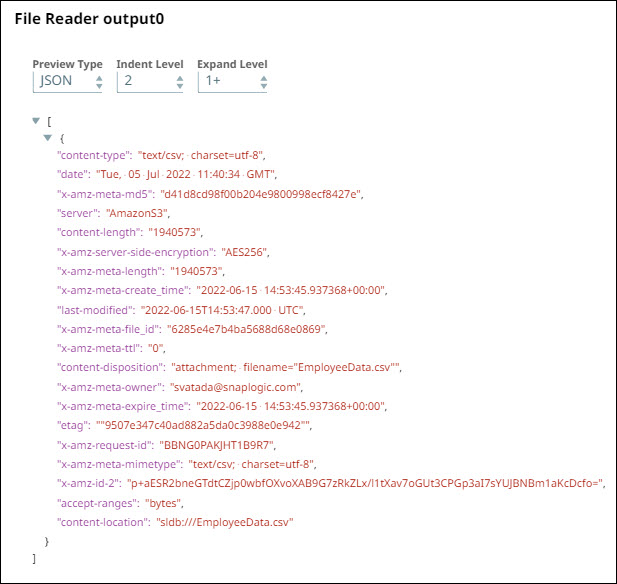
-
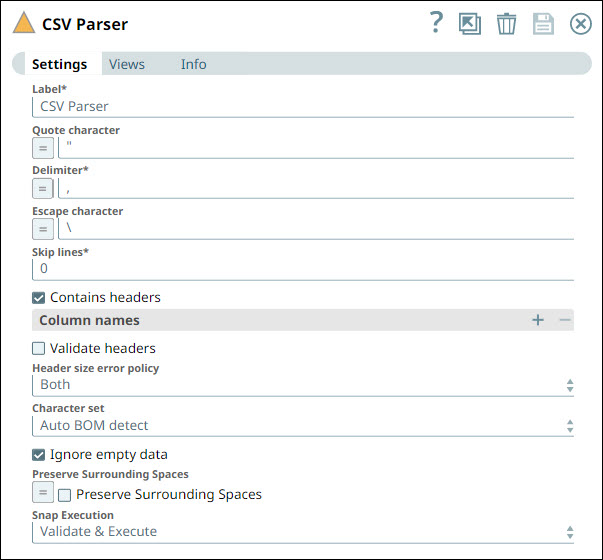
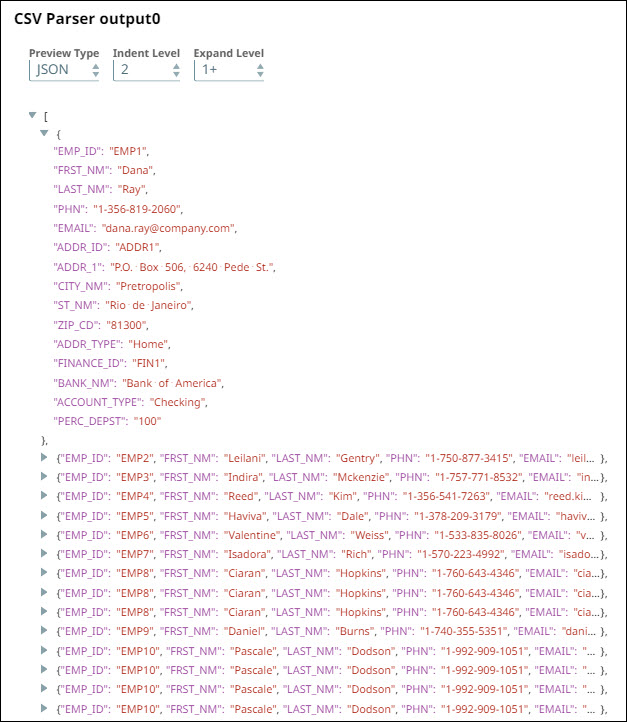
Configure the CSV Parser Snap to parse binary data and generate output in document format.
-
Configure the Mapper Snap to extract only the Employee ID row from the incoming data.
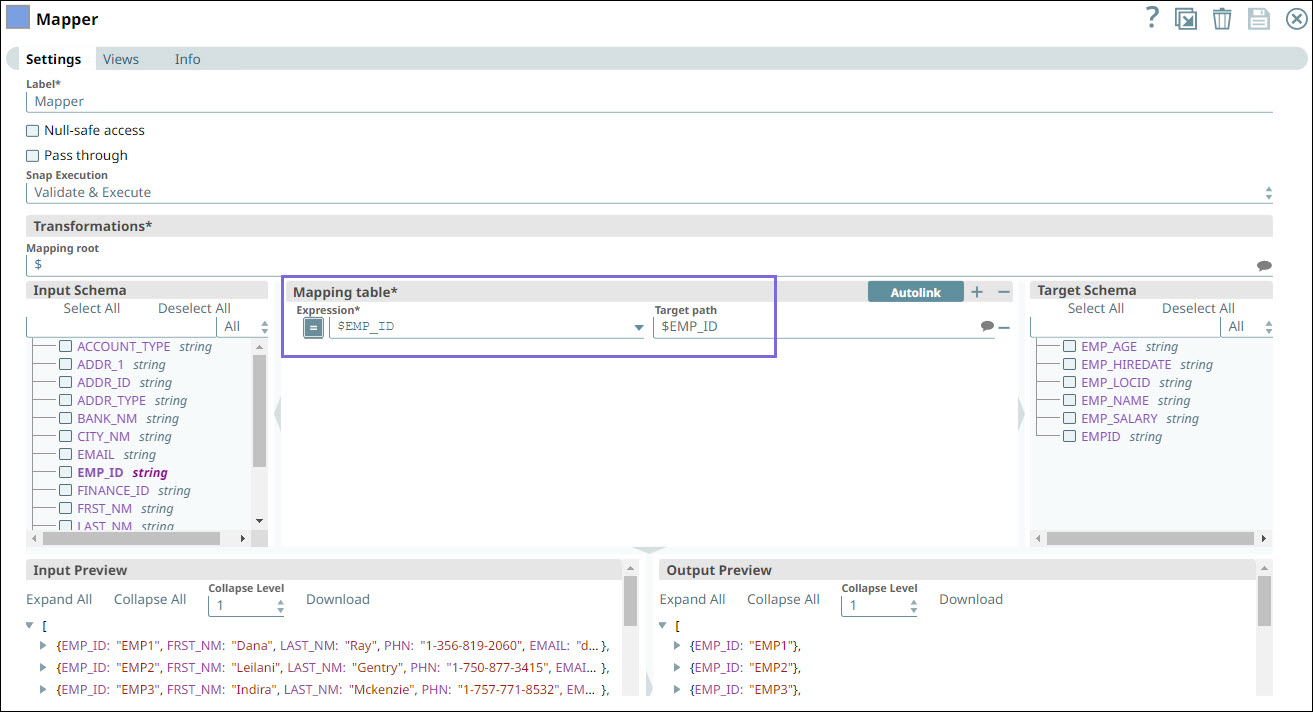
On validation, the Snap generates EMP_ID of all the employees in the output.
-
Configure the Azure Synapse SQL Delete Snap to delete employee records from dbo.Employee1 table. Also, specify the Delete Condition to prevent the deletion of rows other than the EMP_ID row from the table.

On validating the Pipeline, the Snap generates output with the status of the deleted records.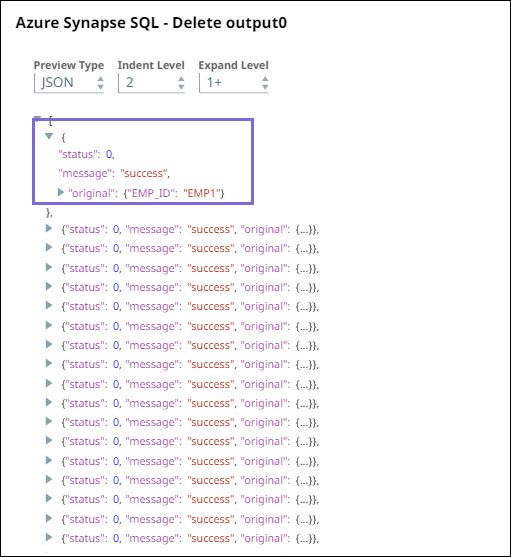
- Download and import the pipeline into SnapLogic.
- Configure Snap accounts as applicable.
- Provide pipeline parameters as applicable.