


Upserting a new record in a Salesforce object
The following example Pipeline demonstrates how to upsert a new record in a Salesforce object.

-
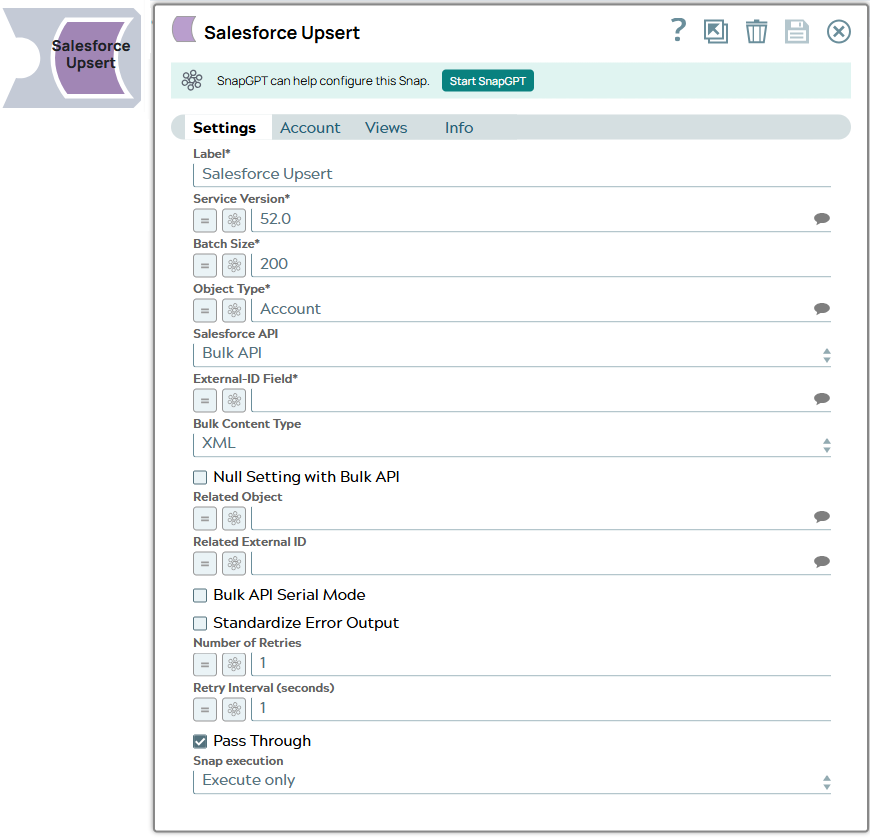
Configure the Salesforce Upsert Snap with the appropriate object and external ID field:
-
The following table shows the input data for the upsert operation:

-
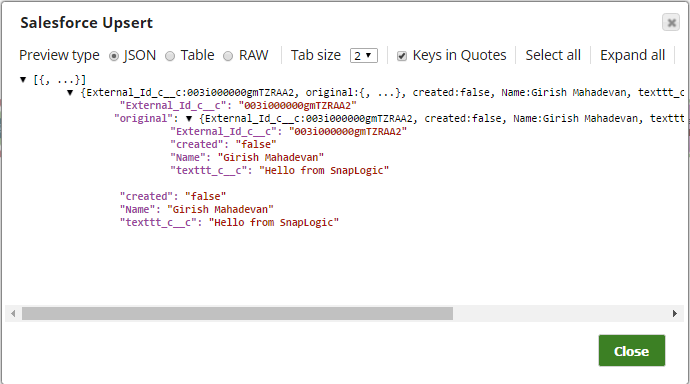
Upon successful execution, we can see the following output in the Snap's preview:
- Download and import the SLP file into your Environment.
- Configure Snap accounts.
- Provide Pipeline parameters, if any.