Describe a pipeline
Use SnapGPT to generate a natural language description of a pipeline and save it to the pipeline's Info tab.
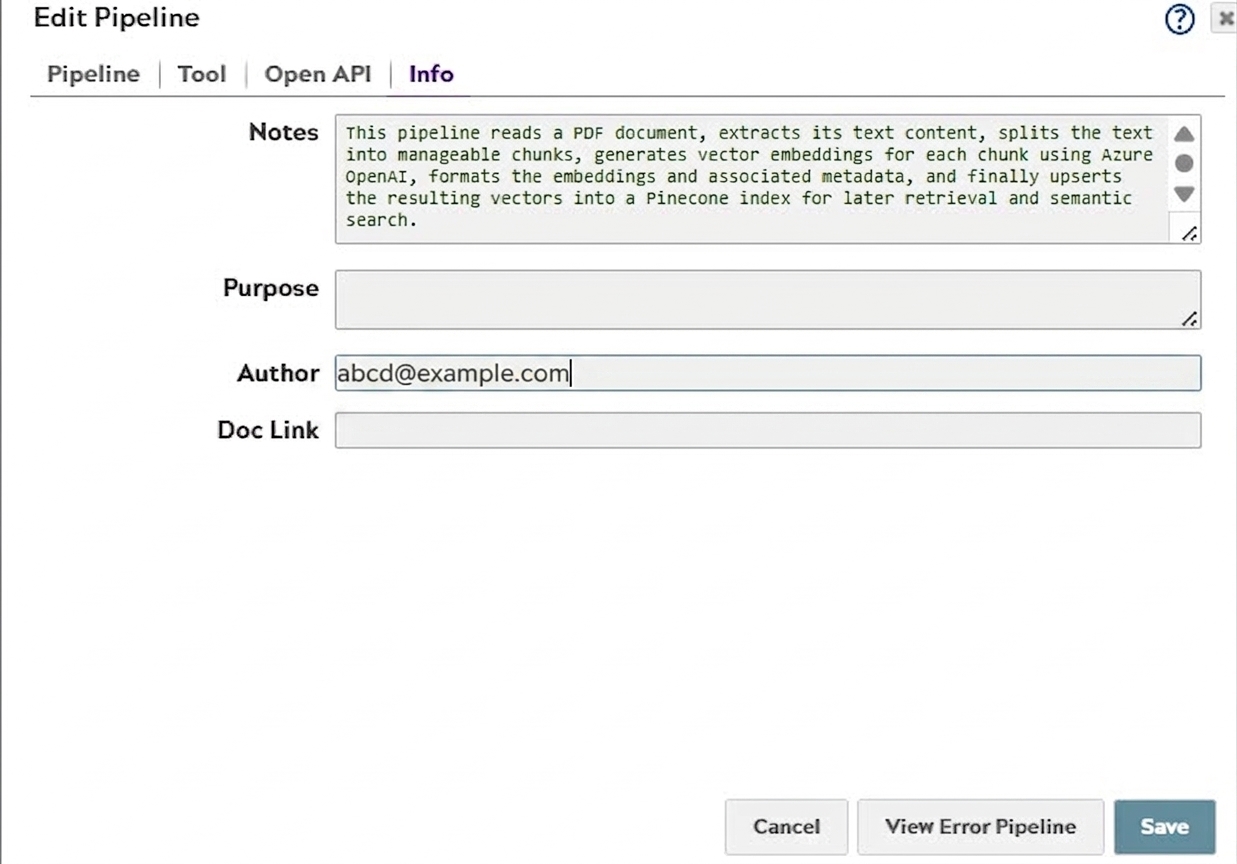
SnapGPT analyzes the structure and logic of the open pipeline and generates a description that explains what the pipeline does, how it works, and what each Snap contributes. You can save the generated description directly to the Notes field in the pipeline's Info tab, making it visible to other users who open the pipeline.
- In Designer, open the pipeline to describe.
- If the featured skill cards are not visible in SnapGPT, click New chat to return to the home screen.
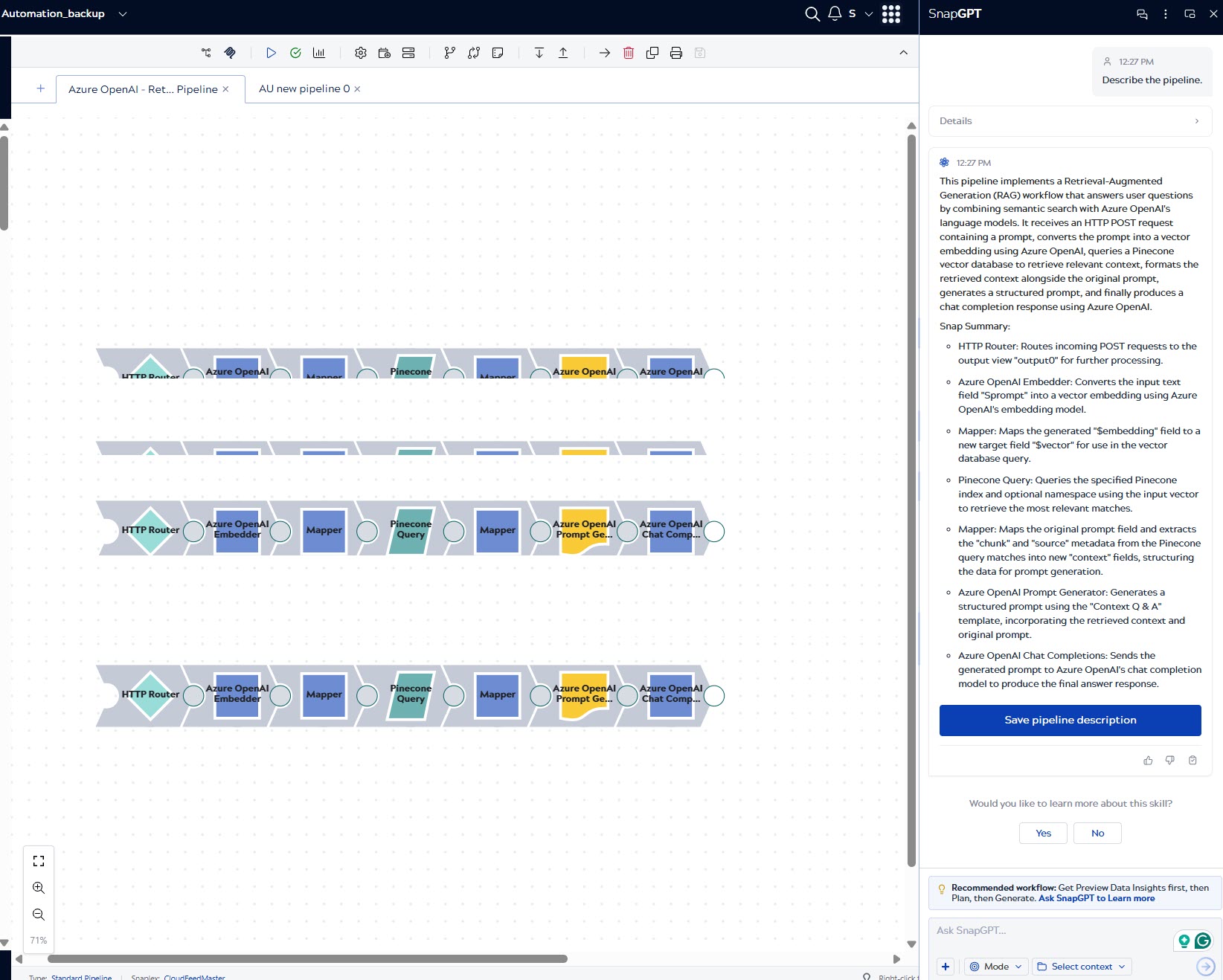
- Click Describe pipeline. The prompt Describe the pipeline. is pre-populated in the chat input box.
-
Click the submit button or press Return. SnapGPT generates a
description of the pipeline, including a summary of its purpose and a Snap-by-Snap
breakdown. The Save pipeline description button appears below the
response.
-
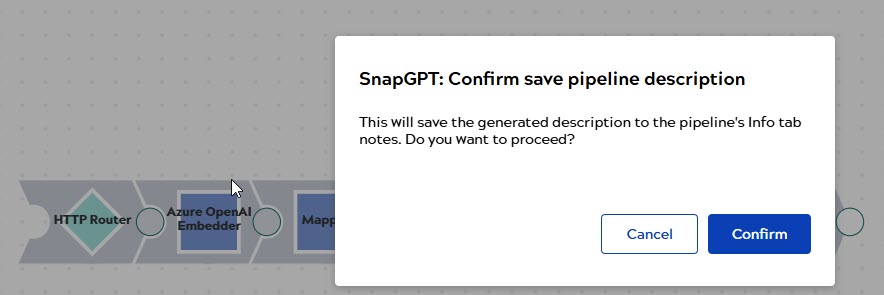
Click Save pipeline description. A confirmation dialog appears.
-
Click Confirm. SnapGPT saves the description to the
Notes field in the pipeline's Info tab.