


Perform end-to-end Operations in Google Directory
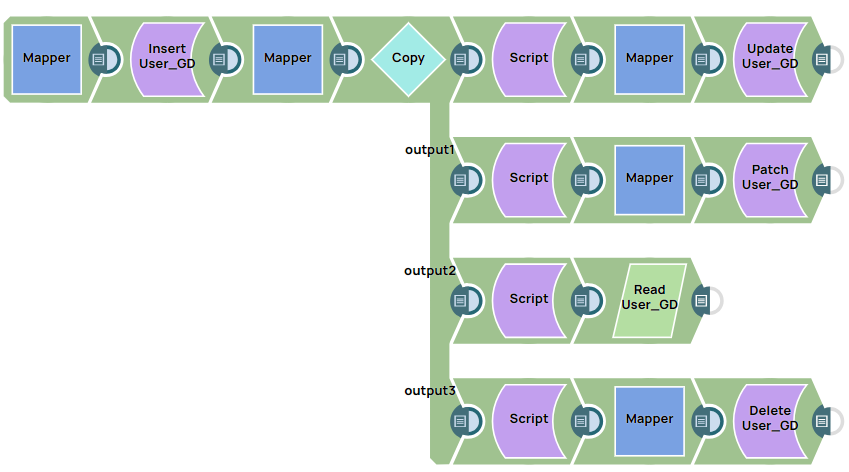
The following example pipeline demonstrates the use of the Google Directory Insert, Update, Patch, Read, and Delete Snaps in a complete process, from record insertion to deletion at the endpoint.
Download this Pipeline
-
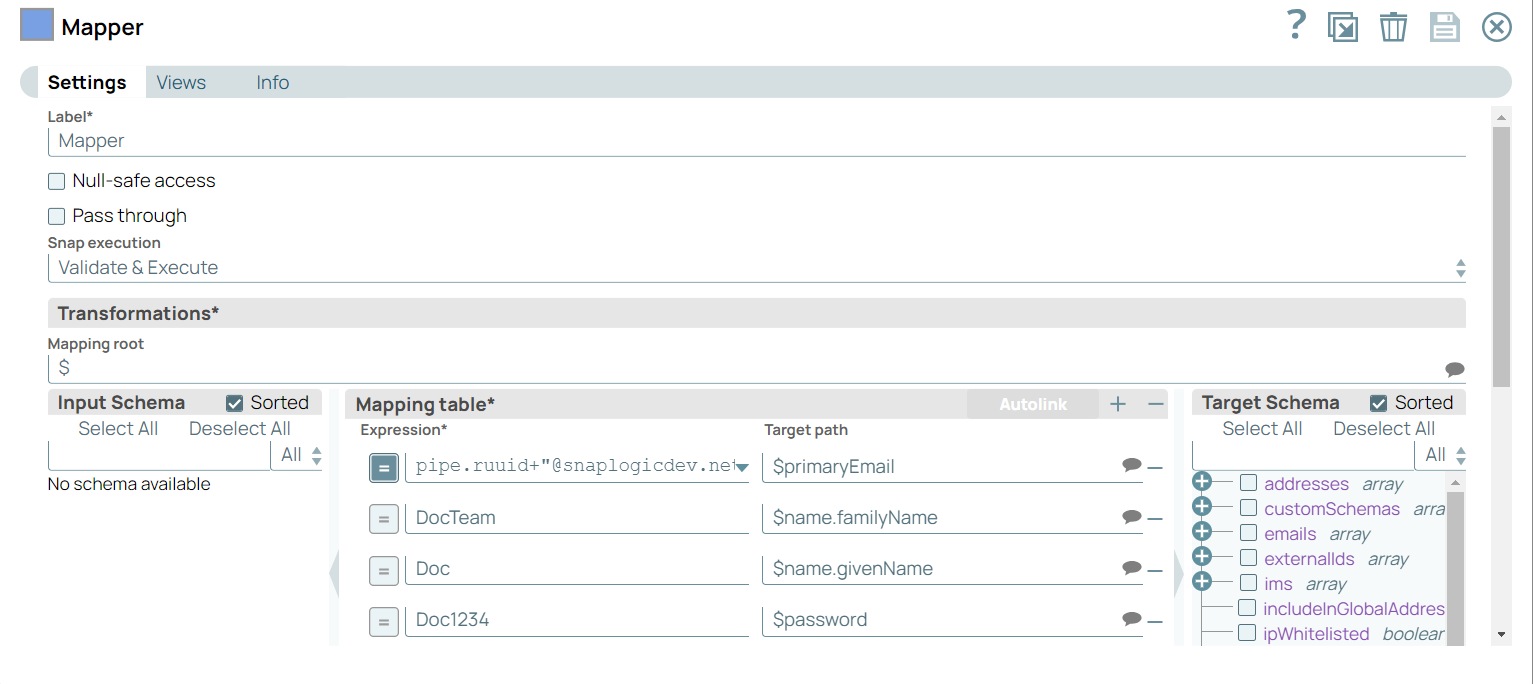
Configure the Mapper Snap with the primaryEmail, familyName, and
givenName fields as follows:
-
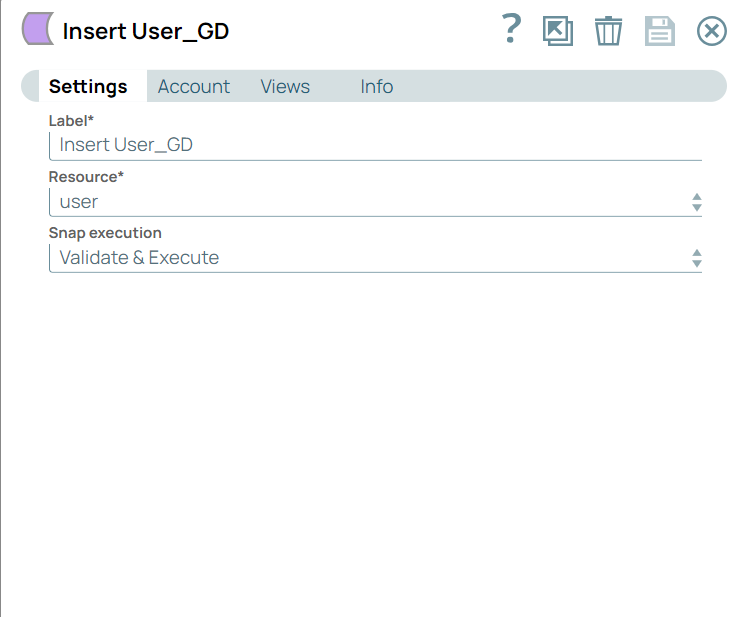
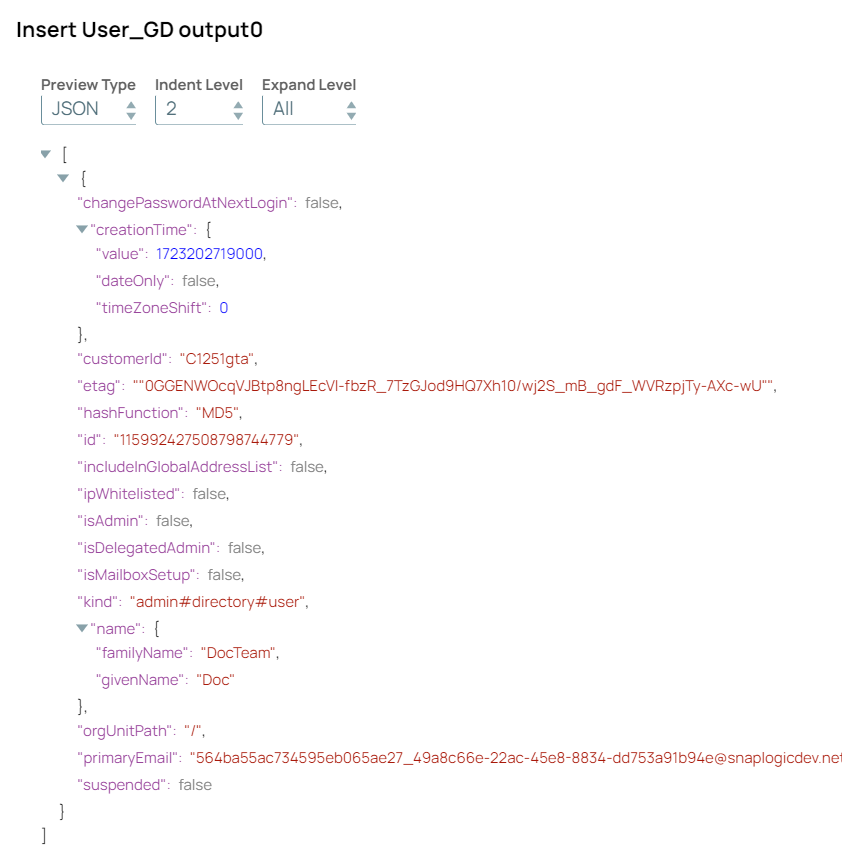
Configure the Google Directory Insert Snap to insert specific details of the user. On
validation, the output displays the email ID, familyName, and givenName values, which
indicate that these values are inserted in the Google Directory.
-
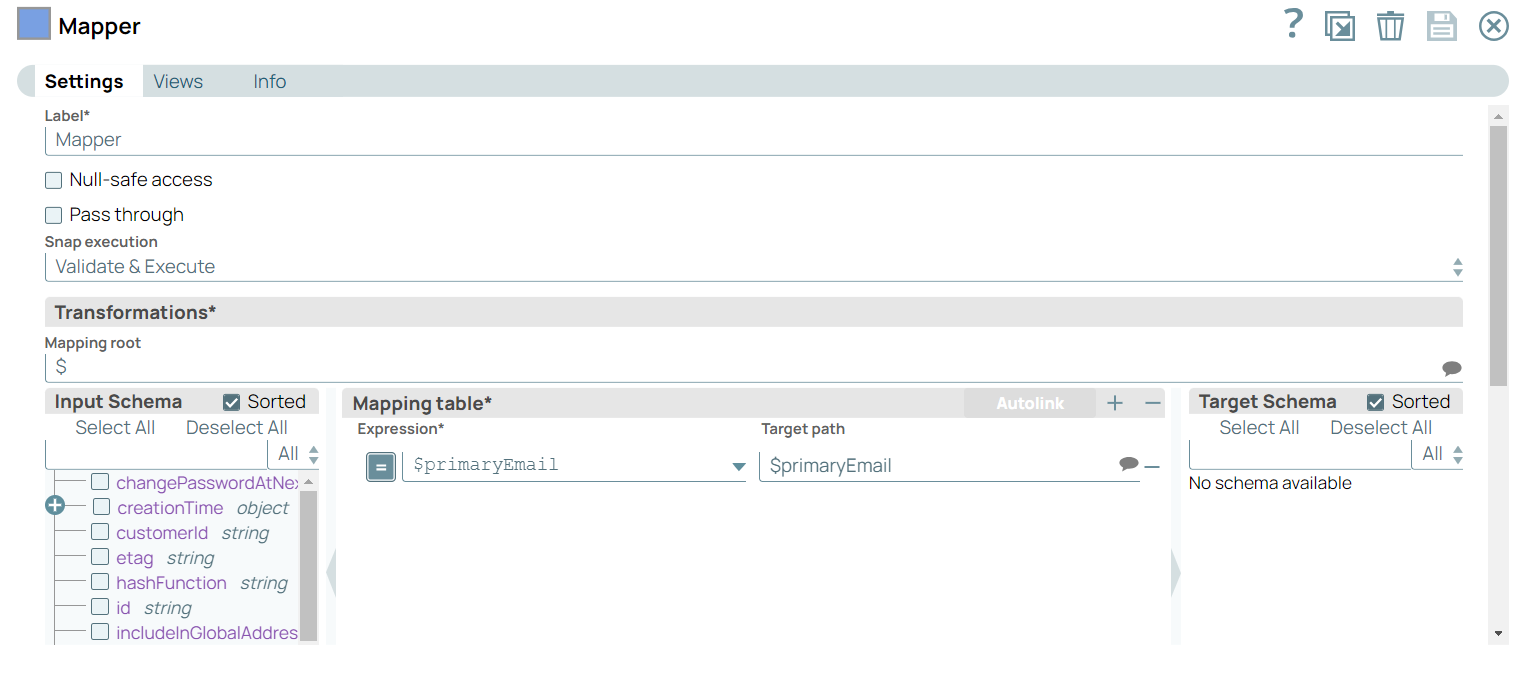
Configure the Mapper Snap to pass the primaryEmail.
-
Perform the Update, Patch, Read, and Delete operations on the output documents from the
Copy Snap.
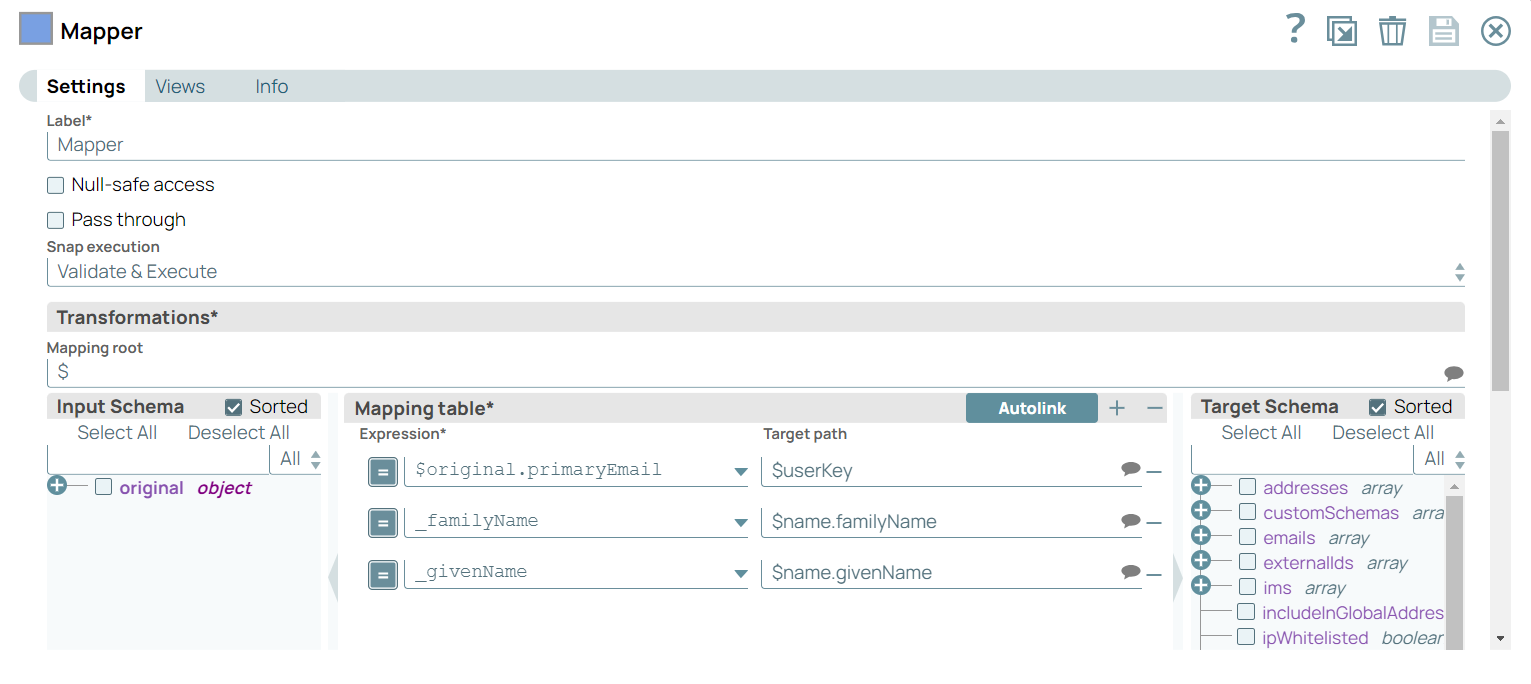
First output view: Configure the Mapper Snap to get the primary email ID from the Copy Snap and update the familyName and givenName fields.
-
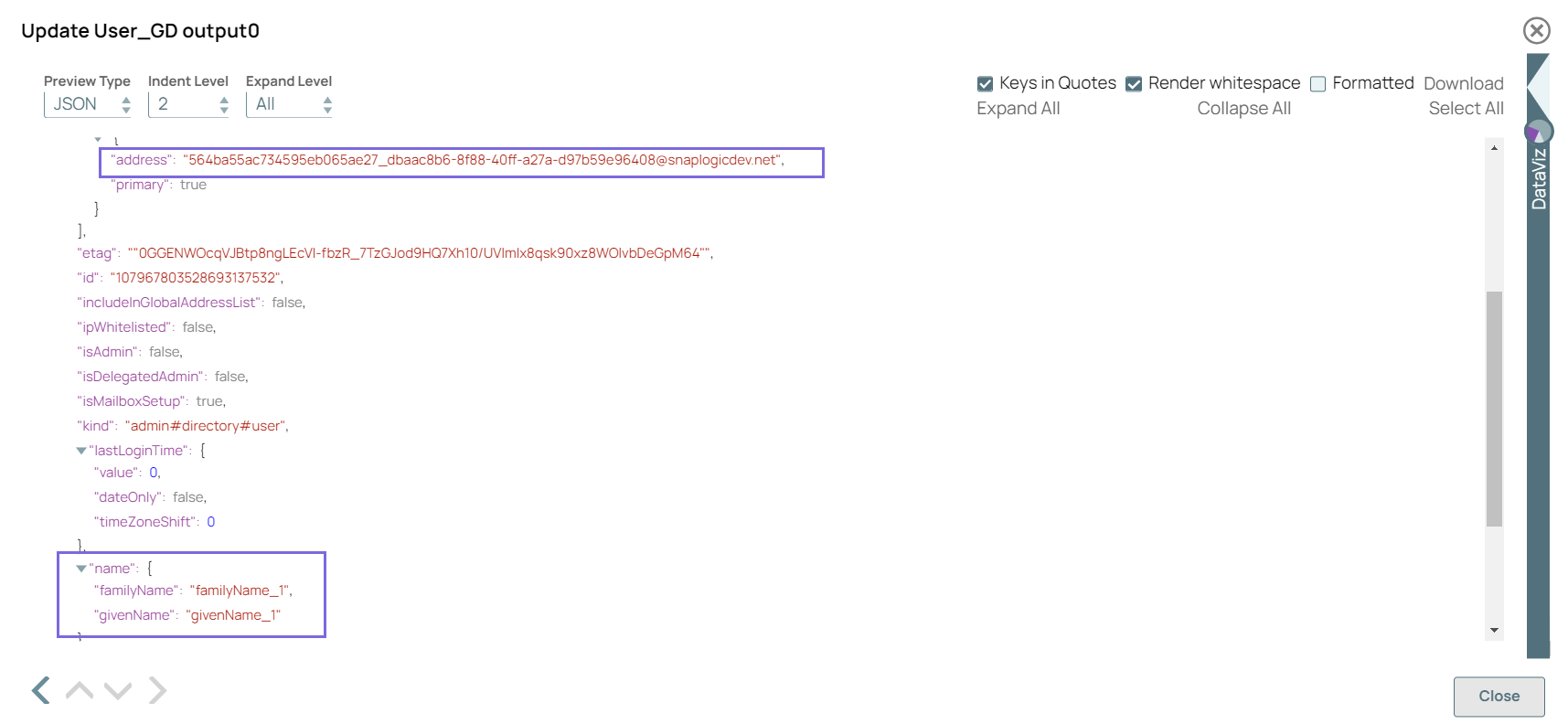
Configure the Google Directory Update Snap to update the values in the record for the
specified primary email ID. On validation, the Snap displays the updated values.
Table 1. 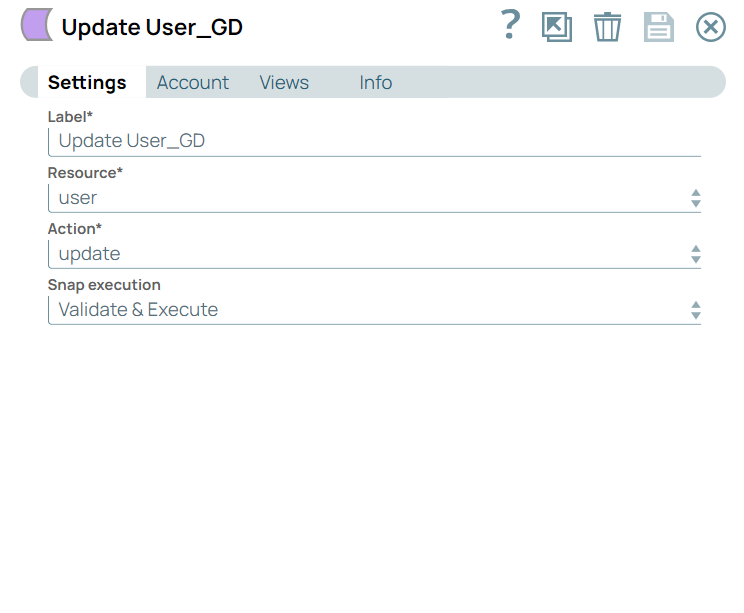
-
Second output view: Configure the Mapper Snap to get the primary email ID and
update the familyName, giveName, and recovery email ID fields.
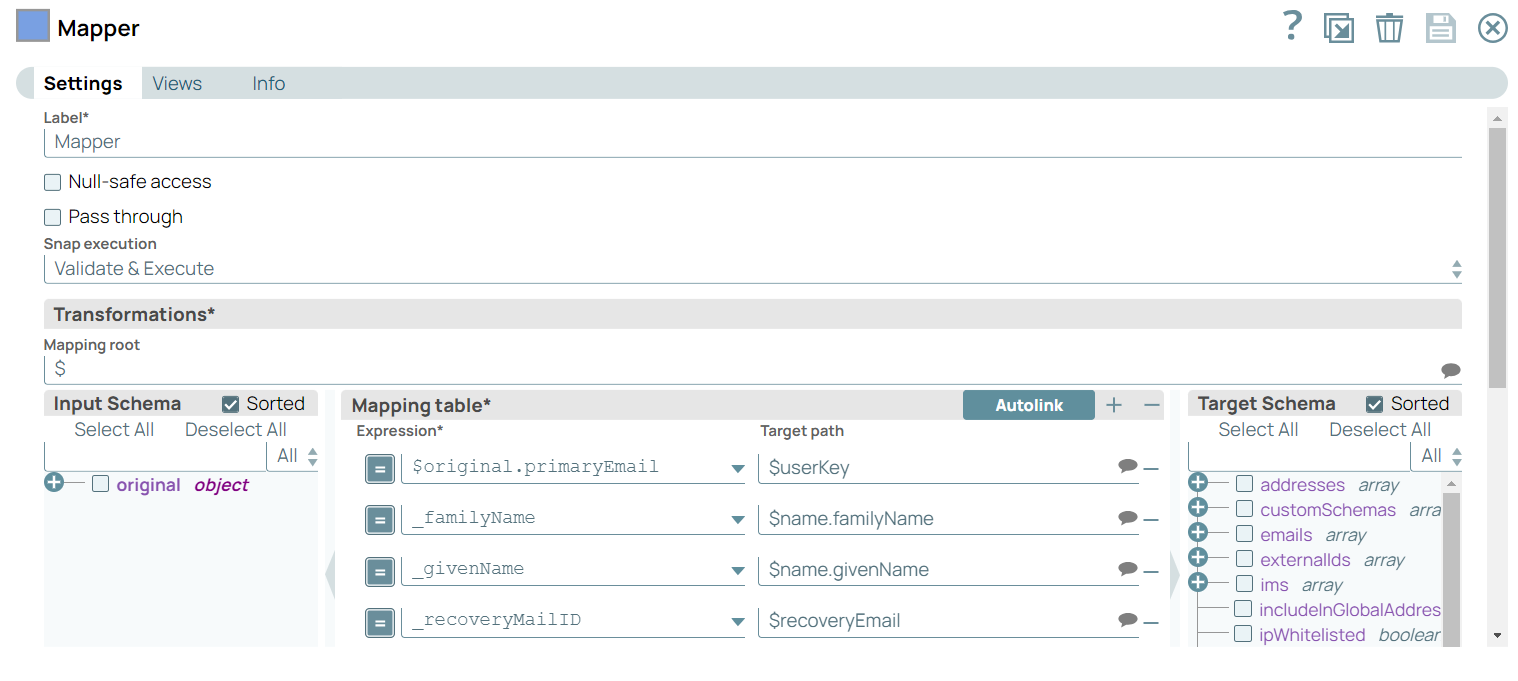
-
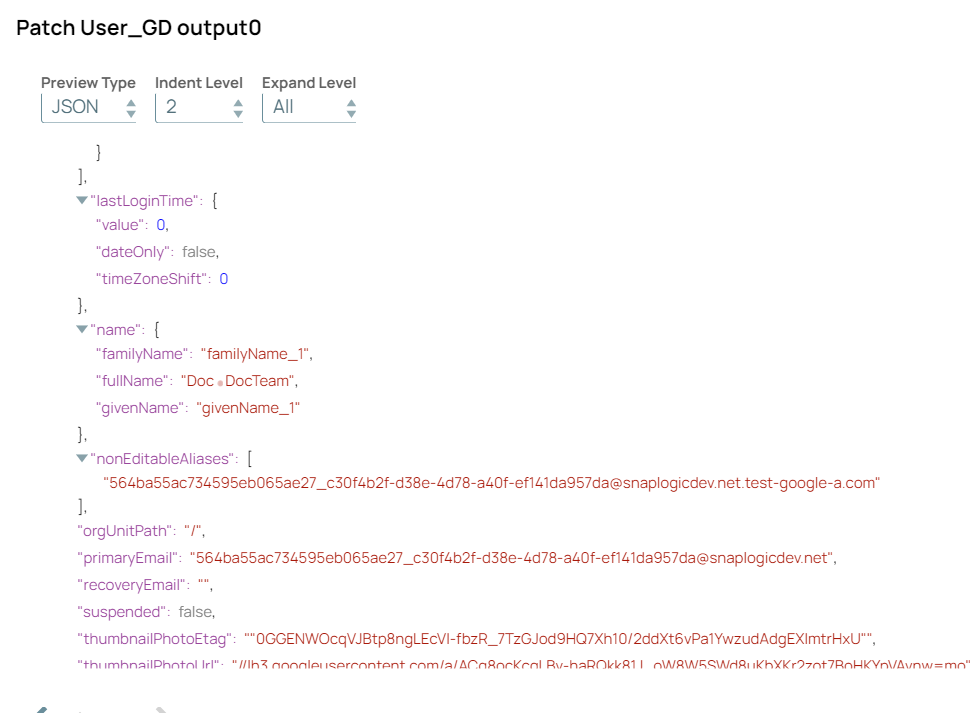
Configure the Google Directory Update Snap with patch action to update the
values in the record for the specified primary email ID. On validation, the Snap displays
the updated values.
Table 2. 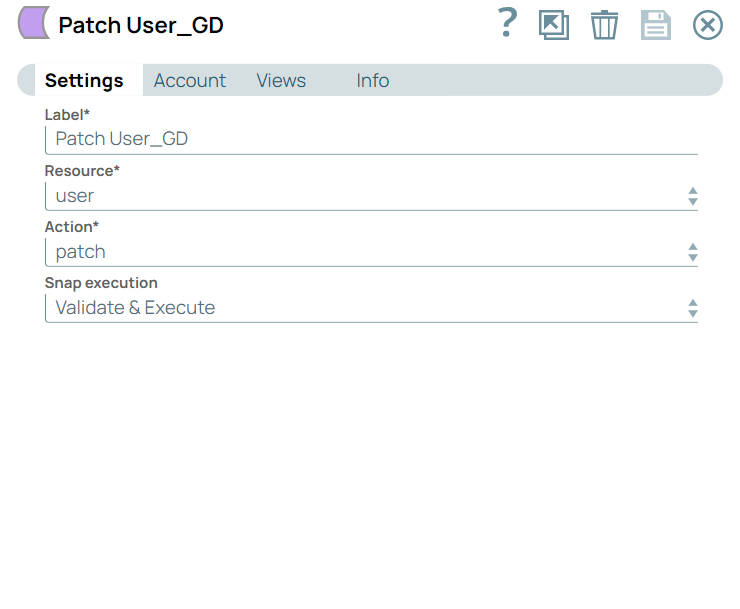
-
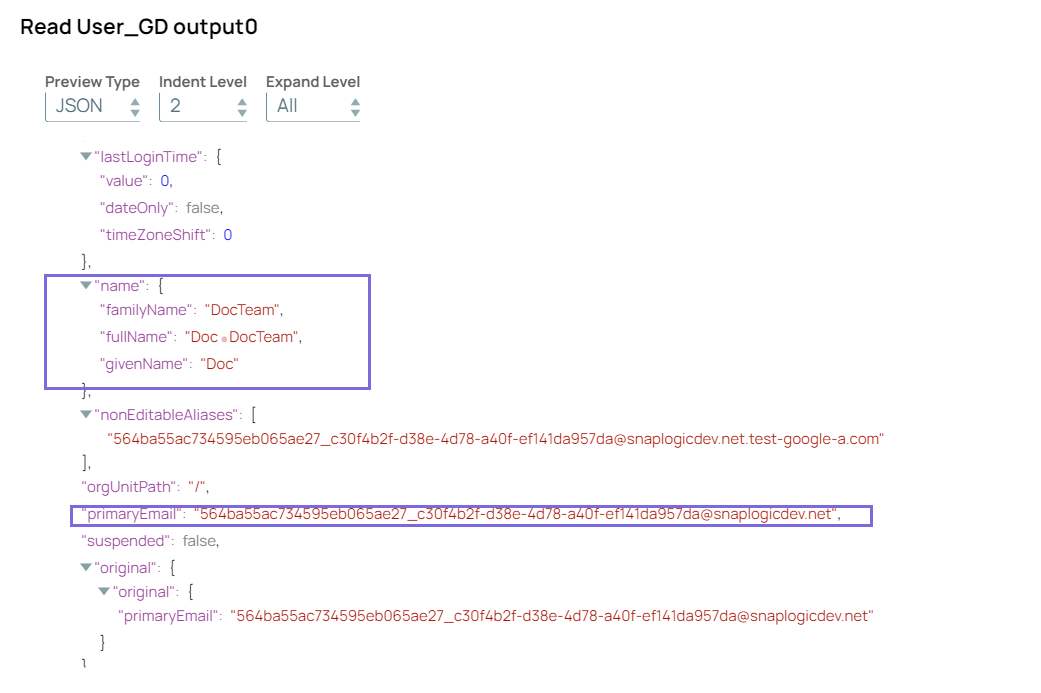
Third output view:Configure the Google Directory Read Snap to read the record
with the primary email ID updated in the Google Directory Insert Snap. On validation, the
inserted record displays in the output.
Table 3. 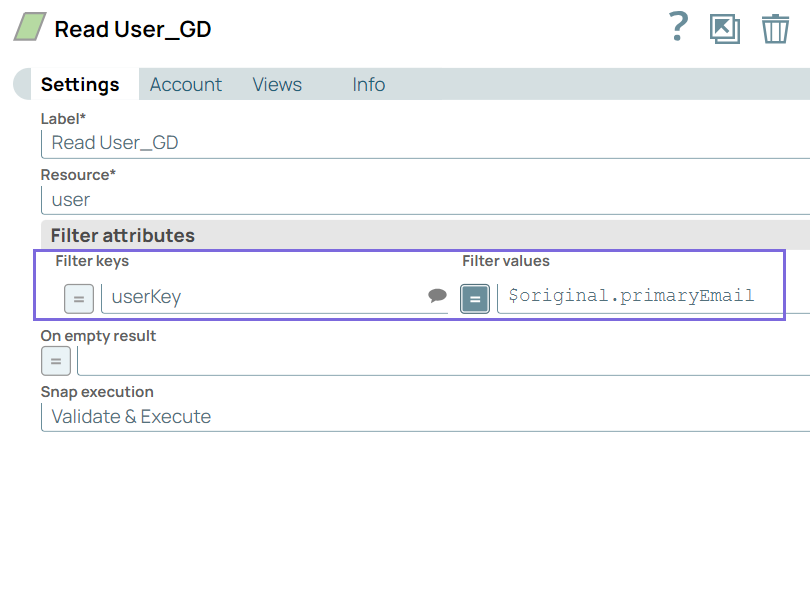
-
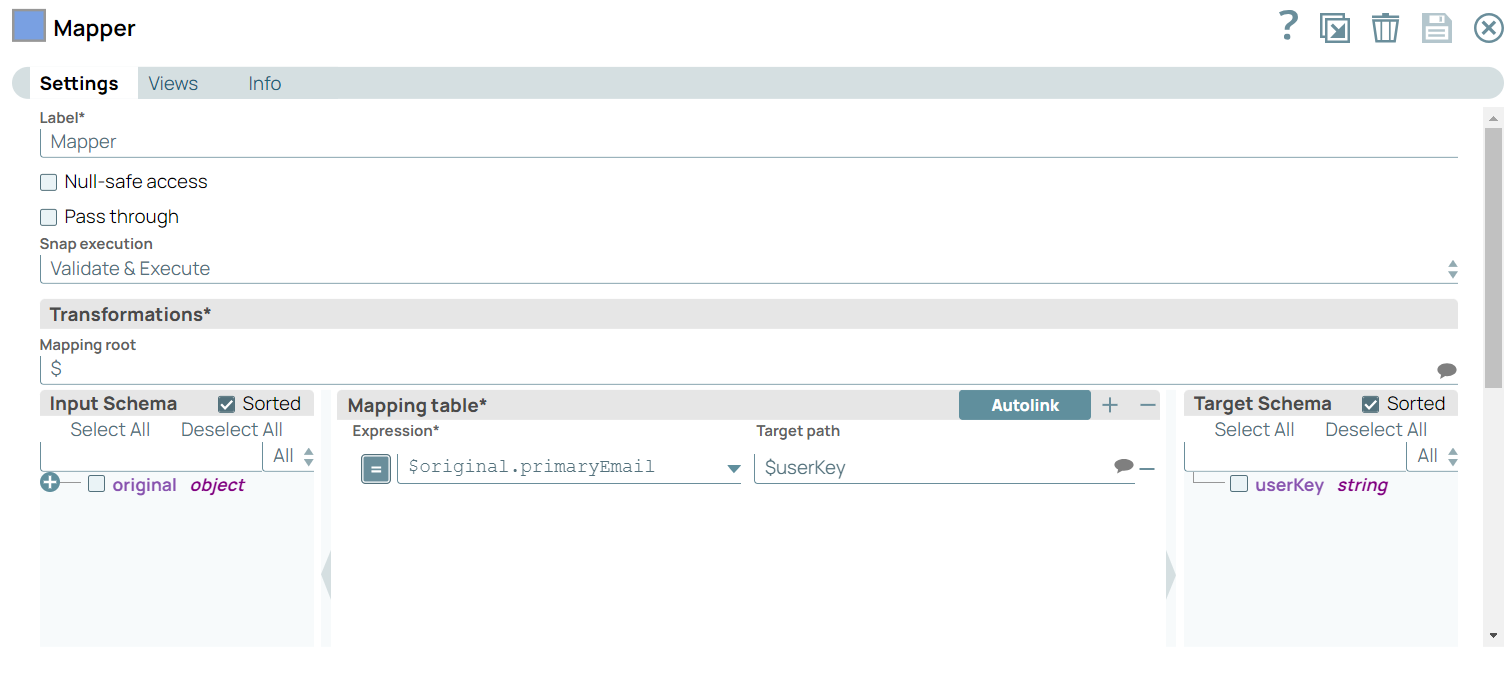
Fourth output view: Configure the Mapper Snap to get the primary email ID from
the fourth output view of the Copy Snap and the email ID to the Google Directory Delete
Snap.
-
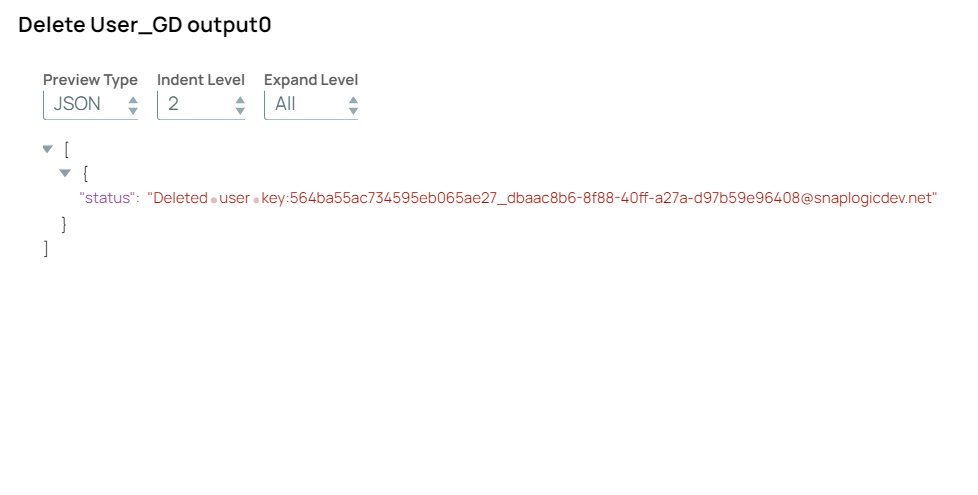
Configure the Google Directory Delete Snap to delete the record for the passed
primary email ID. On validation, the Snap displays the success message after
deleting the record.
Table 4. 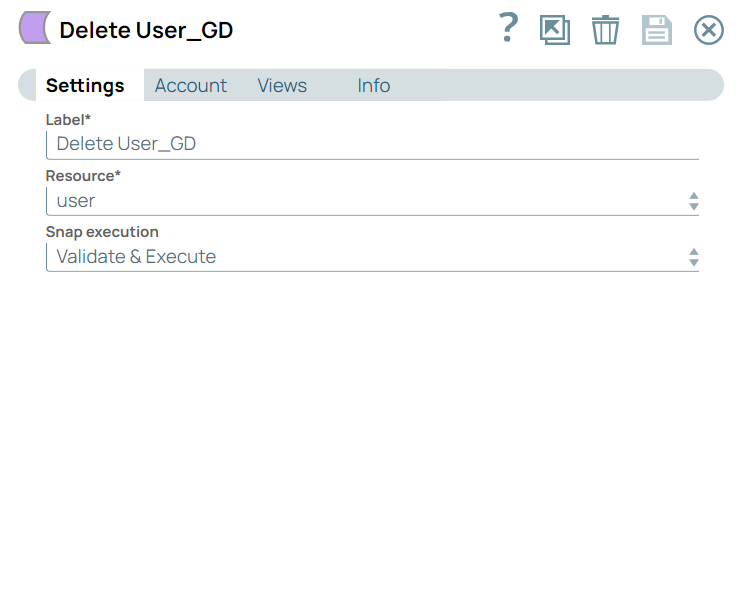
- Download and import the pipeline into SnapLogic.
- Configure Snap accounts as applicable.
- Provide pipeline parameters as applicable.