Update Records in ServiceNow
The example pipeline assumes how to update a record in a ServiceNow table using a ServiceNow Update Snap.

-
Configure the Mapper Snap to map ServiceNow
record details (that must be updated) to the input fields of the ServiceNow Update
Snap.

-
Configure the ServiceNow Update Snap to update the record in the
catalog_category_requesttable.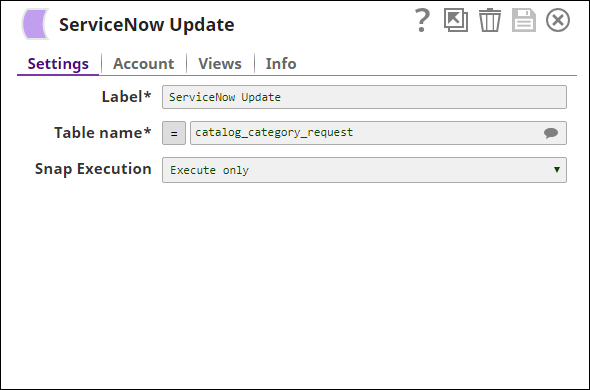
-
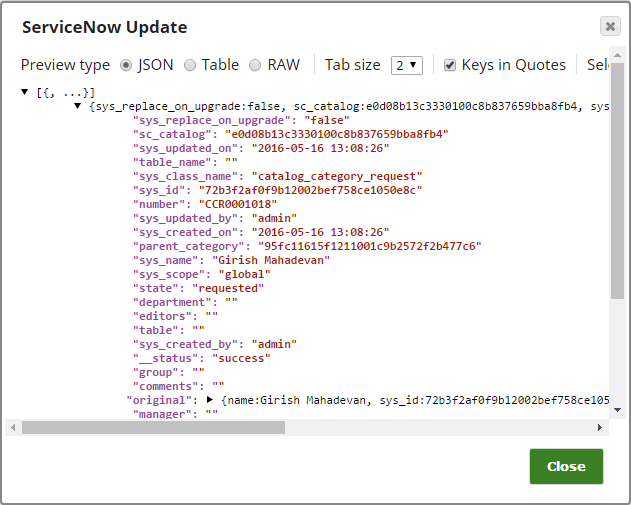
Validate the Snap. After a successful validation of the Snap, you will see a data
preview that shows details of the updated record.