


Load data in bulk from Snowflake to Azure Synapse SQL
This example Pipeline demonstrates how to load data in bulk using the Azure Synapse SQL Bulk Load Snap.

Download this Pipeline
-
Configure the Snowflake Select Snap to select the data that you want to load into the Azure Synapse SQL Database.

The selected data to be loaded is displayed in the output.
-
Configure the Azure Synapse SQL - Bulk Load Snap to load the data into the BigDataTest7612 table.

On validation, the success message of the Bulk Load is displayed.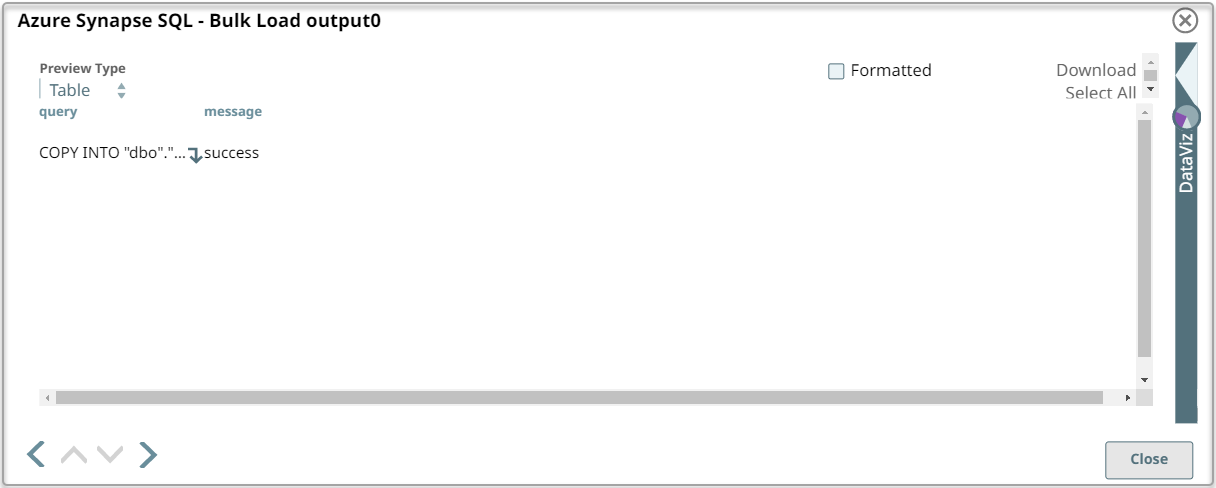
- Download and import the pipeline into SnapLogic.
- Configure Snap accounts as applicable.
- Provide pipeline parameters as applicable.