


Updating Employee List in the DLP instance using a CSV file
Consider the scenario where we have 100 rows of incremental data about employees stored as a CSV file in an S3 location and we need to load this data (insert and update the employee records, as appropriate) into our DLP instance.
To achieve this, we can use the Databricks - Merge Into Snap.

- We configure this Snap and its account as follows:
Snap Account Configuration Snap Configuration 
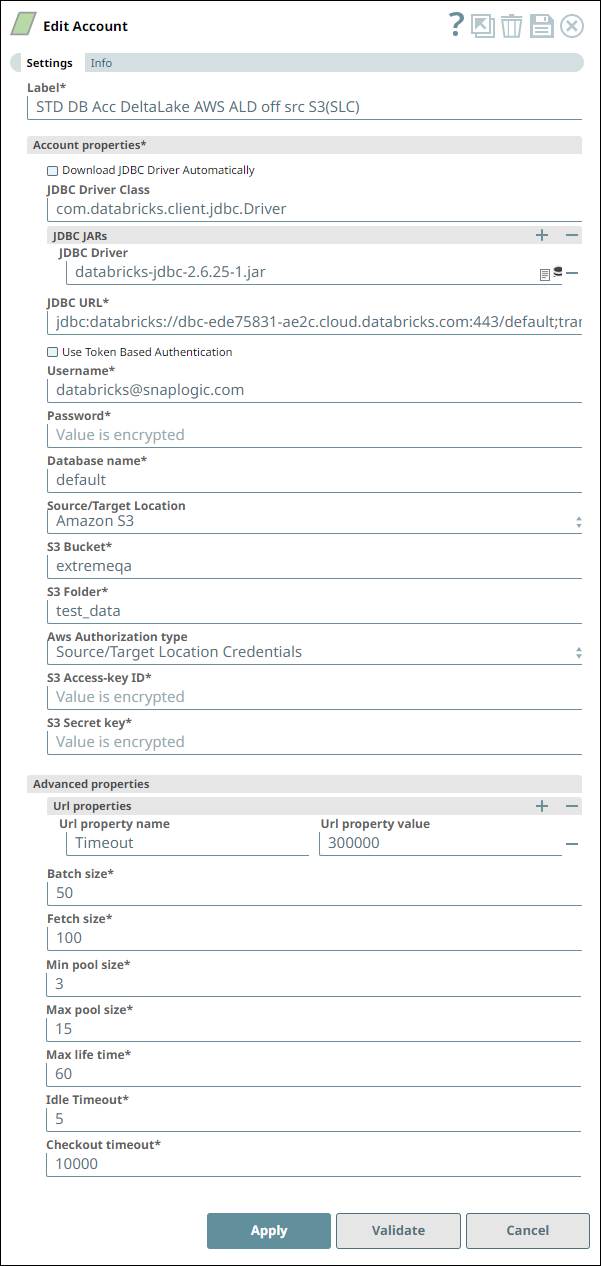
Account Settings for Snowflake - Select Snap Notes 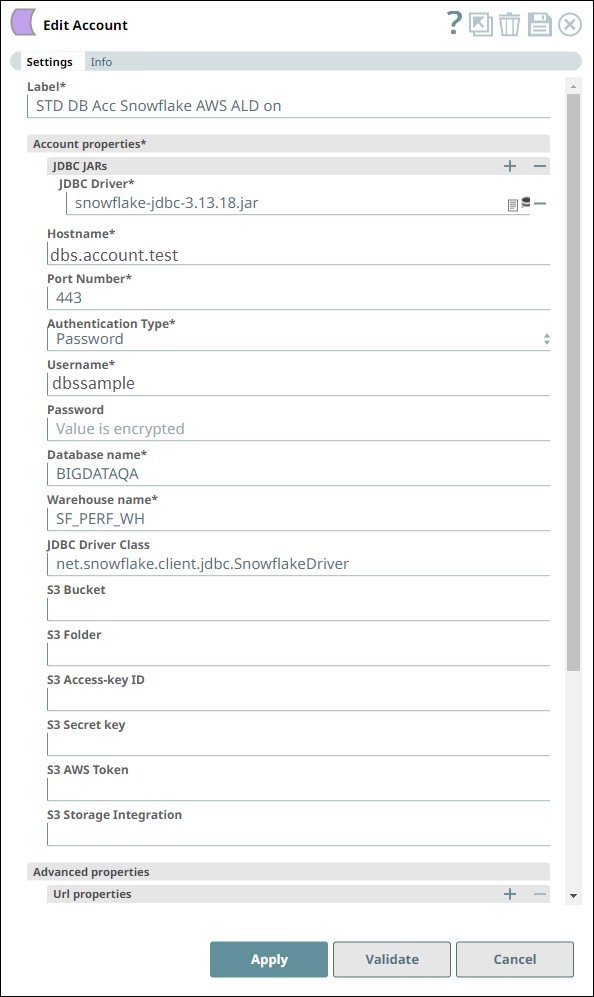
We configure the Snap to fetch the table schema (output1) and the table data (rows) from the example_company_employees2 table in the Snowflake instance.
The Snap uses a Snowflake JDBC driver and the corresponding basic auth credentials to connect to the Snowflake instance hosted on the AWS cloud.
- The Snap checks for matching IDs in the target table and inserts the data from the CSV
file into the target table for each id not found in it. We have configured the Snap to
not perform any action when a matching ID is found. Depending on the incremental data we
have in the CSV file, we may choose to add another Merge Into statement as WHEN MATCHED,
update the record to have new data in its columns.
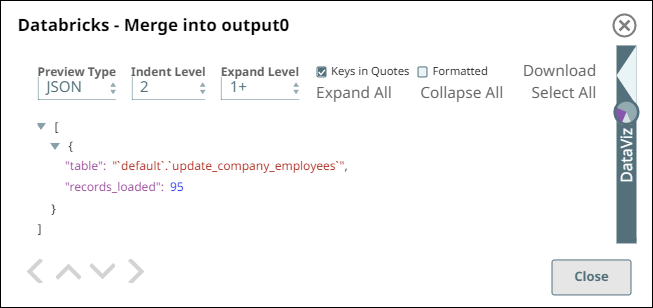
After successful validation, the Snap displays the target table name and the number of rows newly inserted in this run.
- Download and import the SLP file into your Environment.
- Configure Snap accounts.
- Provide Pipeline parameters, if any.