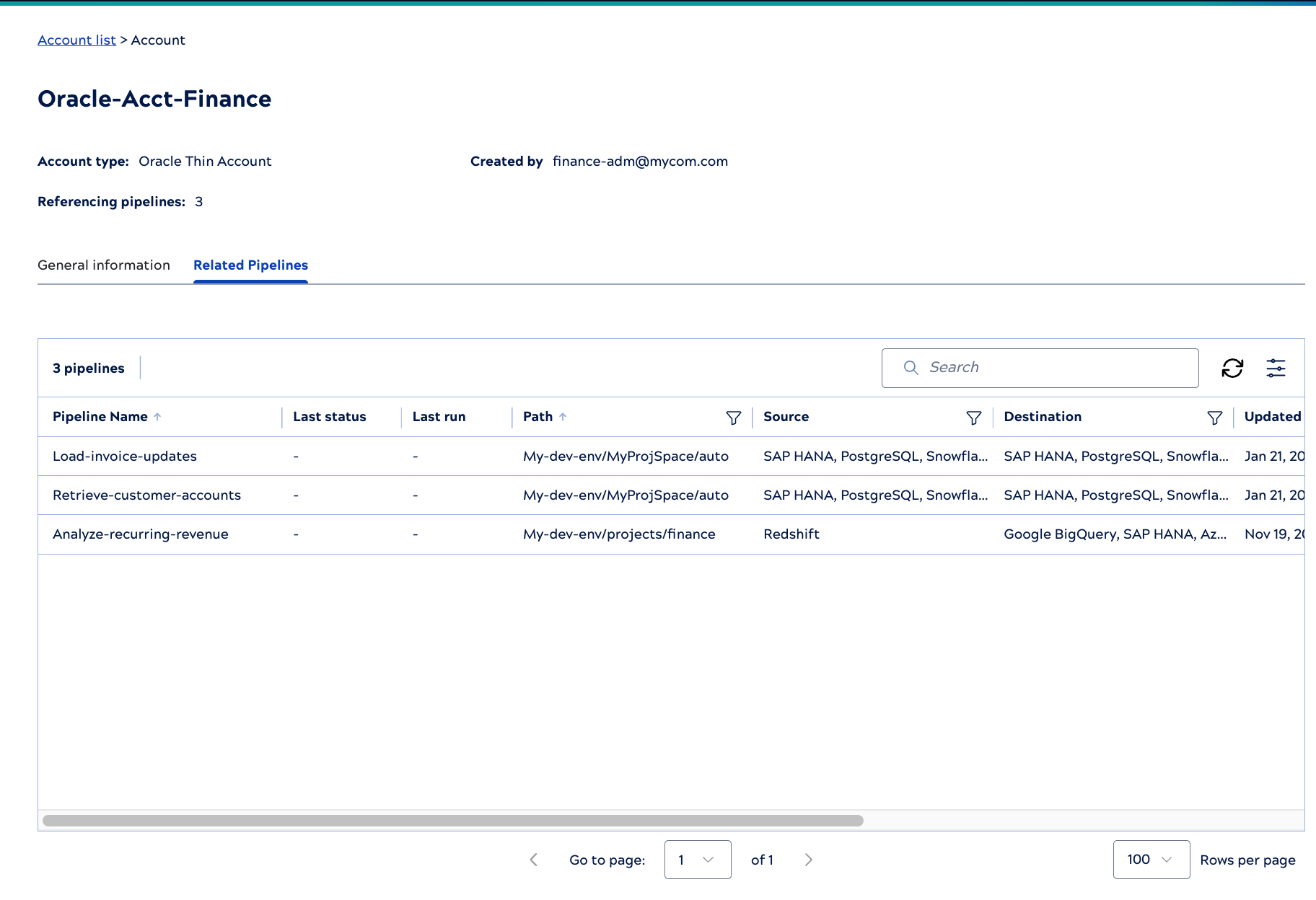
Accounts tab
From the Asset catalog Accounts tab, click an account to open the details page. It includes the following information:
- Information in the header: Account type, created by, number of referencing pipelines, and a link to open the account in the Project Manager.
- General information: Date created and updated, ID, project path, and connection configuration such as the database name.
- Related Pipelines: The pipelines that reference this account.
- Breadcrumb trail: When you navigate to an account details panel from the Account list, or
a pipeline details panel, or you navigate to a related pipeline from the account details
panel, the breadcrumb surfaces the navigation trail of the assets clicked up to this
point. For example, when you navigate Account list>{account name}>{ pipeline name},
the same path is displayed in the breadcrumb.Note:
- Each asset name in the breadcrumb is shown with a maximum of 16 characters.
- The breadcrumb shows only the six most recent clicked assets.
- Clicking any asset in the breadcrumb removes all the trailing assets.
General information tab
The General information tab for account details displays values from the table columns and shows the number of pipelines that reference it.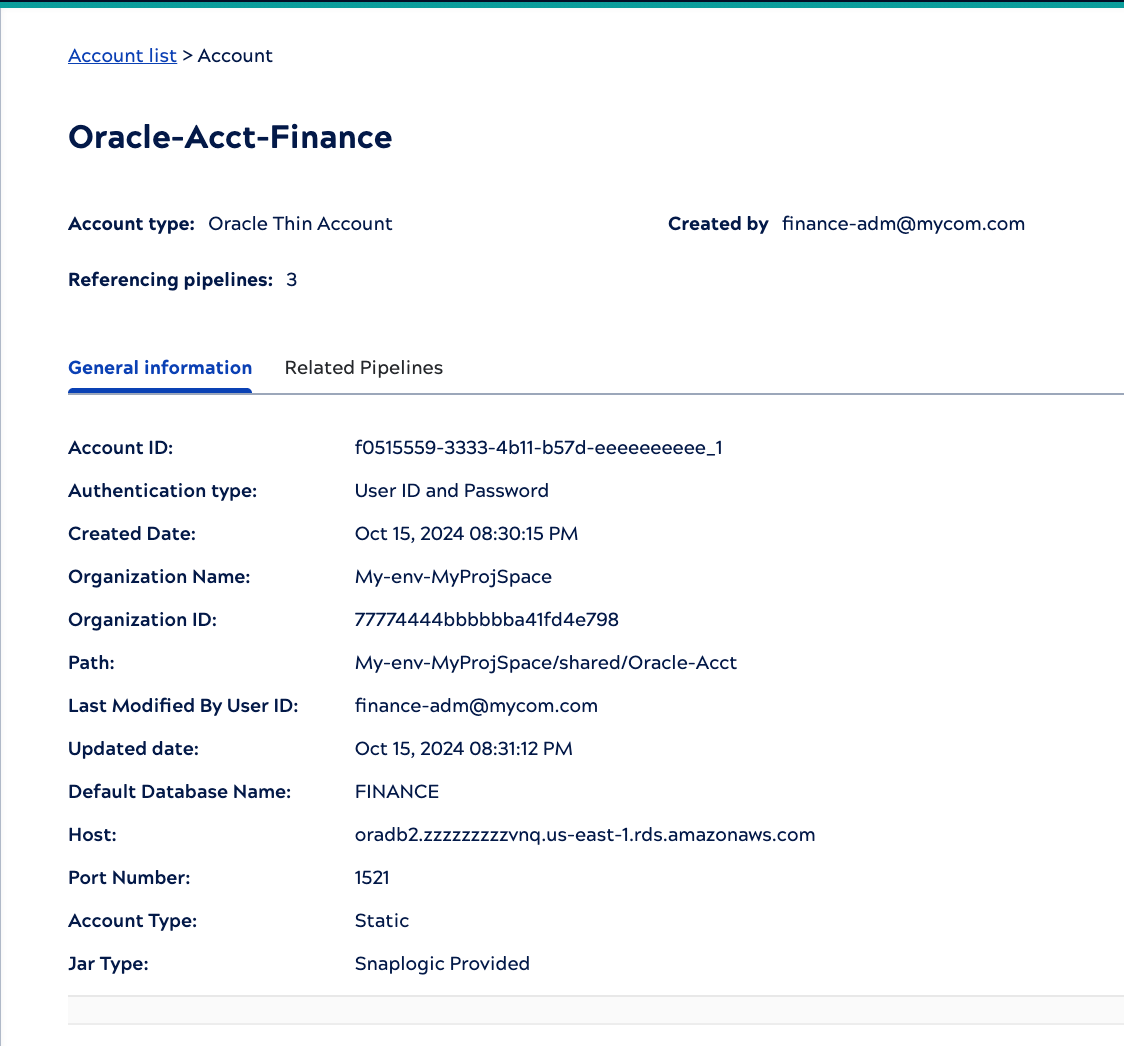
The Related Pipelines tab shows information about the pipelines that reference this account. Click a pipeline to view its details.