


Basic Use Case (PolyBase Bulk Load)
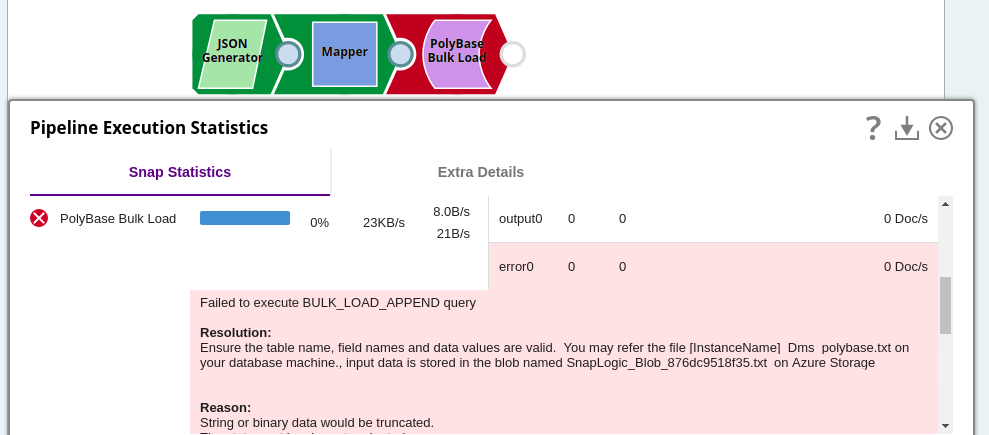
This example demonstrates a simple ETL pipeline that uses the PolyBase Bulk Load Snap to load records into a SQL Server table with PolyBase enabled. A JSON Generator Snap supplies the input data, a Mapper Snap aligns the schema, and the PolyBase Bulk Load Snap writes the records to the target table.
Download this Pipeline
-
Load: Configure the PolyBase Bulk Load Snap with the Table Name set to the target table (for example, dbo.9181) and Bulk insert mode set to Append.
Note: Microsoft PolyBase does not supportvarcharentries containing more than 1000 characters. Use the Azure SQL - Bulk Load Snap as an alternative for such data.
- Download and import the SLP file into your Environment.
- Configure Snap accounts.
- Provide Pipeline parameters, if any.