


Delete a List item in SAP Concur
This example pipeline demonstrates how to use the SAP Concur Delete Snap to delete a list item in SAP Concur using the List Item API endpoint in SAP Concur. The example assumes you have configured and authorized a valid SAP Concur Account. Learn more: SAP Concur OAuth2 Account.
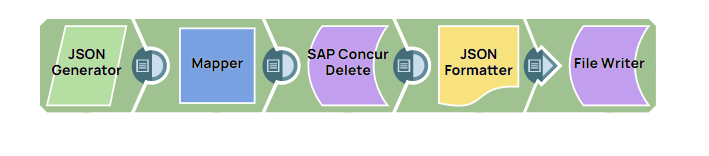
Download this Pipeline
-
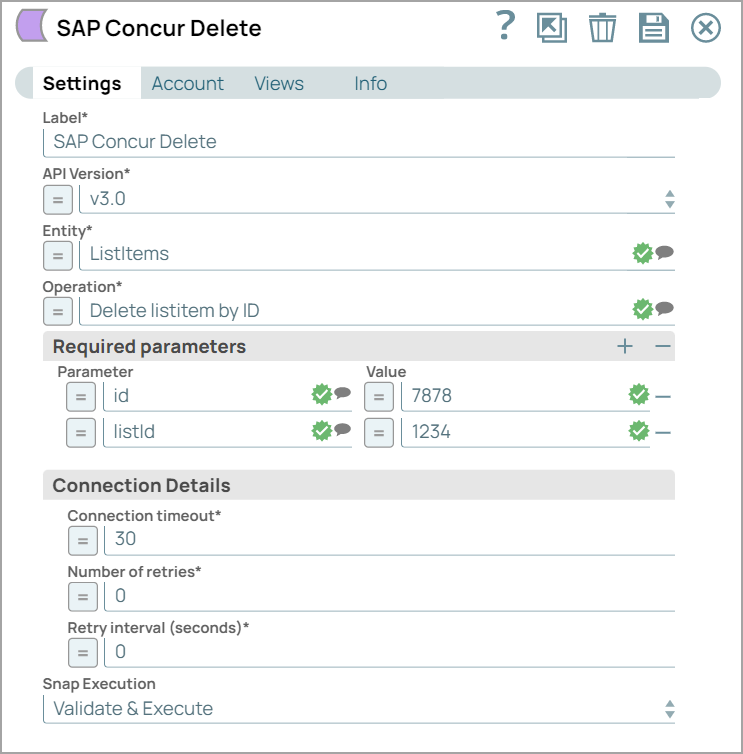
Configure the SAP Concur Delete Snap, as shown below.
-
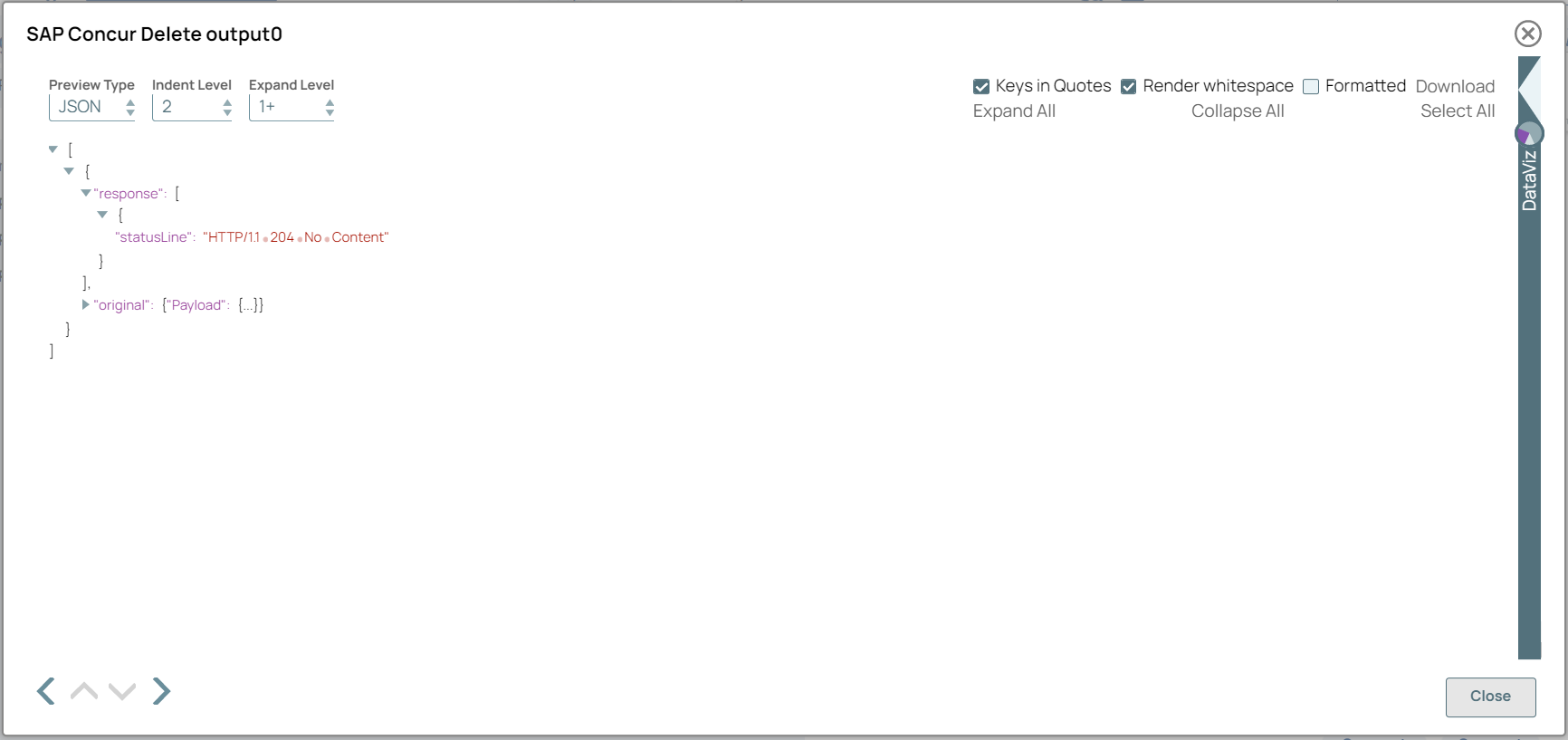
A successful validation or execution of the Snap displays the following output preview, showing the query results.
- Download and import the SLP file into your Environment.
- Configure Snap accounts.
- Provide Pipeline parameters, if any.